
Add a UDF
UDFs or User-Defined Fields are bespoke fields created within your MIS, and you have the ability to add them to your A+ system, to collect data which will write back to your MIS
You have the option to add User Defined Fields (UDF) on your form (Please note that if your MIS is SIMS these UDFs will be synced into the system automatically once you have downloaded the Admissions+ SIMS App).
If SIMS is not your MIS then this is how you could download your UDFs from your MIS.
Please go to Settings > School Settings > Integration.

You'll then be directed to the Integration area; please click "Import UDFs".
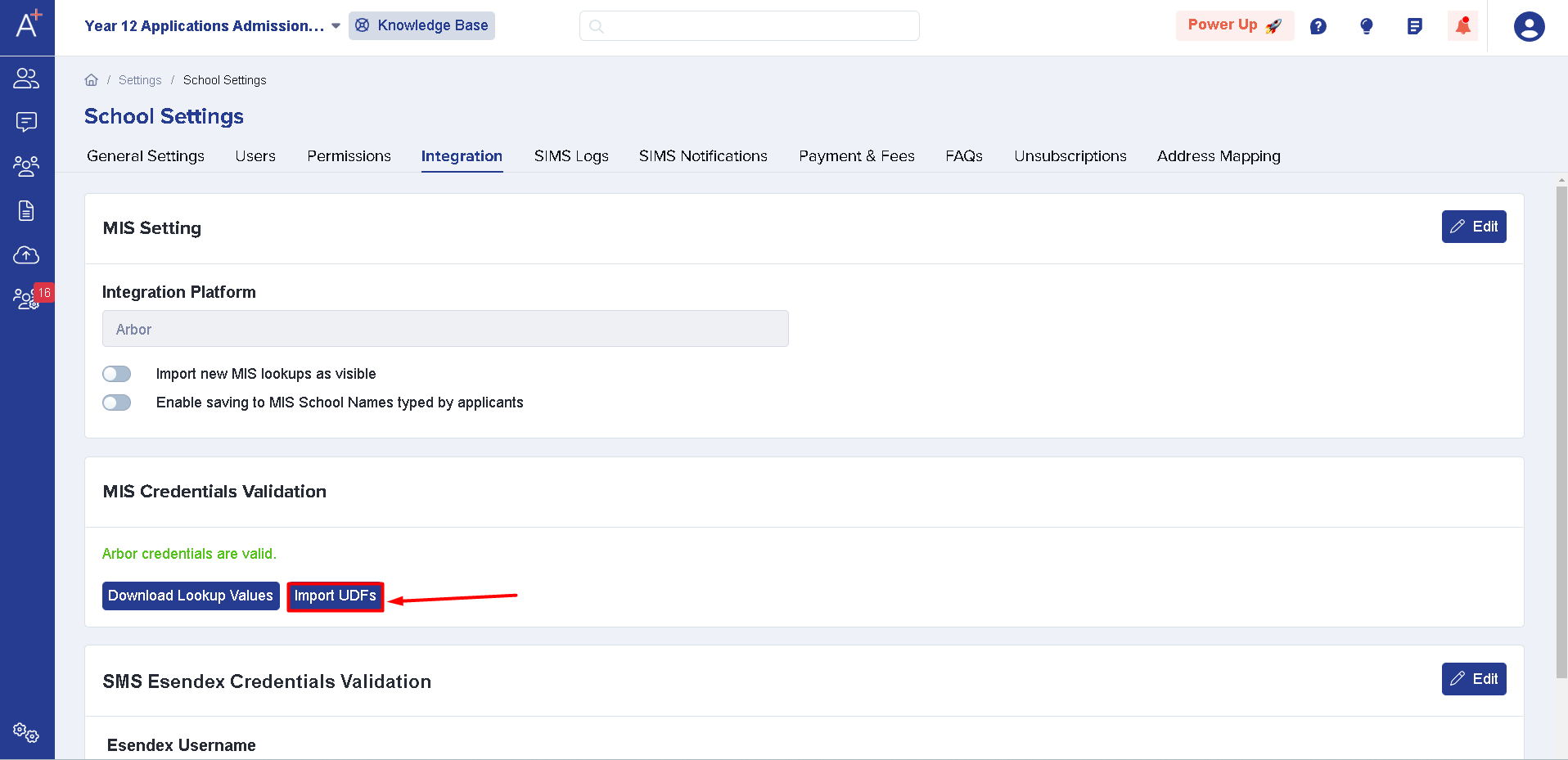
Once you've done this a message should pop up saying that the UDFs have been successfully imported.

You may now start adding the UDFs on your form by doing the following (applicable for all MIS):
Go to Settings > Application Form.

Click the name of the step you'd like to add the UDF to and then click "I want to make more changes", to access the "+ New Question" button for the section you'd like to add to.
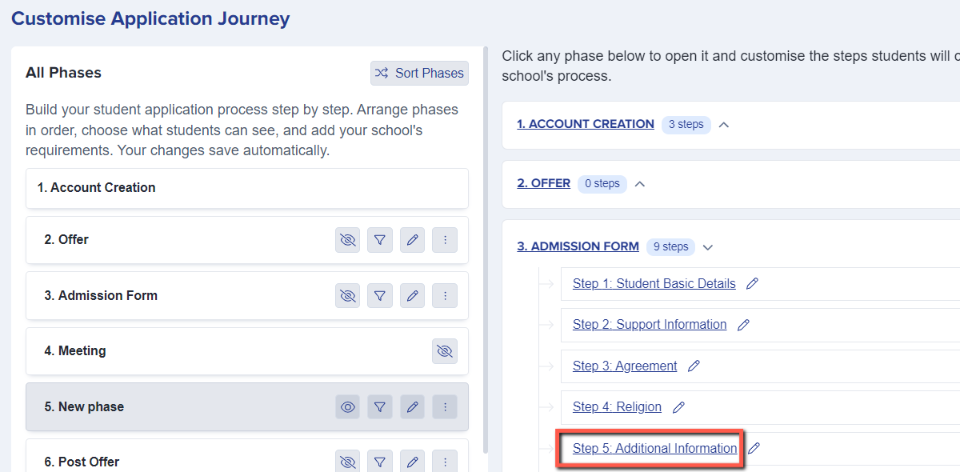
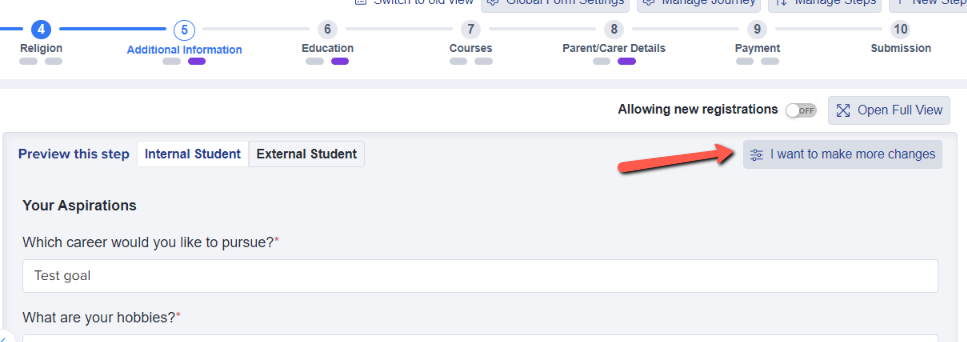

Select Pre-defined questions and fields, as UDFs are able to write back to your MIS and will be displayed in this area.

There will be a dropdown menu displaying all available UDFs ( for example: SIMS User Defined Fields) or you can search for what you're looking for in the search bar.

Tick to select the UDF(s) you wish to add into your form, and these will be added and set to require an answer by default.
Was this article helpful?