
How to make and save notes on a student's bursary application profile
This article will show you how you can add notes to a student's bursary profile
Firstly, search for the student by the search bar at the top of the page
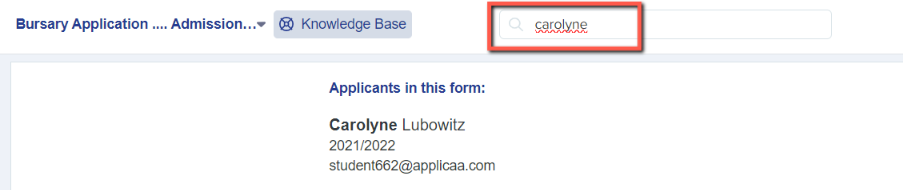
Or you can find the student by clicking into a tile on your main dashboard and then typing in the "Search in table" field for the student you need. Once you have found the student, you can click on their name, in blue, and it will take you through to the student profile:

When you're on the student profile you will be able to see the Notes section on the right hand side:
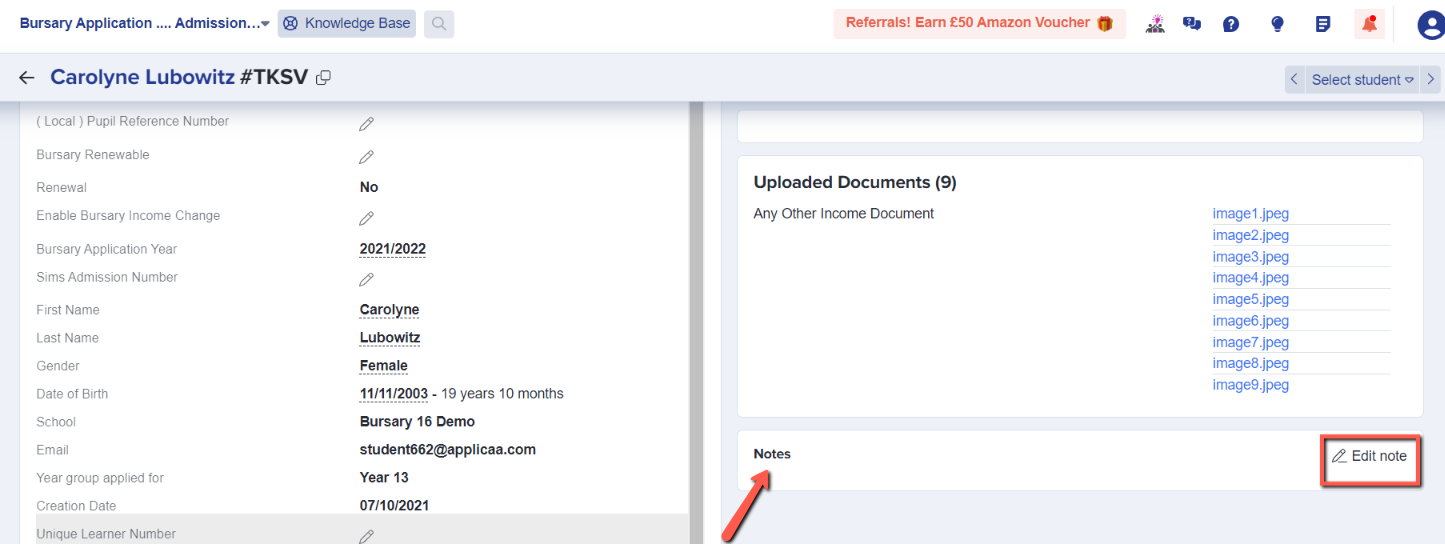
Click on "Edit Note" and then type your notes about the student. You can then click Save and it will appear in the Notes box:


These notes are visible to staff, never to students.
Was this article helpful?