
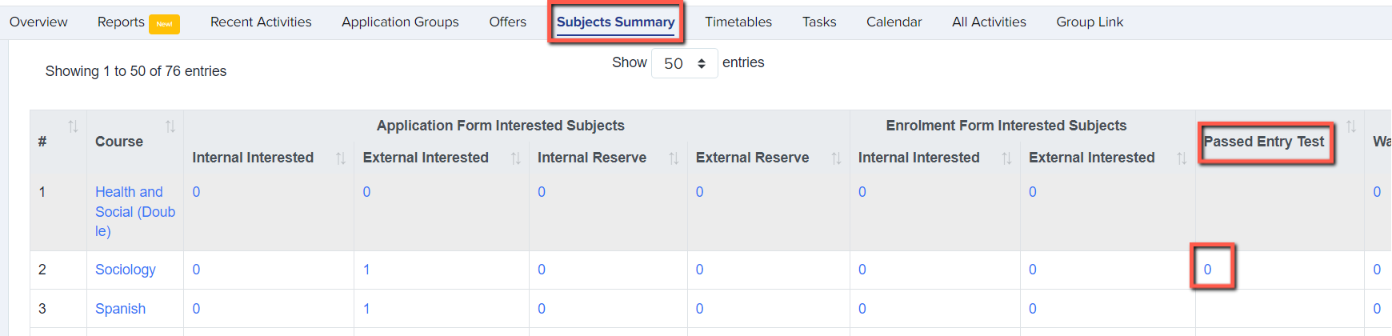
On your main dashboard, click "subjects summary" to view your courses and see any which have been marked as requiring an entry test. These will have a number in the column "passed entry test".
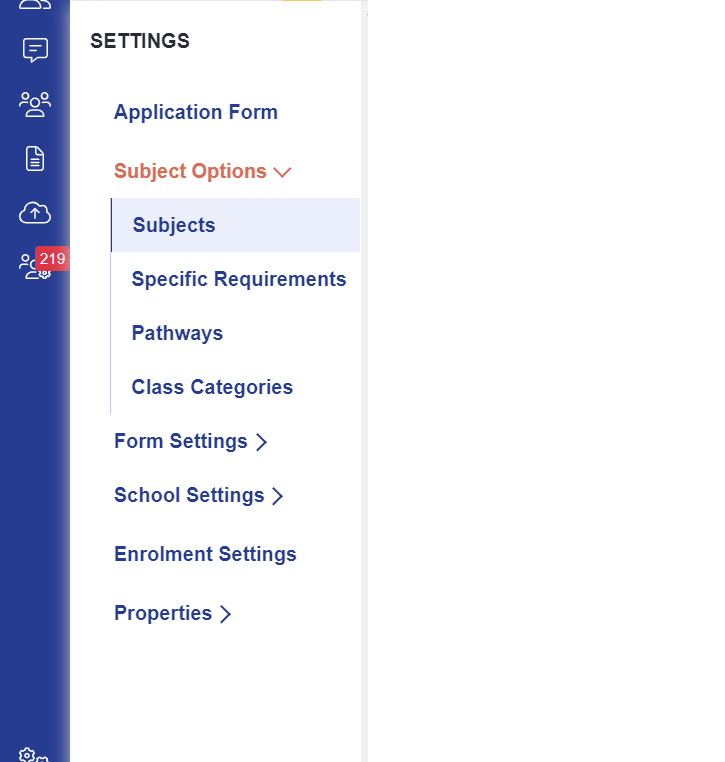
To set a course to require an entry test to be passed prior to enrolment, navigate to settings > subject options > subjects.
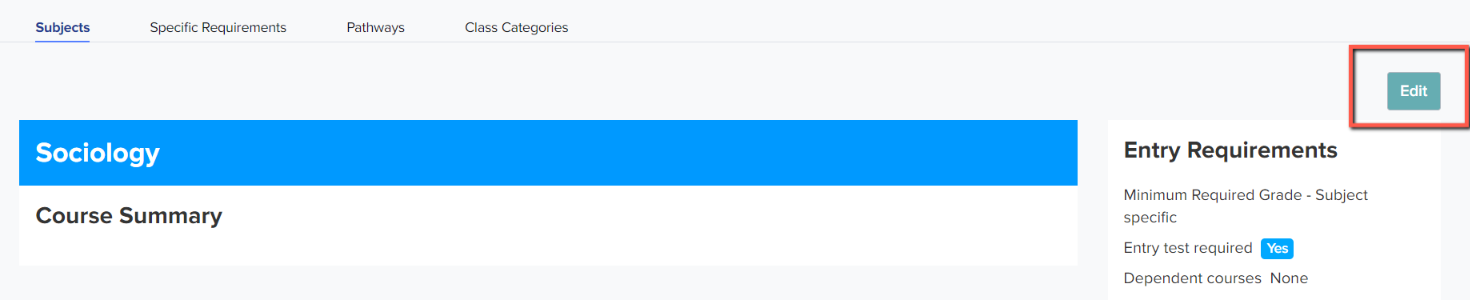
Click on the name of a subject and then click "edit".
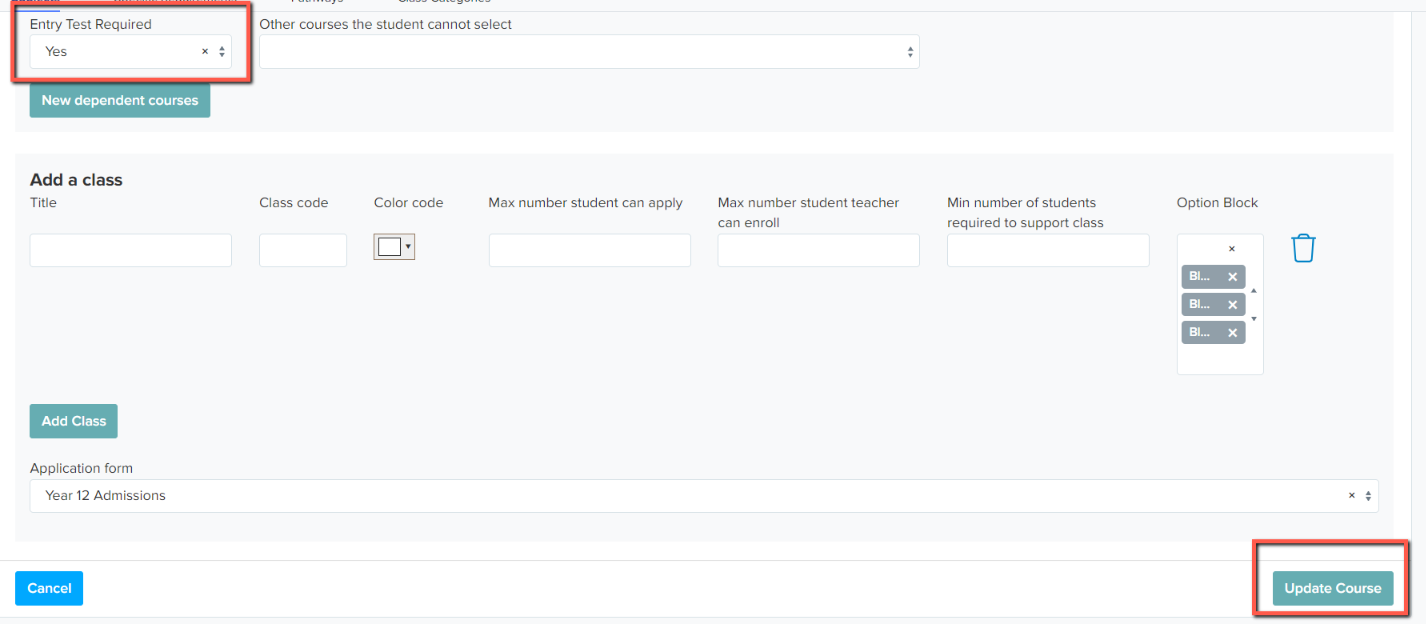
Scroll to the "Entry Test Required" section and change the dropdown menu to "Yes", then press "update course".
Go back to your main dashboard and back to the Subjects Summary. Click on the number in the "passed entry test" column for the subject you have just amended.
Here, you need to add the students who will be sitting the test. Choose them from the dropdown menu and then click "add to entry test".
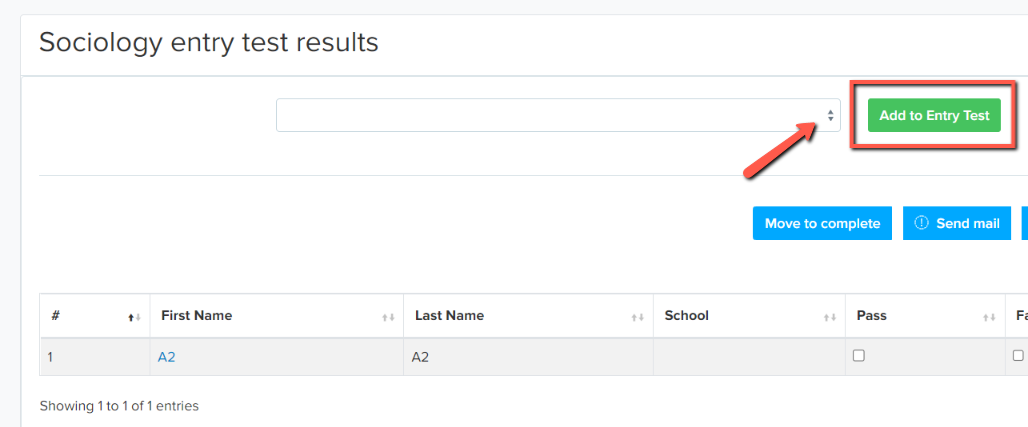
Students will then appear in a table with the options "pass", "failed", "retake".
You can then mark the students with their outcomes.

On enrolment day, only students who are marked as "pass" will be eligible to be enrolled onto that course. Others will show as "not qualified". To override this, you can use the waiting list function, or go and change their status to "pass".