
Use the Admissions+ SIMS App when you need to transfer completed applicants to SIMS. This gives you the start point when you do not know where to upload forms.
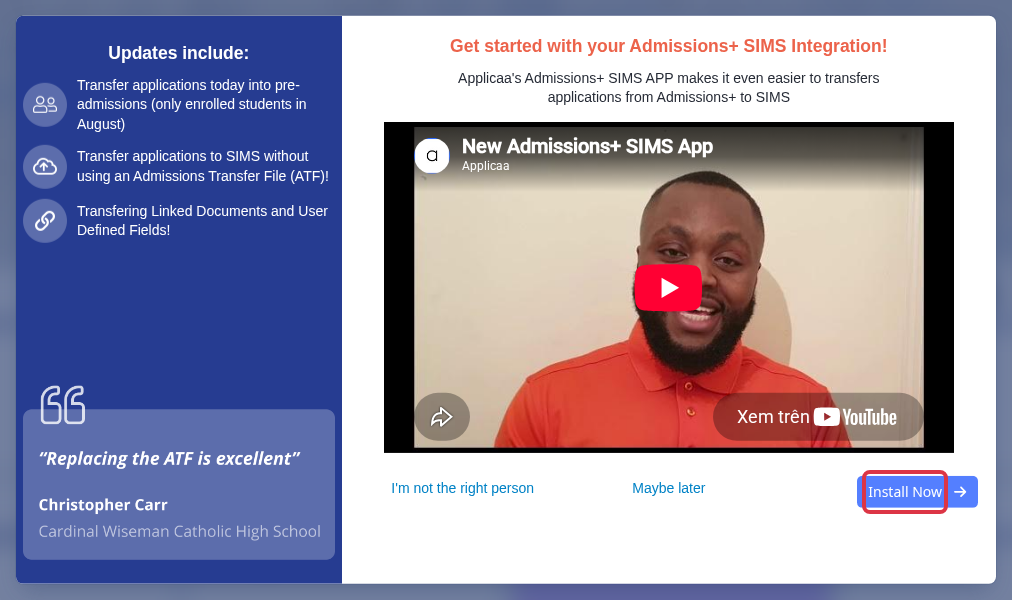
When the Admissions+ SIMS Integration panel opens, select "Install Now".
Select "Admissions+ Installation File" to get the installer. Select "Step by Step Guide" for the transfer steps in the SIMS App.
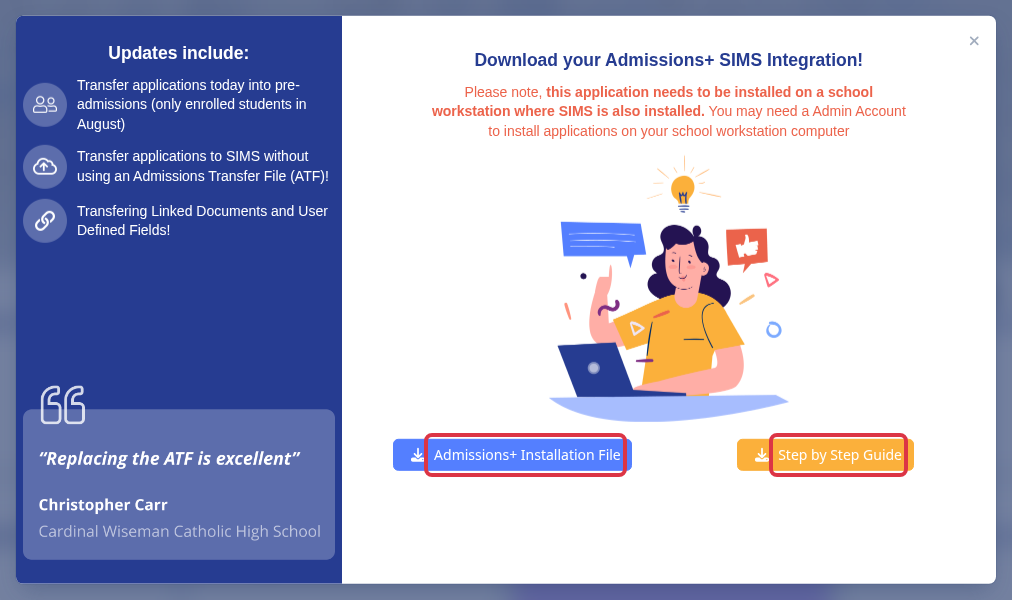
- Install the app on a school workstation where SIMS is installed.
- The SIMS App list shows completed applicants. Incomplete applicants do not appear in the standard list.
- If a Year 7, sixth-form, or new admissions-year form does not appear, check that the form is active. Check the default form when your school uses one.
Use the troubleshooting article when the desktop app reports an error. Include the exact error text when you ask Emma for help.