
To access your Enrolment Test Site, please navigate to settings > enrolment navigator and access step number 8. Scroll to the bottom of the page, where you will see the option to create your Enrolment Test System (or navigate to it, if you've already created it):
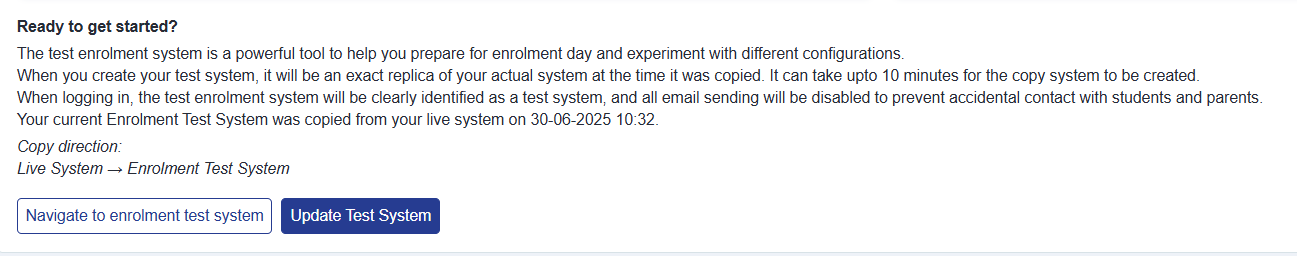
It can take up to 10 minutes to create or update, and you will see a progress bar whilst the system is being created:

You will then see the date and time stamp of the copy, and will be able to access your test system.
Your usual password for your live site will also grant you access to the test system.
Why can't a colleague log in to the test system?
Your test system is a copy of your live system taken at a single moment in time — it is an exact replica of your live site as it was when you last created or updated it. Only the staff accounts that already existed on your live site at that moment are copied across to the test system.
If a colleague was added to your live site after your test system was last created or updated, they do not yet have an account on the test system. When they try to sign in there with their usual live-site password, they see an invalid credentials error, even though the same password works on the live site.
To fix this, refresh your test system from your live site so the new colleague's account is copied across. From your live site (not the test system), go to settings > enrolment navigator, open step 8, and use the same "Create / Update Test System" option shown above. This re-copies your live system — including any staff accounts added since the last copy — over to the test system.
The copy can take up to 10 minutes to complete. Once it has finished, your colleague can sign in to the test system with the usual password they use on your live site.
Always run this from your live site, not from within the test system itself — you cannot create or refresh a test system from a test system.