
You can create a new event form from the Event forms area. A new form starts with the standard registration questions that Applicaa needs for event registrations.
Go to Communications & Events > Events and select the Event forms tab.
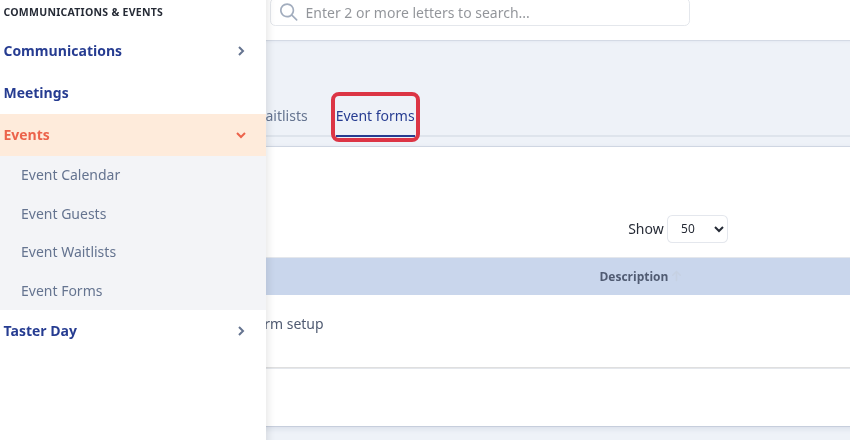
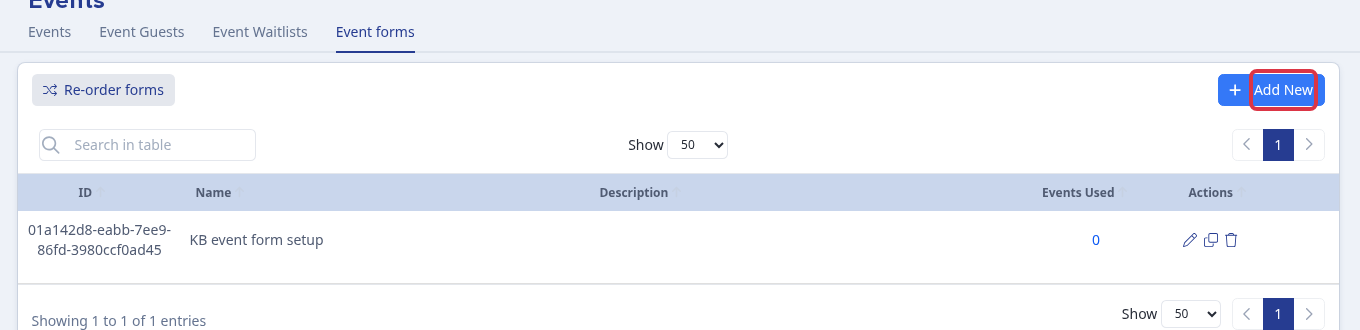
Select Add New. Do not use the copy icon when you want a new form instead of a copy of an existing form.
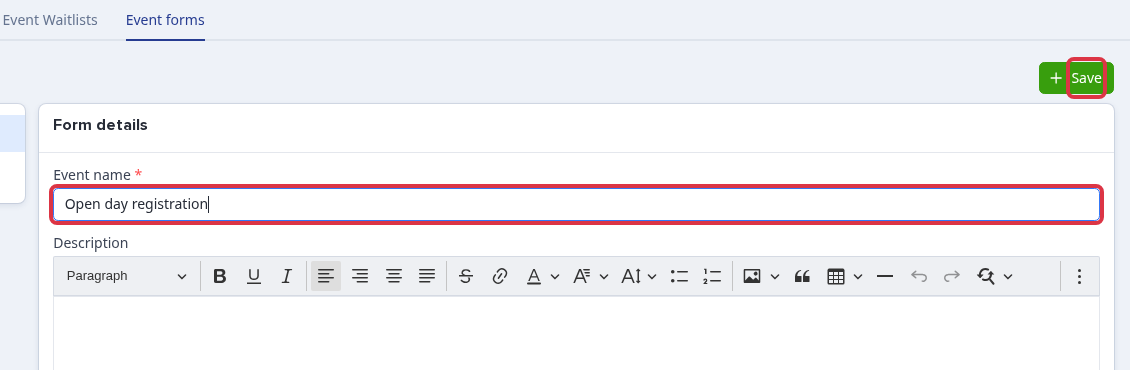
Enter an Event name and select Save. The new form includes the standard questions in its Questions list.
Why the form is not empty
Applicaa adds the standard registration questions when you create a form. This gives each event form the information needed to register and contact attendees.
Questions staff ask
Can I remove “Is this attendee an adult or a child/student”?
No. This is a standard attendee-type question. Its required and visible controls are unavailable, and the question has no delete control. You can change the question label or keep one attendee type option for the event.
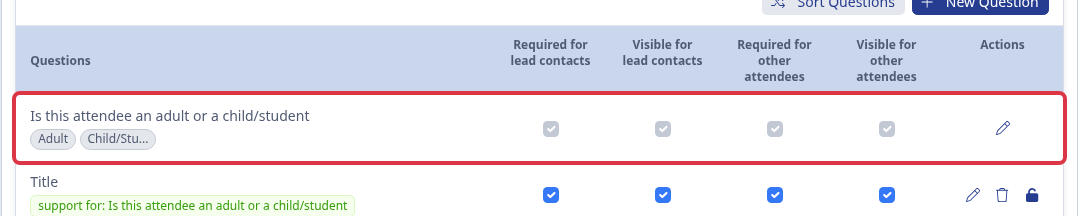
If you make every attendee type option inactive, Applicaa shows: “The registrant type question must have at least one active option.”
Related articles
Ask Emma in Applicaa or search the helpdesk when you need help with a different event form task.