
This reference explains three functions that Admissions+ does not support and the closest supported option for each one.
Showing a student's age in a student list
In a student list, open "Column Settings", select "Add Columns", and search for "Age". The picker does not provide an Age field.
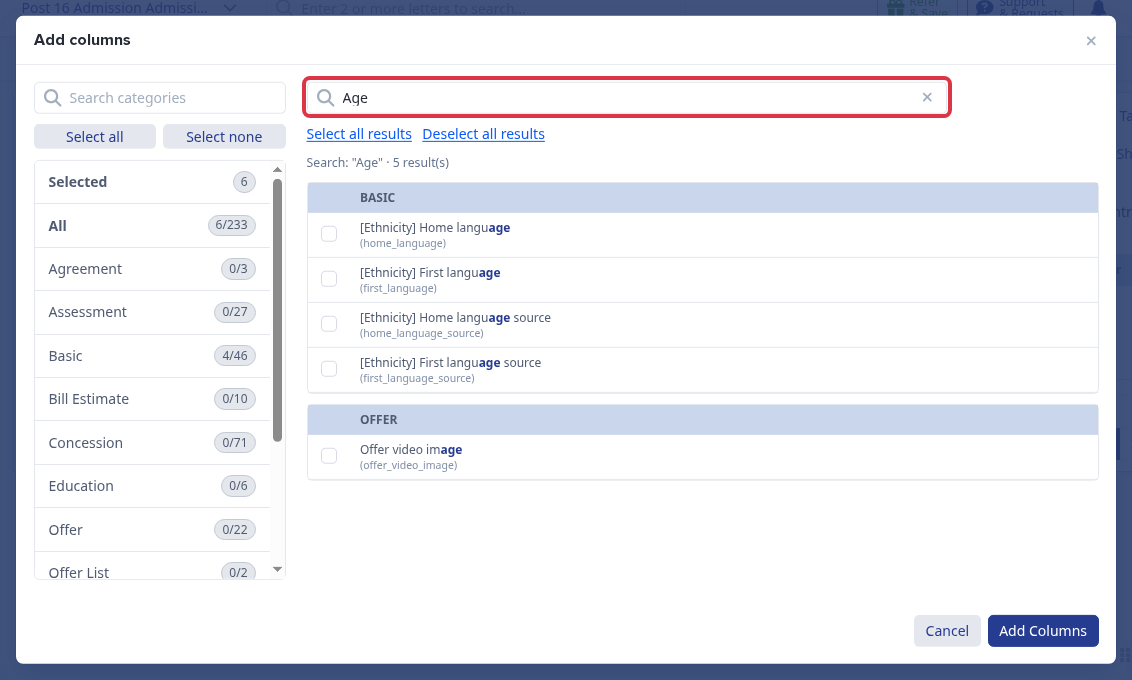
Age is calculated from the student's birthday when Admissions+ needs it. The available alternative is a Date of Birth column.
Moving several students into a form group
In "Form Groups", select "Import Group" and choose a CSV file to assign students to form groups in bulk.
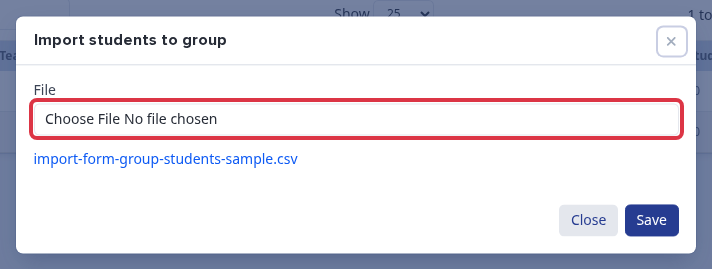
- Use these exact CSV headers: "Email/Username", "Forename", "Surname", and "Form group".
- Admissions+ matches each student by email address or username in the selected application form.
- If the headers differ, you see: "Wrong formatted CSV, headers should be [Email/Username,Forename,Surname,Form group]".
- If the form group does not exist, you see: "Can not find form group <name> in this application form".
- If no student matches, you see: "Can not find student with email or username <email> in this application form".
Adding videos to an offer
Select the students, open "Bulk Update", then select "Offer video link" to enter the one video link for that offer media.
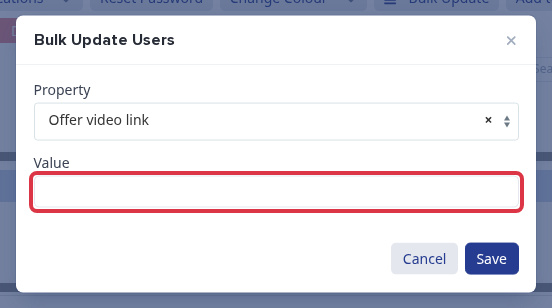
The matching offer image field is the only image option. Offer communications use one link and one image for each student.
What it does not do
- You cannot add Age as a student-list column.
- You cannot select students in a list and move them to a Form Group with a bulk action. Use the Form Groups CSV import instead.
- You cannot add a second offer video link or a second offer video image.