
Internal Students
Internal students are not allowed to self-register and create their own account. All Internal students must be imported by the school from your MIS or via CSV.
Importing Parents and Students Into Admissions+ via CSV
Importing your internal students from your MIS into Admissions+
The setting below will be enforced (set to ‘ON’ and grayed out) in your Student Registration Settings (settings > application form > student registration).
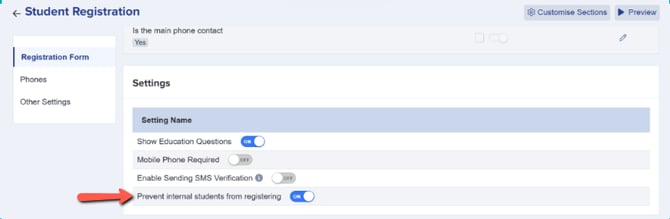
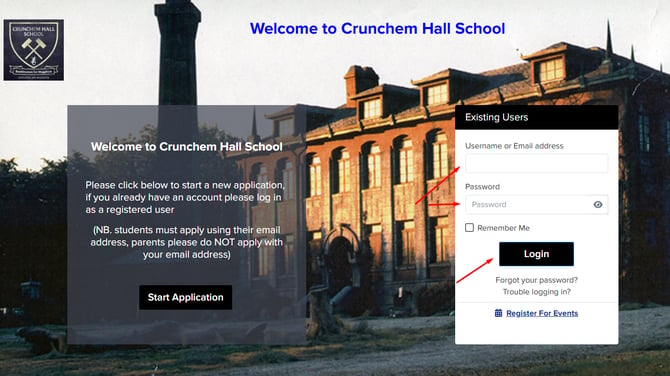
Internal Students who try to register will be prompted to login to their account provided by the school once they have been imported and welcome emails are sent.
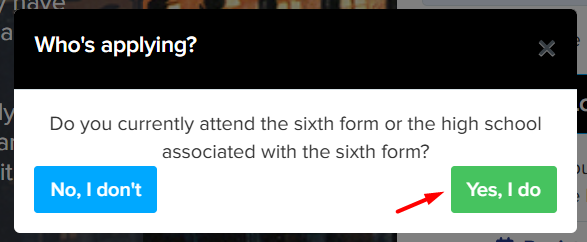
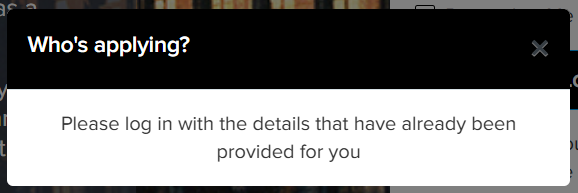
If a Year 12 student is imported, any email address included in the import will automatically be treated as a school email. On their initial login, students will be prompted to confirm their school email and also provide their personal email address.
External Students
Students applying externally will be directed to complete their registration via ApplicaaOne.
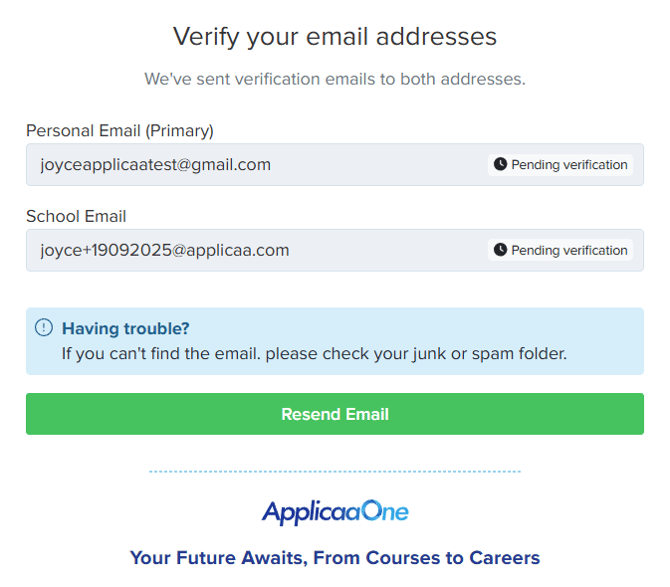
External students will be asked to provide and verify their personal and school email addresses.
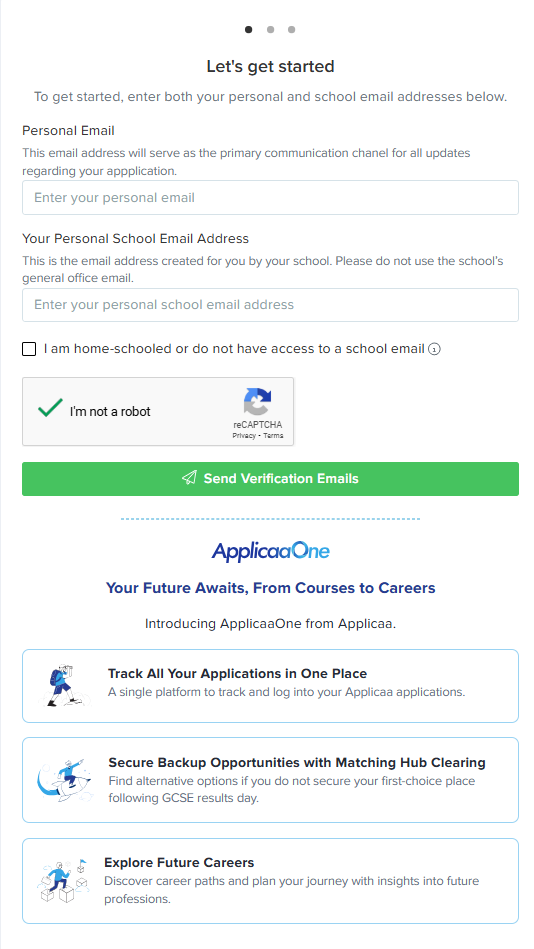
If a student is home-schooled or unable to access their school email, they can select the option to proceed without providing a school email address.
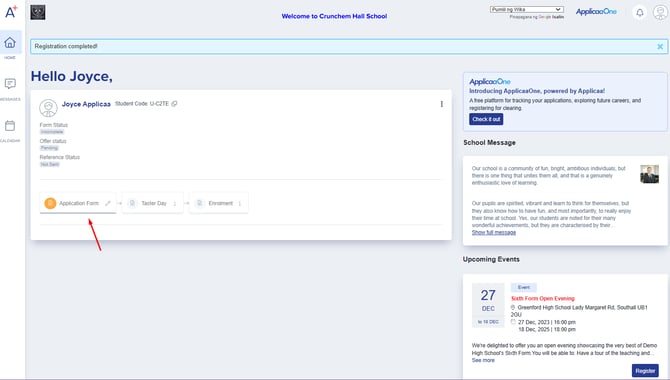
After account creation, they can now login to and complete an application.
Which email address does Admissions+ contact the student on?
Every Year 12 applicant confirms both a school email and a personal email, but only one of them is actually used to sign the student in and to send them application update emails. By default this is the personal email, but each application form can change it separately for internal and external students.
Go to Settings > Application Form, open the form's journey, and select "Global Form Settings". Under "Default email address for communications & login", choose "School email" or "Personal email" for internal students, and again for external students.
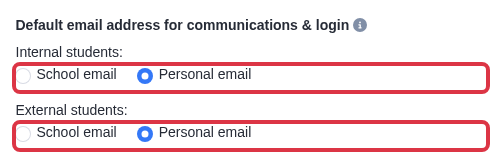
Changing this setting changes which email address becomes the login email and the contact email for students who register after the change. It also updates the primary email of students who already registered, unless that email address already belongs to another account - in that case Admissions+ leaves that one student's email as it was, and the school needs to resolve the clash manually.
Do parents create their own account?
No. Only the student registers and logs in to apply for Year 12. Parents and guardians do not get a separate Admissions+ account or login.
Parent and guardian details are collected as contacts inside the student's own application, on the "Parent/Carer Details" step of the application journey (Settings > Application Form > Manage Journey).
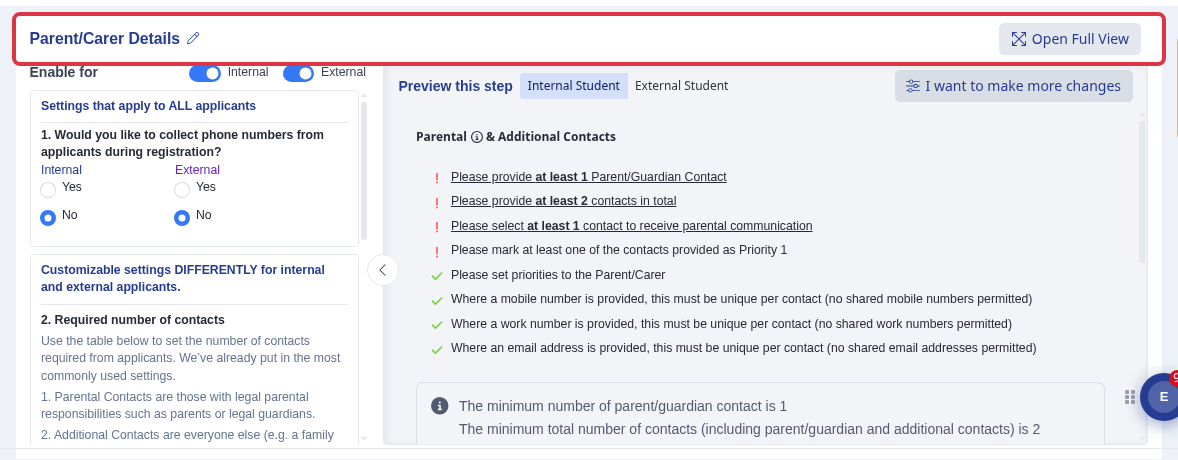
Each contact is added with their name, relationship, priority and contact details, and the school sets how many parental and additional contacts the step requires. Admissions+ uses these contact details for the school's communications and emergency records - the parent is never issued a login to view or submit the application themselves.