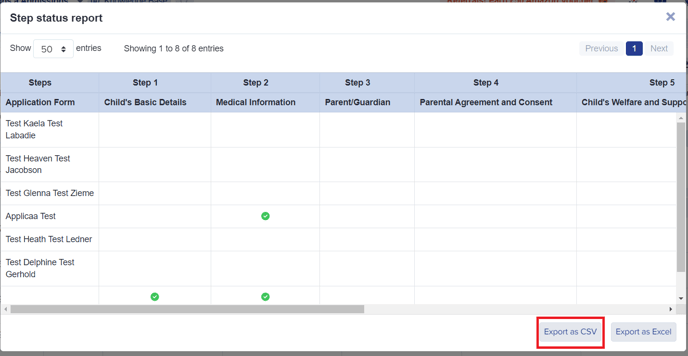
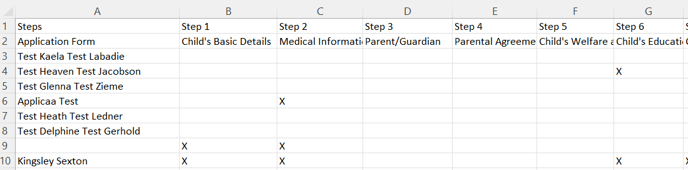
From a specific list of students you might want to know the progress of these applicants in terms of completing each step of a particular phase. The step status report will show you a table with student names and which steps they have already done within a specific form or phase. This report can also be exported as a CSV file.
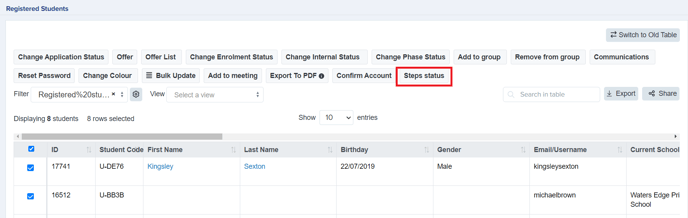
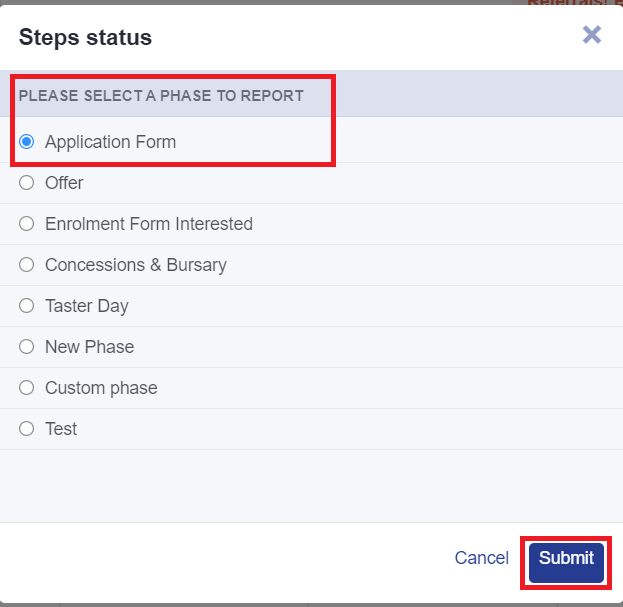
Once you have selected the students from your list (by putting a tick against their names), click on Steps status and choose which phase you want to view then hit 'Submit'.
This will now show you a table of which applicants completed which steps from a specific phase. You can also export it as a CSV file by clicking on the 'Export as CSV' button.