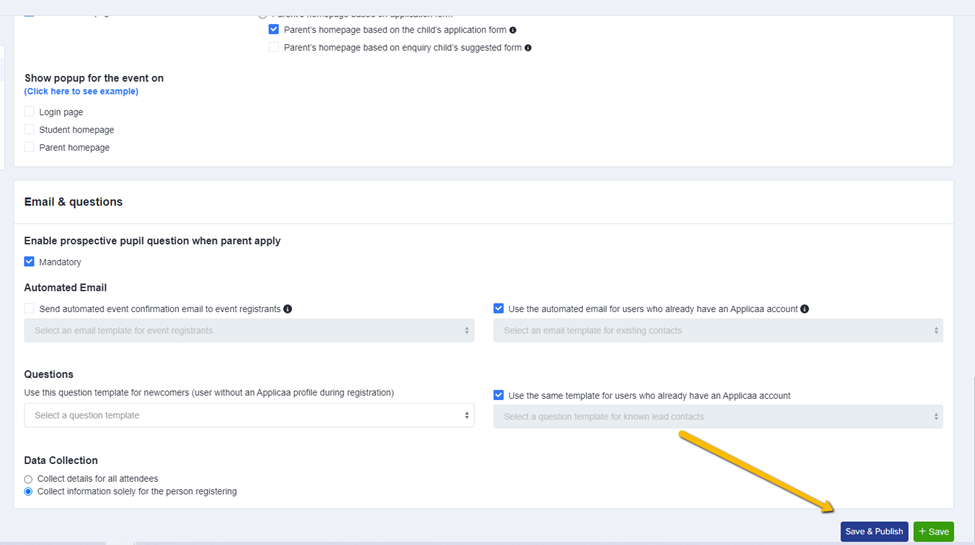
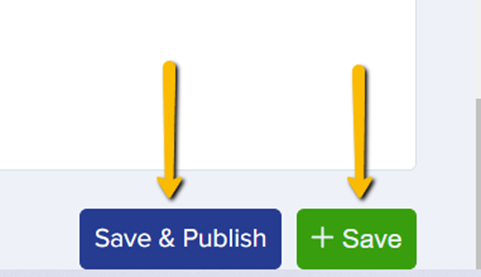
“Save and Publish” button will make the event visible and accessible to parents, students, and other potential registrants.
“Save” button is like saving it for future use or keeping it private. The event remains in the event section but is not visible to the general audience.
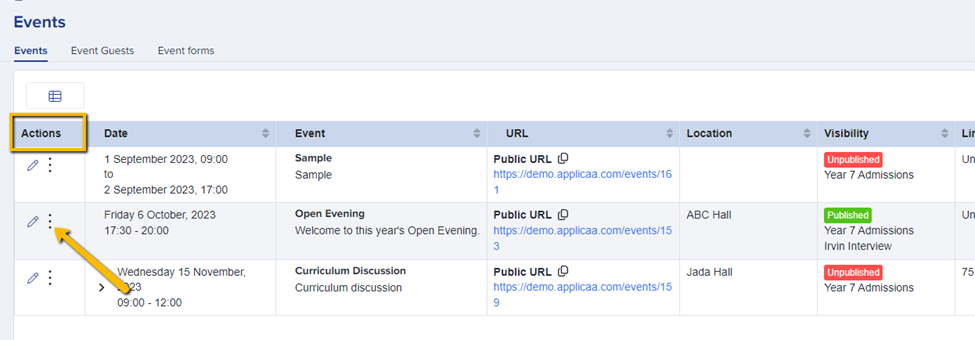
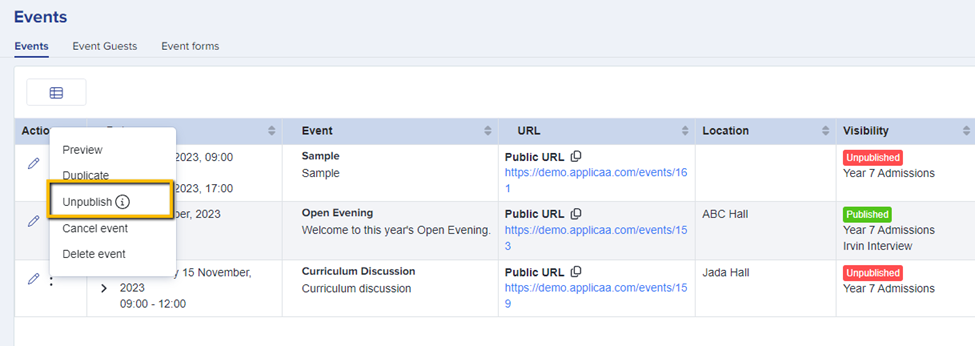
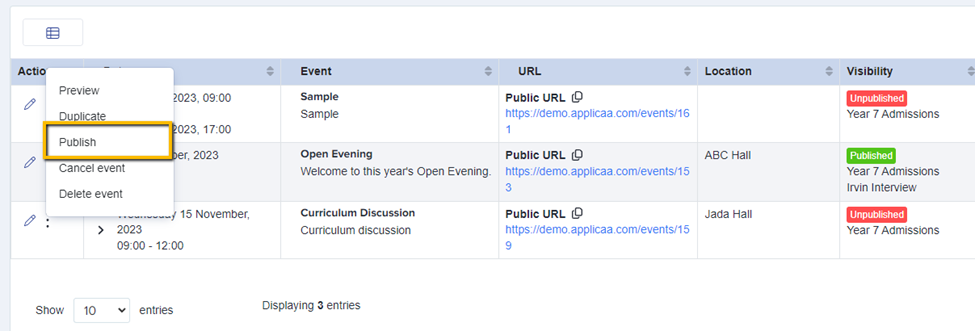
In the Events Section, there's also an option to publish and unpublish an event. Simply navigate to the event and click the kebab menu associated with the specific event. Upon clicking this menu, a set of options will appear, and from there, select the "Publish" or "Unpublish" option.