
Move a student to an archived form only when the student no longer needs the old application. The move removes access data and resets application data.
On the student profile, open "More" and select "Change Application Form".

Select an application form marked "(Archived)". Read the warning before you type "YES".
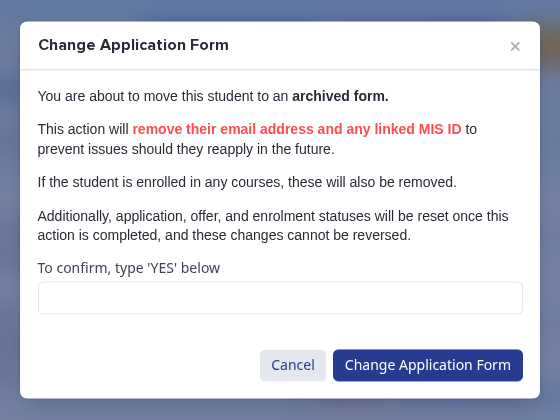
- The move changes the student, school, and personal email values. It also clears linked MIS identifiers.
- The move removes course records. It resets application, offer, and enrolment statuses.
- The system cannot reverse these changes. An archived application form also prevents applicants from opening their application steps.
To remove leaver records, select the records in the Registered Students table of an archived form. Then select "Delete".

Read the "Permanent Deletion" warning. Type "YES" only when you want to delete the selected records.
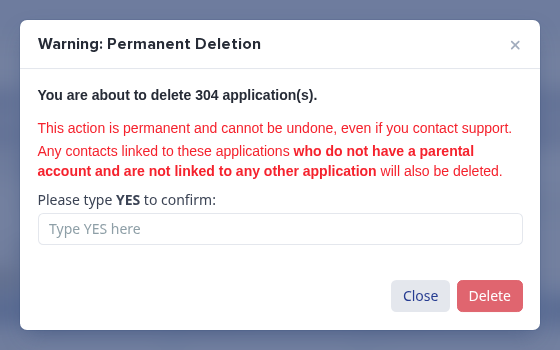
- Only a Super Admin can bulk-delete records.
- You can bulk-delete records only from an archived form.
- The deletion can also delete unlinked contacts. The system cannot undo the deletion.
Changing a student to another form updates that student. It does not create an application form. Ask Emma for help if a new form appears unexpectedly or if custom-field answers appear missing after a move.