
A school rename does not change staff, parent, or student credentials. Update the name users see in Admissions+, then use the account's stored sign-in details.
Go to "Settings" > "School Settings" > "General Settings".
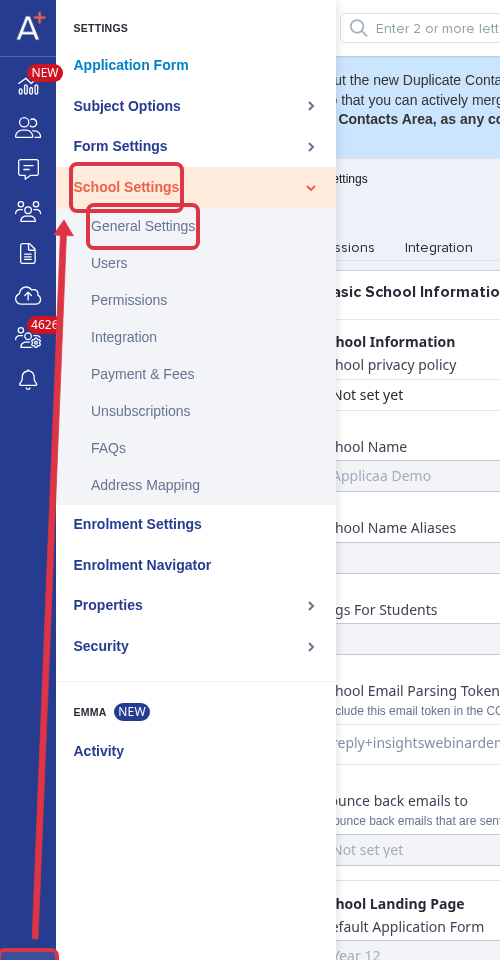
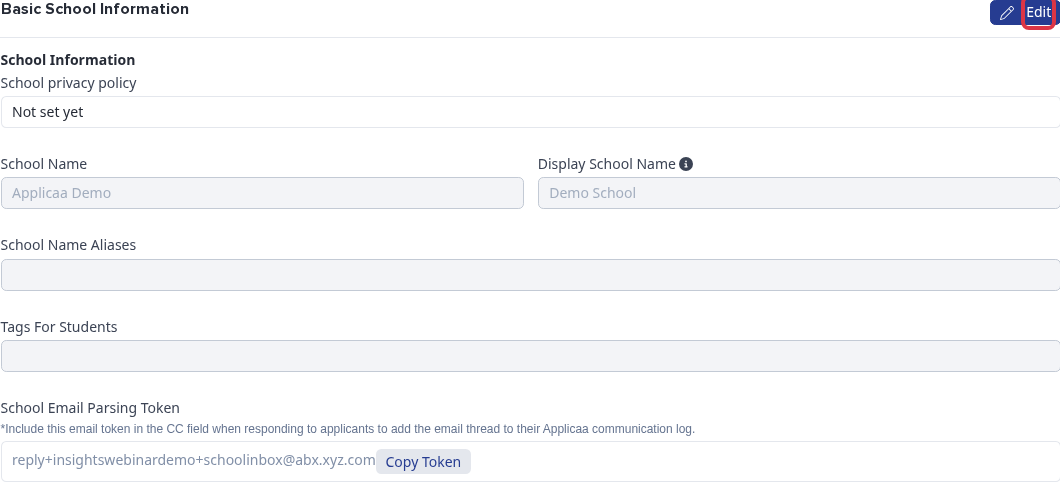
In "Basic School Information", select "Edit".
Change "Display school name" and select "Save". The "School Name" field is not editable on this page.
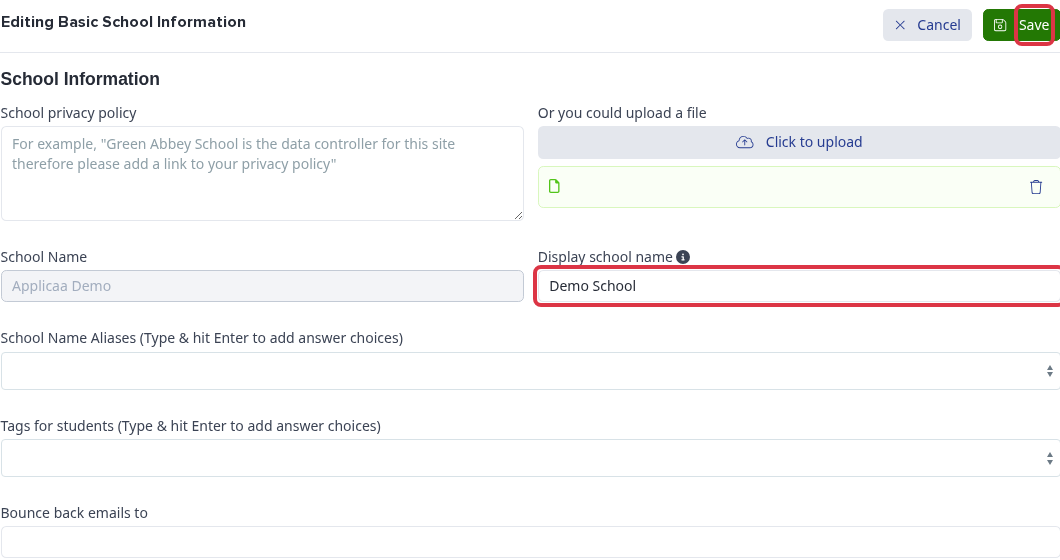
- "Display school name" appears in communications, page titles, and the parent homepage.
- A user can sign in with the email address, personal email address, school email address, or username stored on their account.
- If a user cannot sign in after an email-domain change, check the account details first. Then use the related recovery guidance.
If access is still unavailable, ask Emma from Admissions+ or contact the support team through the helpdesk.