
Use an event's registration settings to stop registrations from creating enquiry records and to restrict the event form to parents. Set the controls for each event and its registration form.
Go to "Communications & Events" > "Events".
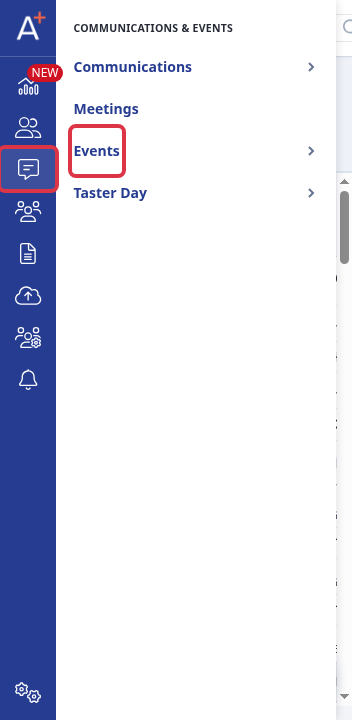
Open the event. In "Enquiry settings", select "No - do not create enquiry records". In "Email & questions", clear "Mandatory" under "Enable prospective pupil question when parent apply".
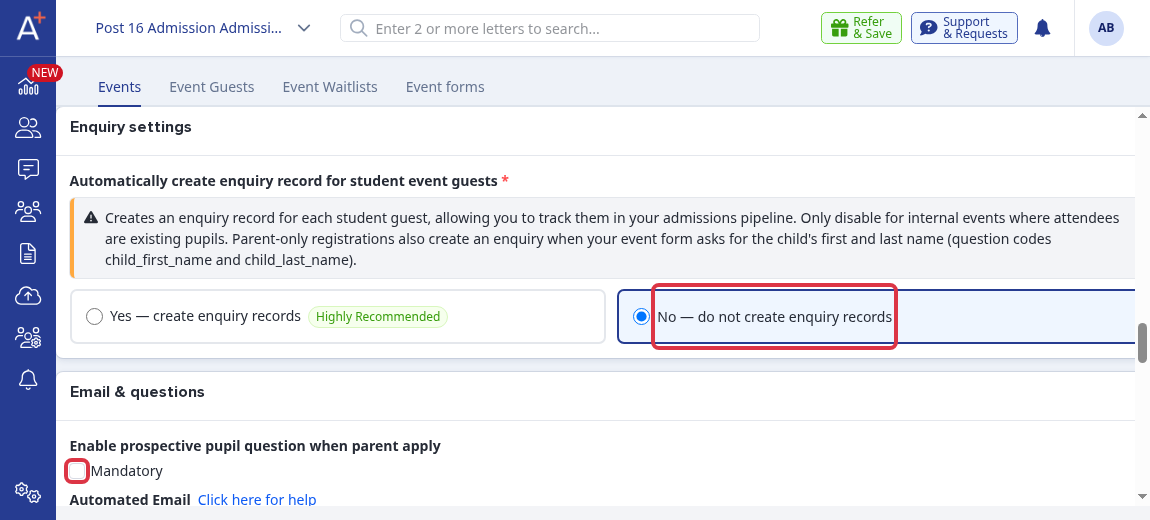
Select "Save" to apply the event settings.
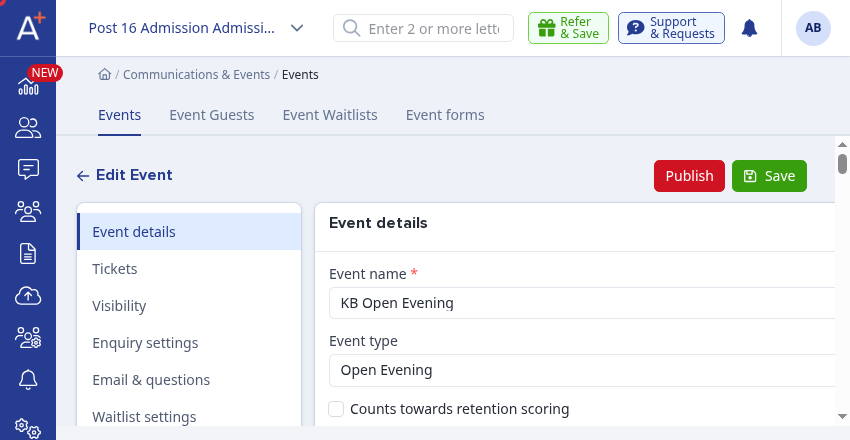
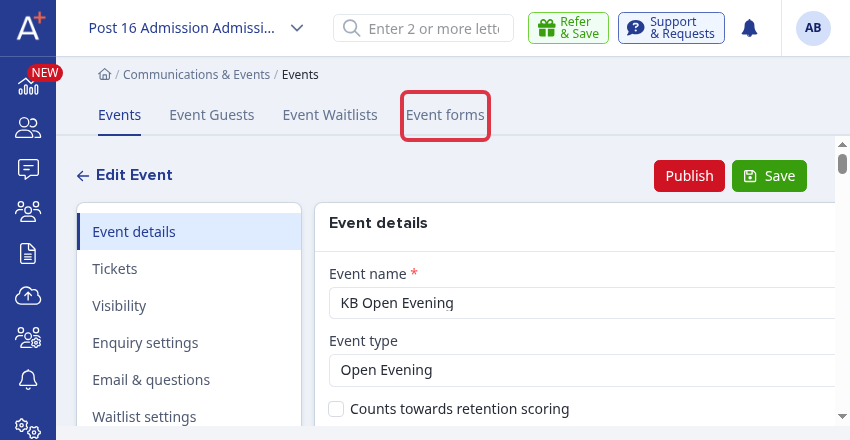
To restrict registration to parents, select "Event forms" and open the registration form used by the event.
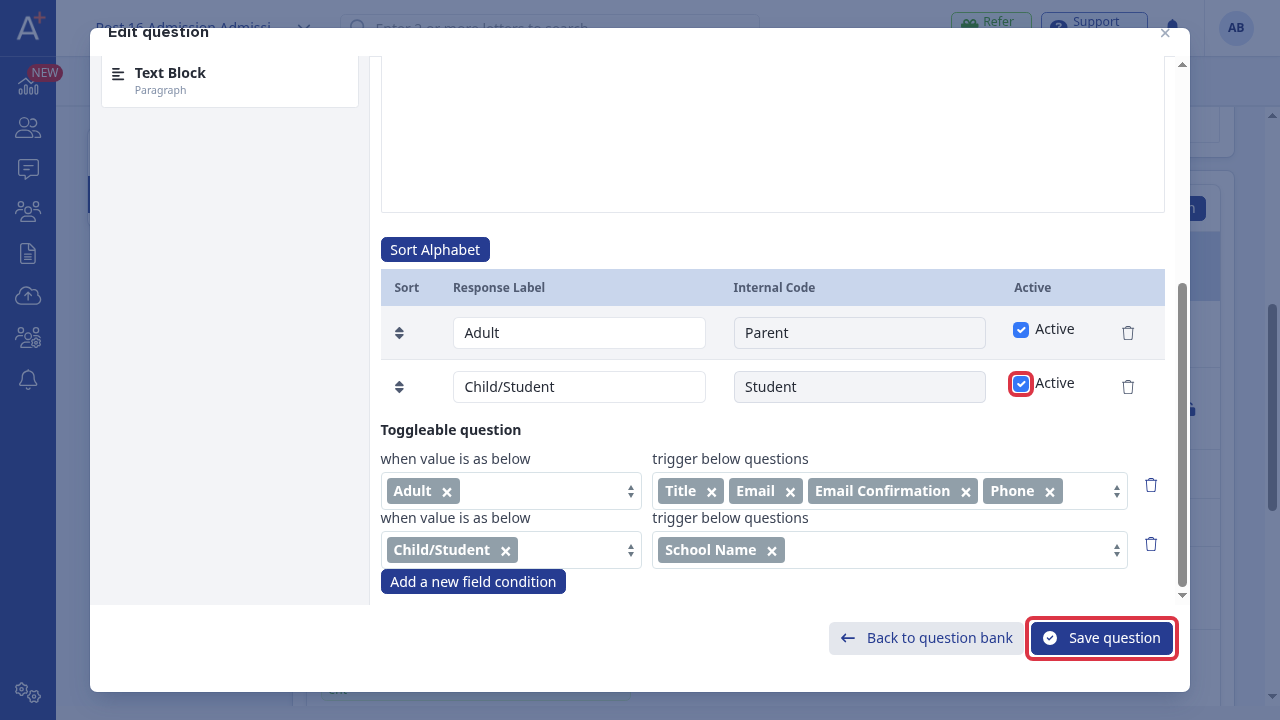
In the "Is this attendee an adult or a child/student" question, clear "Active" for "Child/Student", then select "Save question". The parent option remains available for registration.
What happens
- "No - do not create enquiry records" stops the event from creating an enquiry record for each student guest.
- When "Mandatory" is clear, a parent does not have to select a child relationship to complete the event registration.
- When the Child/Student answer is inactive, registrants can select only the Adult parent answer.
Questions staff ask
Can I turn off both attendee types?
No. The question must have at least one active answer. If every answer is inactive, the form shows: "The registrant type question must have at least one active option."