
You can export a complete, portable list of every student attending your Taster Day — a reusable register you can save, share, sort or print, without having to ask anyone to pull it for you. Use it to see exactly who is coming on a given day, to mark attendance at each session, or to hand a class list to the staff running each room.
Open Communications & Events, go to your Taster Day, then open Student Submissions & Timetables and select the Student Timetables tab. Use the day buttons at the top to pick the Taster Day you want.
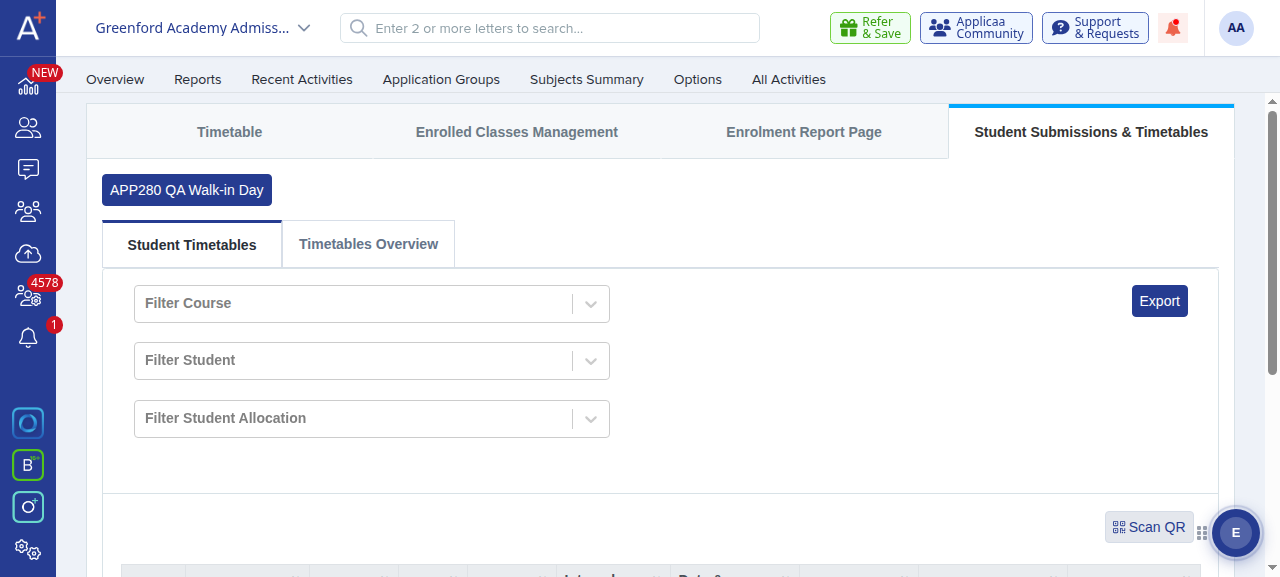
Click the Export button in the top‑right corner to open the export menu.
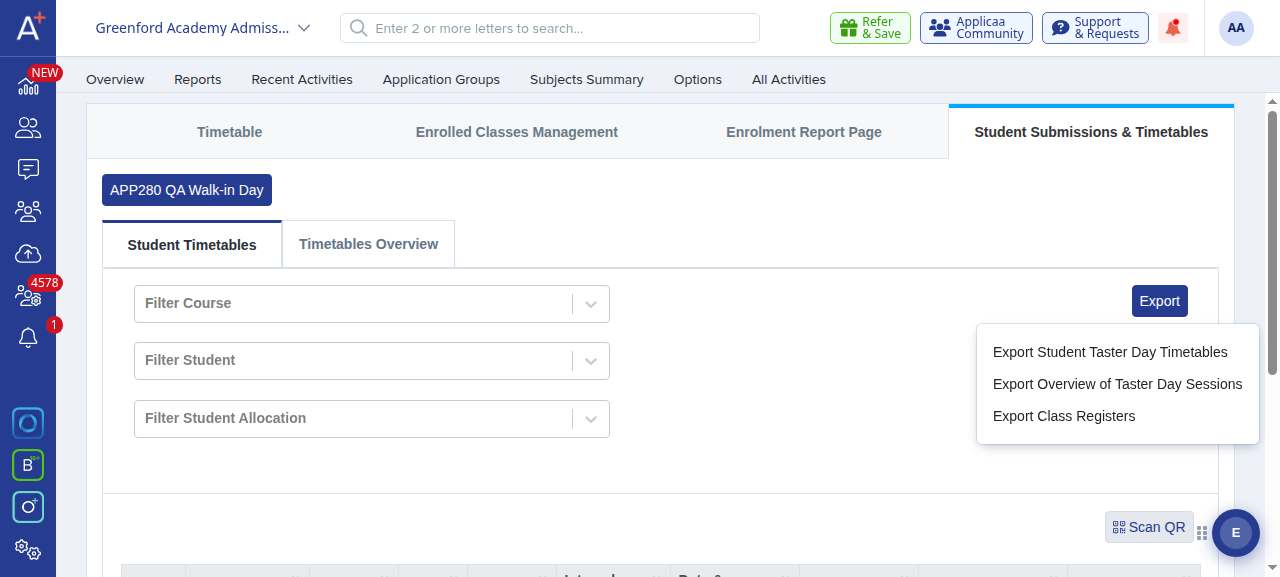
Choose the export that matches the list you need:
- Export Student Taster Day Timetables — the full list of everyone signed up across all sessions, with each student’s personal timetable. This is the one to use when you need “a list of all students attending”.
- Export Overview of Taster Day Sessions — a summary grid of subjects against each session slot (room, teacher and class size), rather than a per‑student list.
- Export Class Registers — a per‑class attendance register listing the students in each individual session.
For the full attendee list, choose Export Student Taster Day Timetables, then pick Export as CSV for a reusable spreadsheet or Export as PDF for a printable copy, and click Next.
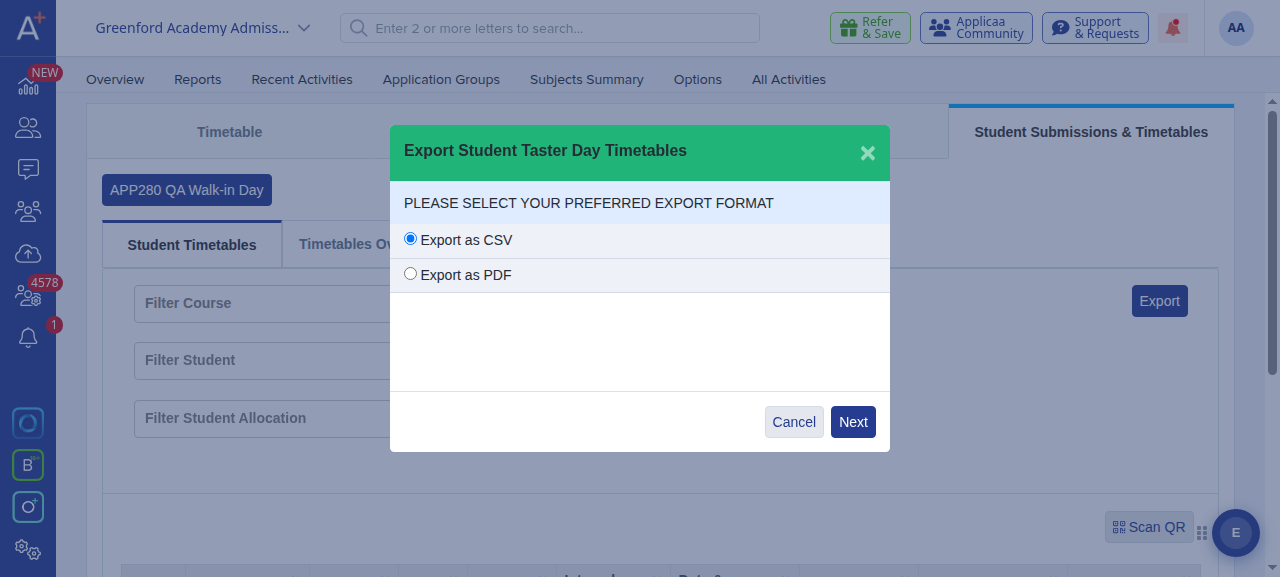

- The CSV opens in Excel or Google Sheets, so you can filter, sort and re‑share the register as often as you need — a portable copy that stays the same wherever you send it.
- When you export as PDF you can produce one file with a page per applicant, or a zipped folder with one file per applicant.
- The register reflects who is signed up at the moment you export, so run it again if sessions change before the day.