
When you add a parent manually, the parent can be absent from Parents because that page opens with an application-form filter. Clear the filter to find the parent, then send the welcome email.
Go to "Parents & Enquiries" and select "Parents".
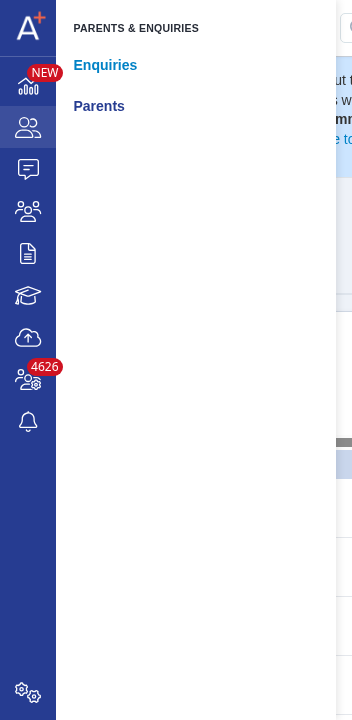
If the page says that a filter is applied, select "click here" to clear the application-form filter.

Use "Search in table" to find the parent by name or email address.

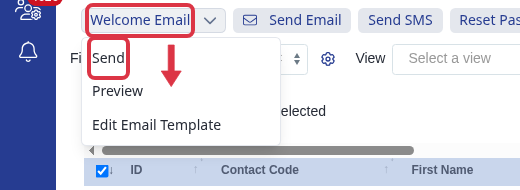
Select the parent, then select "Welcome Email" and "Send".
- A parent that you add manually is not linked to a student or application form until you add that link.
- The filtered Parents page shows only parents linked to students on the selected application form.
If you still cannot find the parent after you clear the filter, ask Emma or search the helpdesk for the related guide.