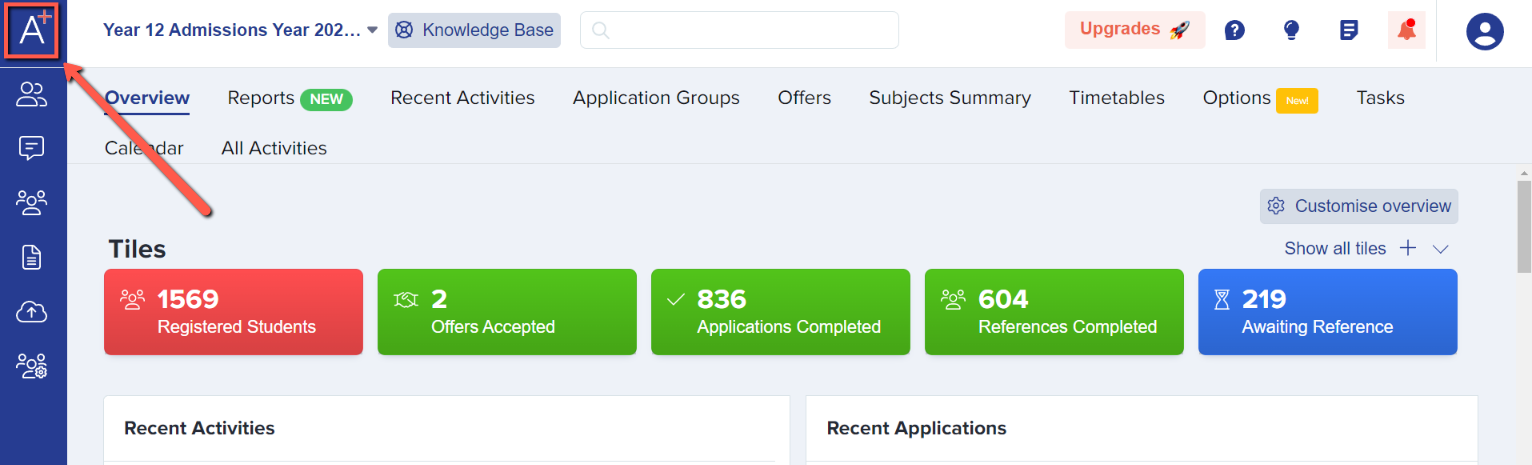
First of all, you get to the dashboard by clicking on the A+ button in the upper left corner of the screen.
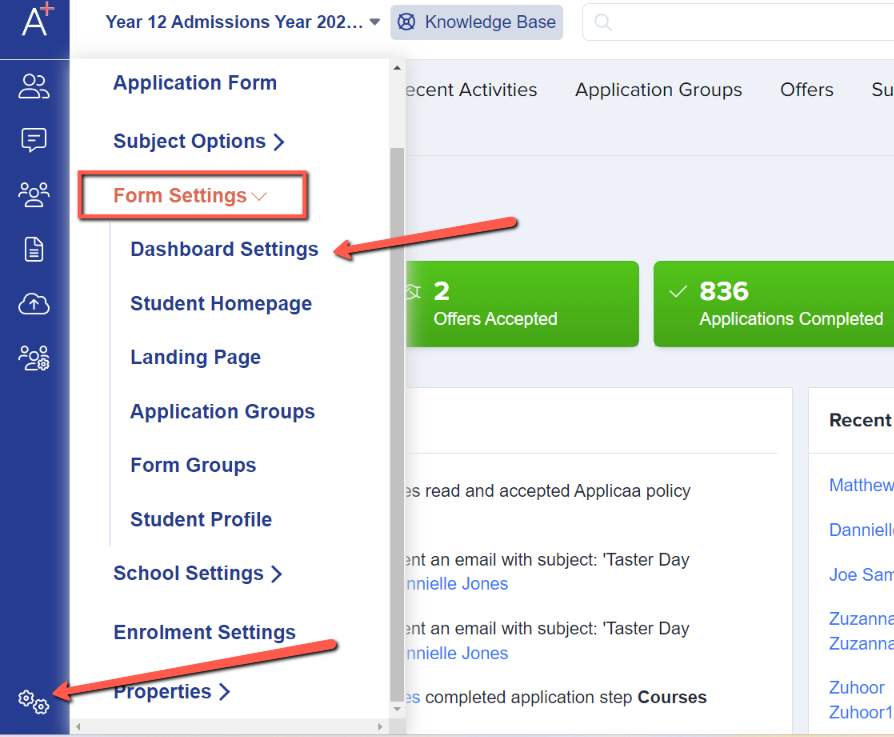
The dashboard holds various properties and you may control which of them you want to be visible on the dashboard. From the dashboard, click on Settings, select Form Settings, and then Dashboard Settings.
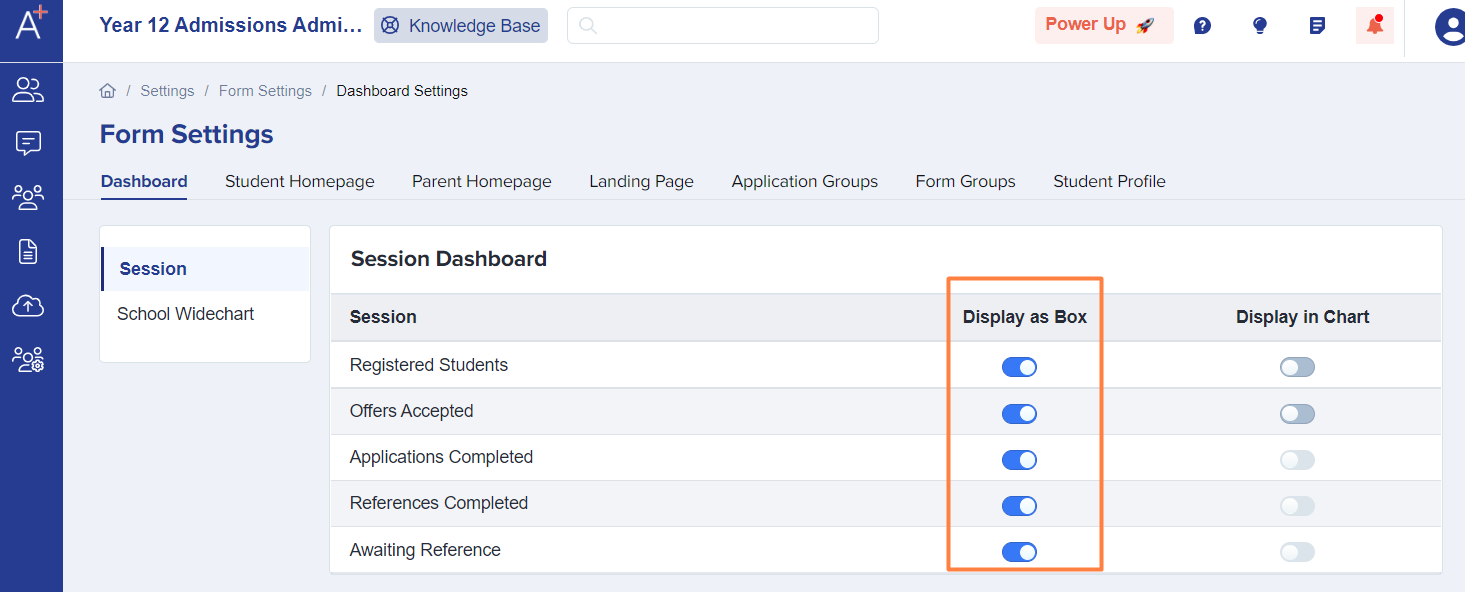
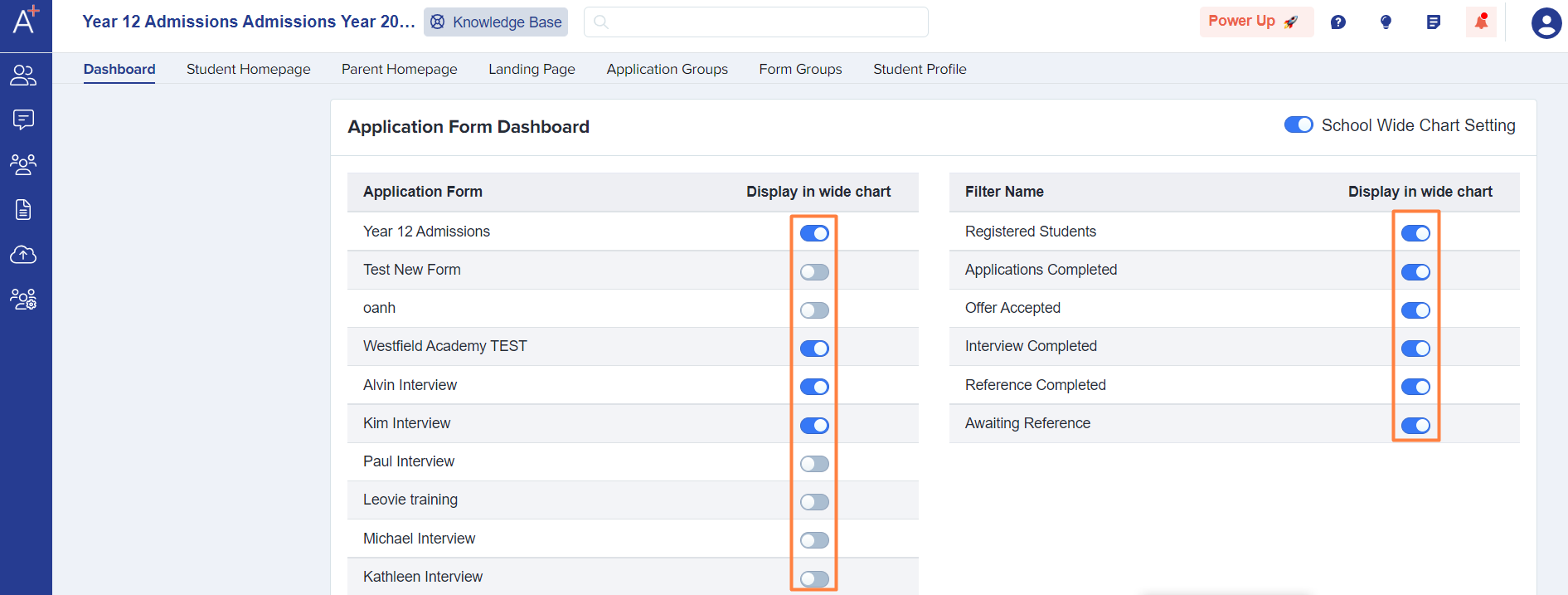
Here is where you may control which properties to display on the dashboard. Simply toggle the buttons on/off.
Note: No need to save as it saves automatically as soon as you set it.