
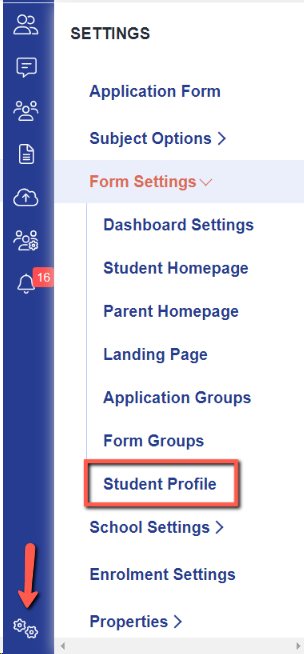
Navigate to settings > form settings > student profile
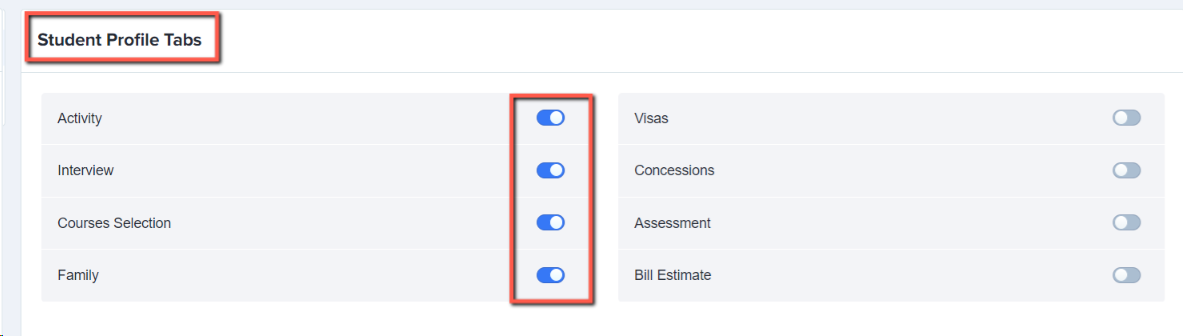
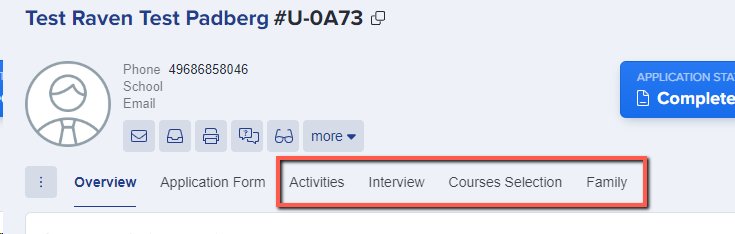
You can control which tabs of information are visible on a student's profile by toggling switches on:
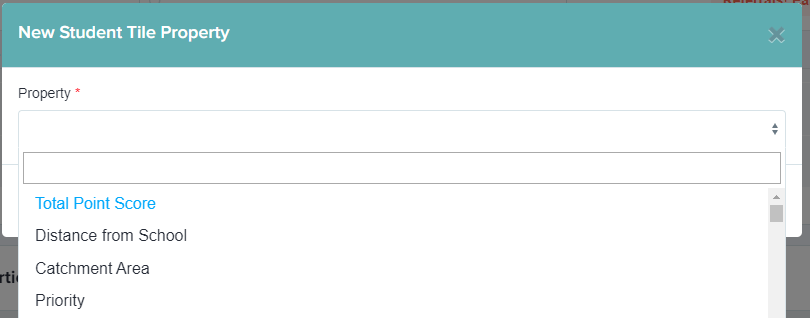
Click the bin icon to remove any fields from the overview which you do not wish to see, and select "add new" to add any extra fields on:
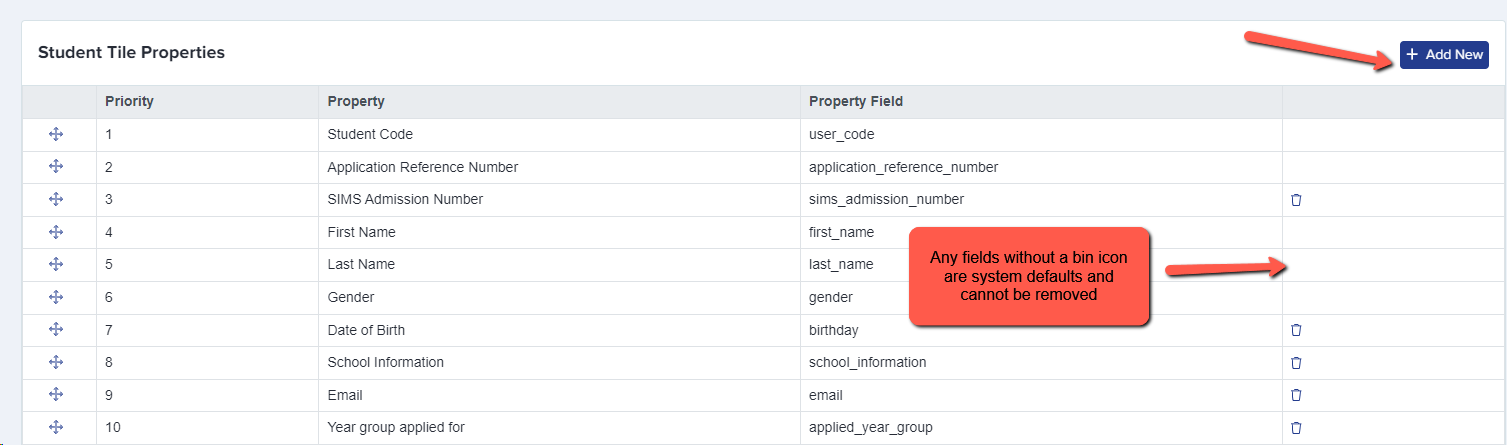
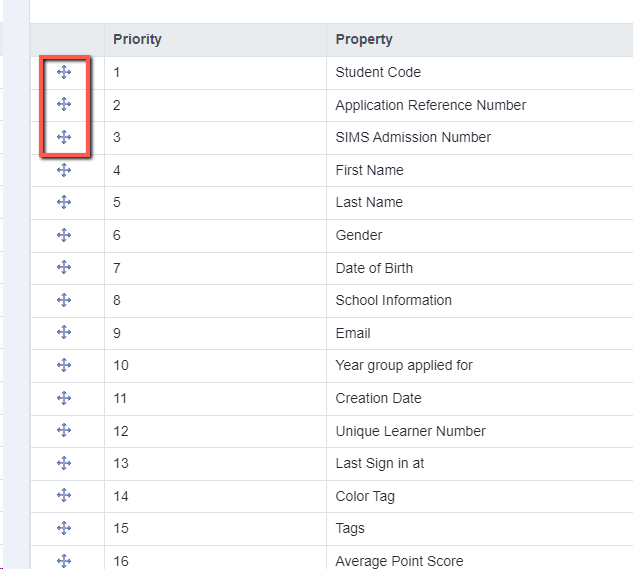
Drag and drop fields into the order you wish them to be displayed:
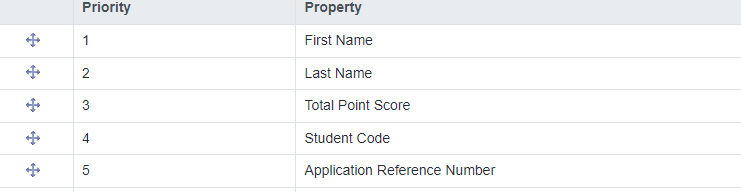
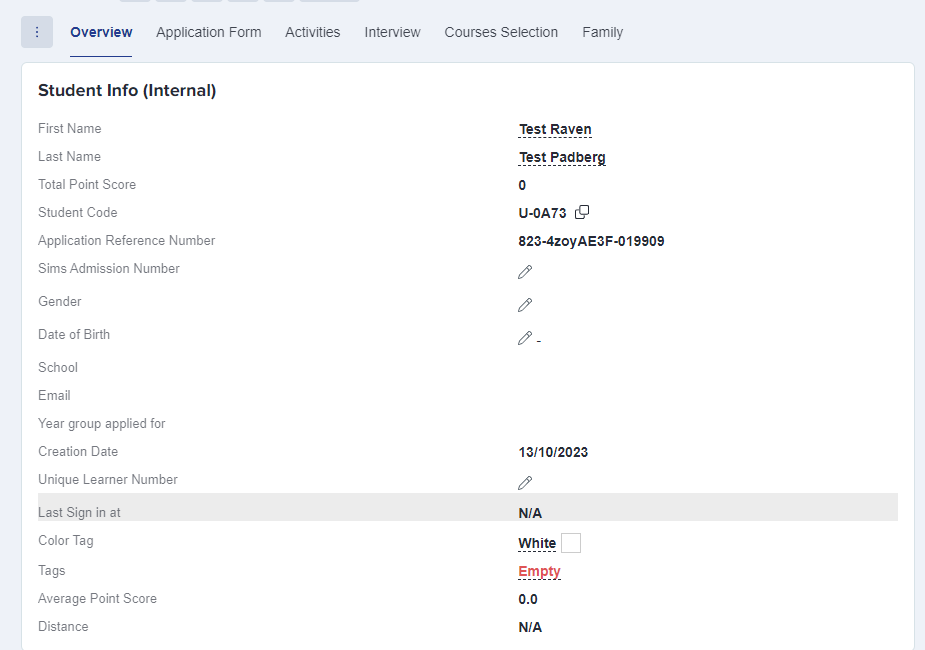
These settings are then applied to every student profile within the form you are currently working in (for example Year 12 Application Form).