
Use Subjects Summary to report course offer totals for one application form. Open the application form for each admissions cycle, then export each summary separately.
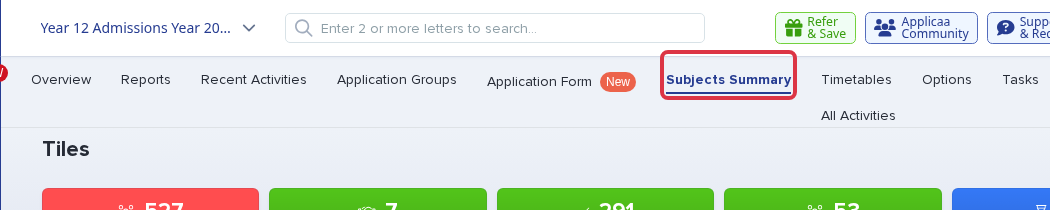
In the application form for the admissions cycle, select "Subjects Summary".
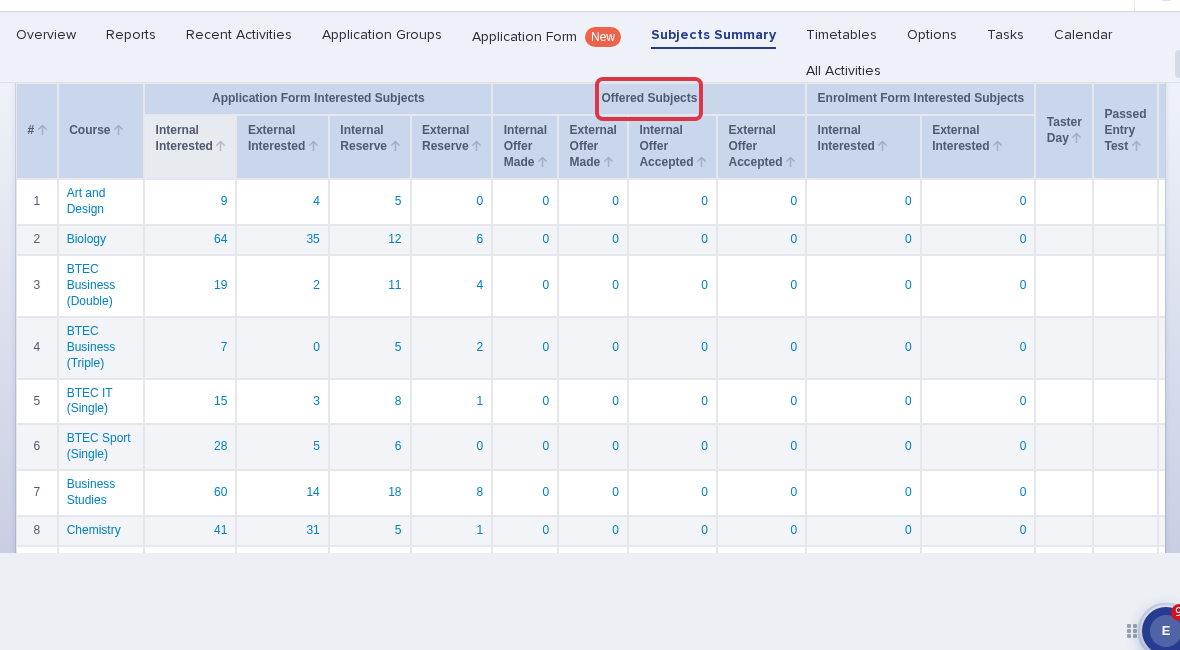
Read the "Offered Subjects" columns for Internal Offer Made, External Offer Made, Internal Offer Accepted, and External Offer Accepted totals for each course.
Select "Export", then select "Export as CSV" to download the subject totals.

- Use a separate application form and export for each admissions cycle. Subjects Summary does not combine data from different schools or application forms.
- The table also shows enrolled totals by subject. The Overview tiles show Registered Students, Applications Completed, Offer Made, Offers Accepted, and Declined totals for the selected application form.
- The export gives subject totals. It does not give one combined row for each student's choices and offer status.
- Subjects Summary has no Term of Entry filter. Open the application form for the cycle that you need.
- The report shows current Offer Made and Offer Accepted totals. It does not show when a course changed to Offered.