
Use the Help Hub to find support information and earlier conversations. Use Emma for a new support request. The old standalone "Raise Ticket" form is no longer used.
From an application form, select "Support & Requests" in the top bar.
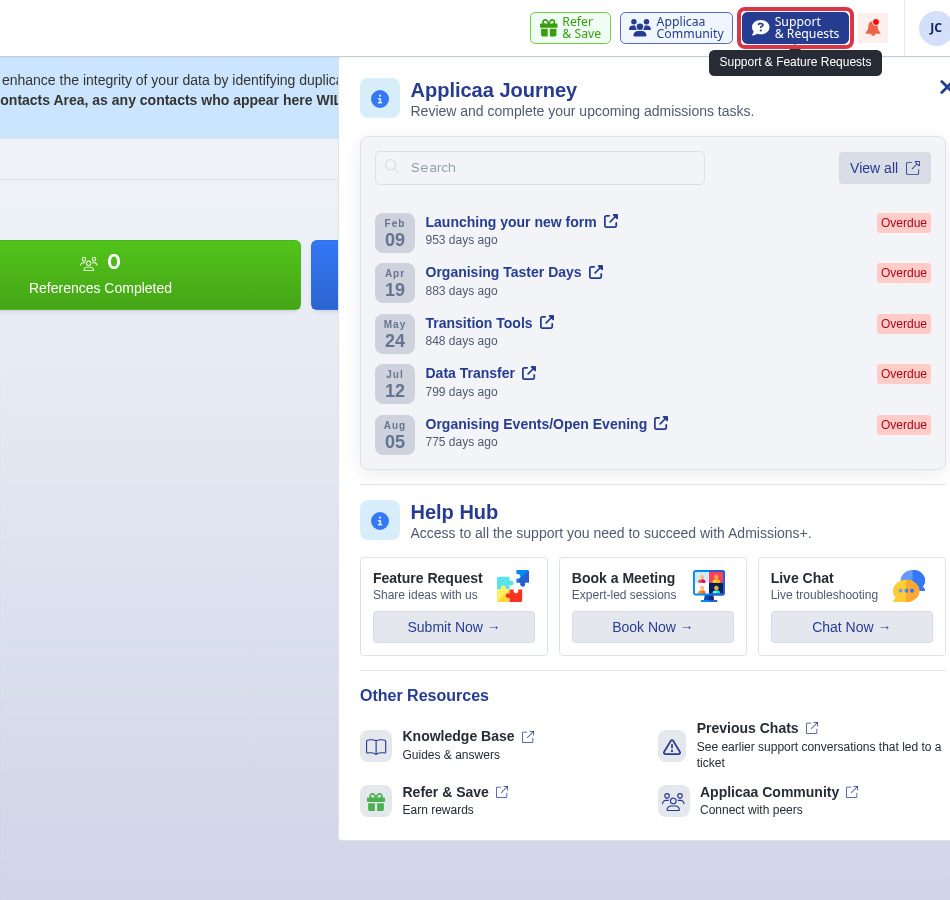
Select "Previous Chats" to see earlier support conversations that led to a ticket.
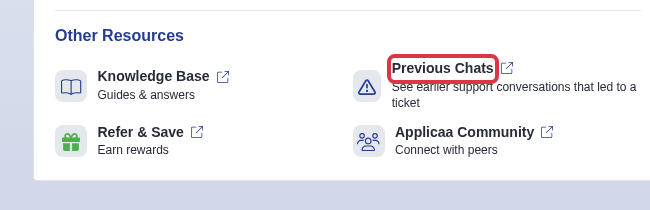
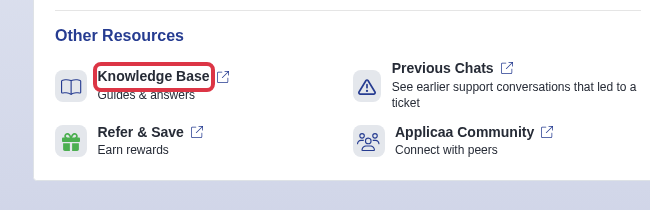
Select "Knowledge Base" for product guides and answers.
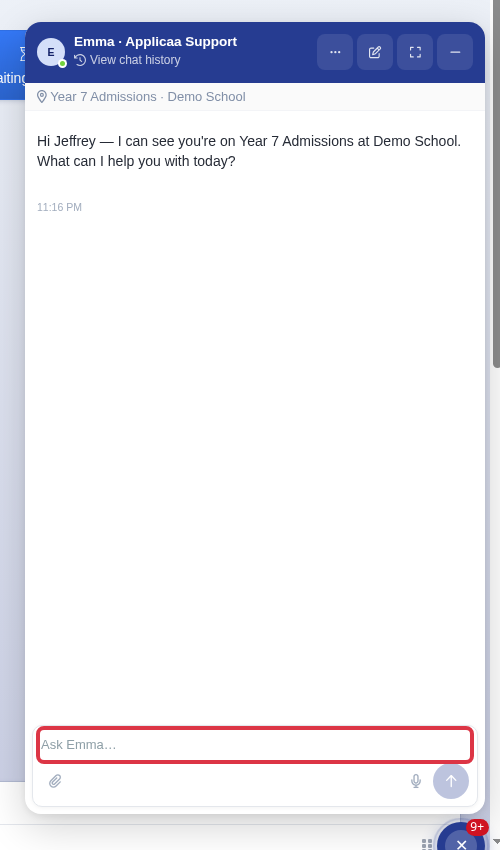
Select "Chat with Emma", then describe the issue. Say that you need a person when you need a support conversation.
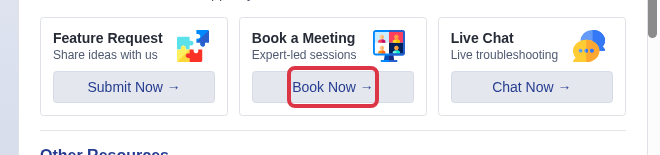
If your school is in its first Admissions+ State cycle, select "Book Now" in "Book a Meeting" to use the CSM booking link.
- Live human support is online Monday to Friday, 8am to 4:30pm, Europe/London. Emma checks the current status during your conversation.
- Use the Help Hub after the redesign. It replaces the former Knowledge Base tab and previous-ticket entry point.