Use this guide when a student has more than one Bursary 16+ account after renewal and cannot access the account for the correct year. A renewal creates a linked account for each bursary year.
Open the affected student profile and select "Bursary History".
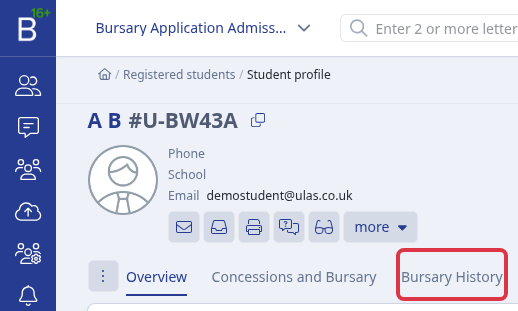
Check the account marked "active". The panel lists the linked account for each bursary year. Older valid accounts remain as the student's bursary history.

Why the application year does not fix access
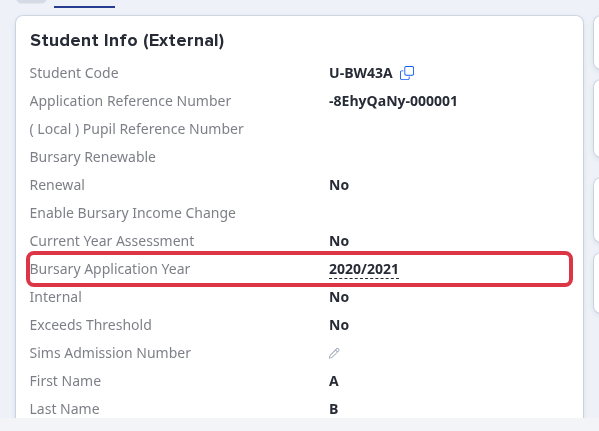
Do not use "Bursary Application Year" to correct a renewed account. The field is locked after renewal. It cannot move the student's login email, remove an unwanted account, or change the active account.
What it does not do
- "How to Manage Duplicate Accounts" does not apply to Bursary 16+. A renewal creates linked yearly records. It does not create unrelated duplicate people.
- Do not remove a linked renewal record as a duplicate. This can remove bursary history that the school needs.
Get the account corrected
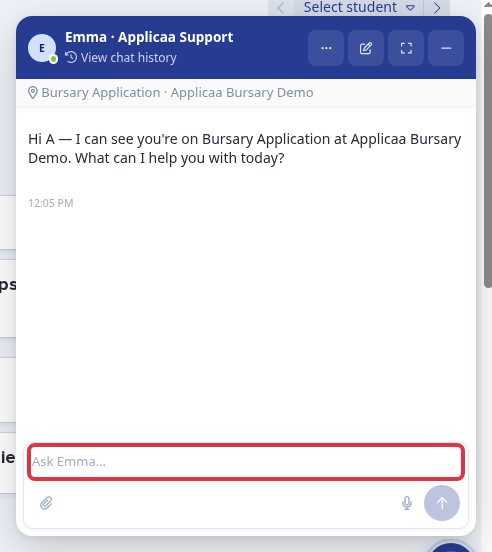
Select "Chat with Emma" and ask Applicaa Support to correct the linked account. Give the student's name, the unwanted year, and the year that the student must use. Support removes the unwanted future-year account, moves the login email to the correct account, and sends a welcome email so the student can set a password.