
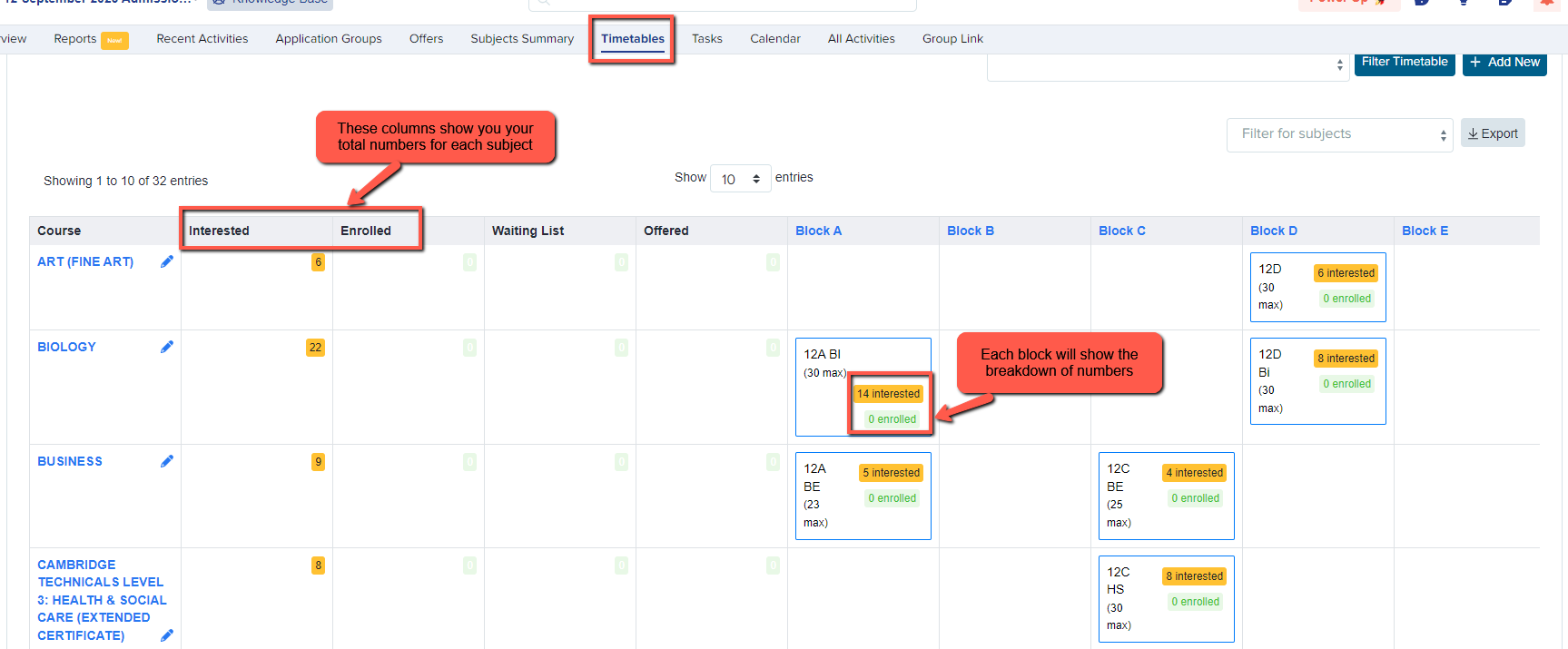
From your main dashboard, click the "timetables" tab.

This will show you an overview of numbers of applicants who have applied for each course (shown as "interested") and who have enrolled onto those courses (if you are completing this export on/after Results Day).
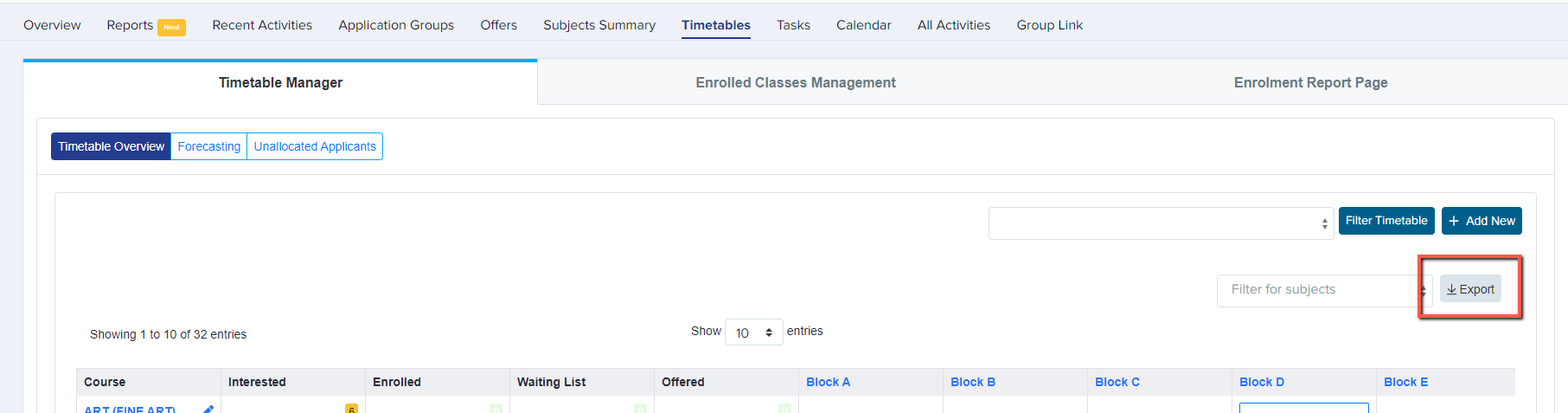
On the right hand side, you will see the option to "export", either into Excel or as a CSV.
Your file will then be exported and will contain columns to show your overall figures per subject, as well as a block-by-block breakdown.