
Use the Application Form editor to change the form that parents and applicants complete. Open the phase and step that contains the part of the form you want to change.
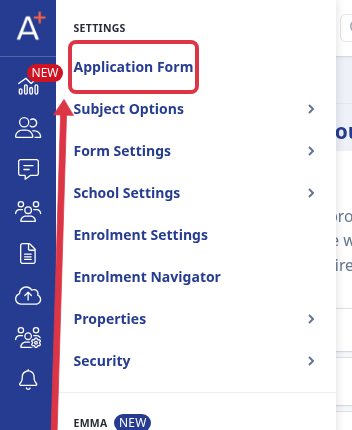
Go to Settings > Application Form.
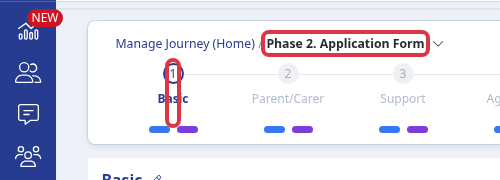
Open Phase 2. Application Form, then select the step that contains the questions or settings you want to change.
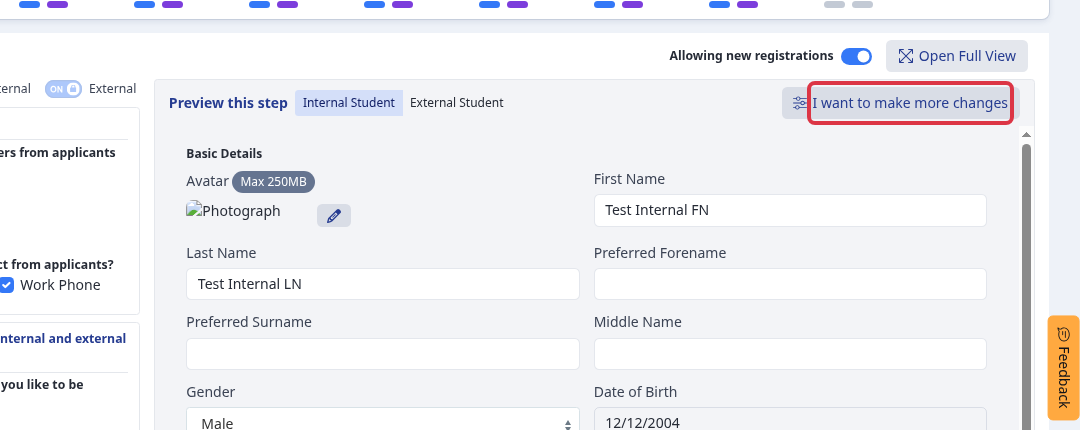
Select I want to make more changes. The editor opens the questions and controls for the selected step.
To add a question to the selected section, select New Question. Choose the question type and complete its settings before you save it.
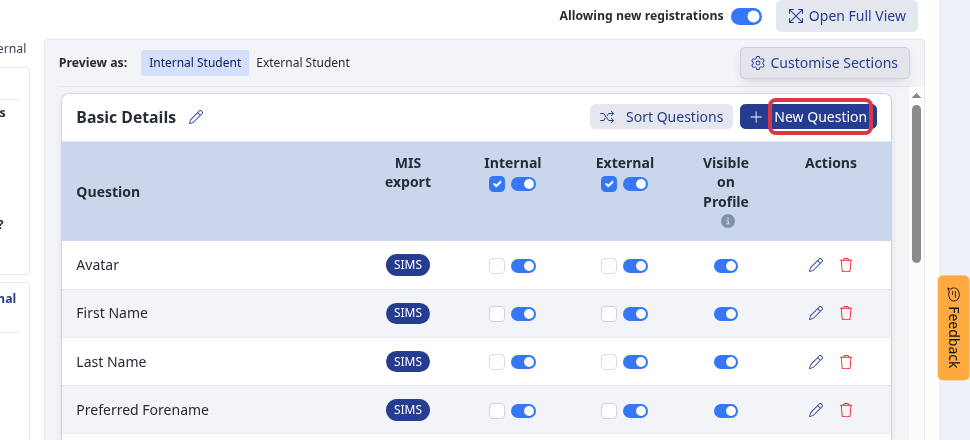
- Use the Internal and External controls separately when each applicant group needs different questions.
- Use the question action controls to change an existing question.
- Changes apply to the application form and step that you selected.
For question wording, visibility, required answers, and the exact save result, use the question-change guide below.