
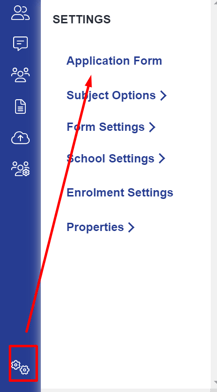
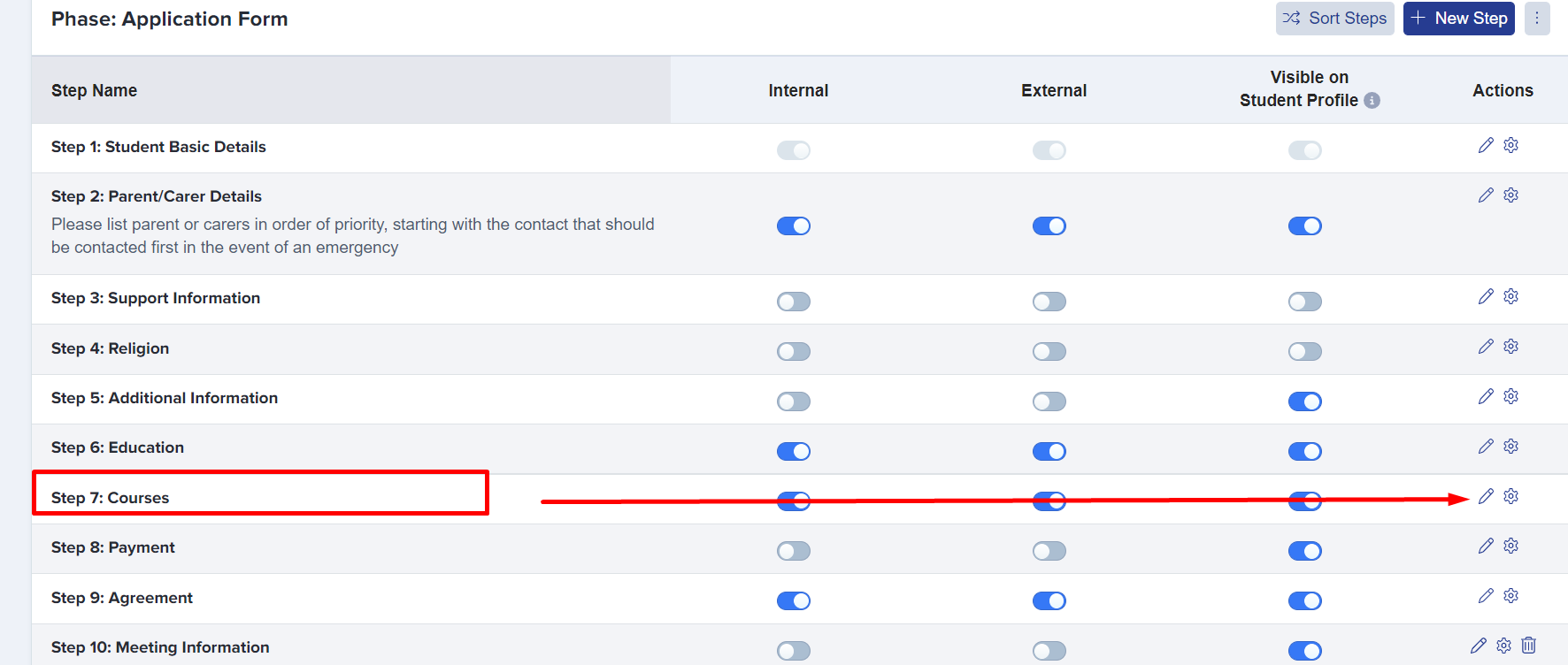
This is to show you how to restrict entry to courses based on the requirements you've put in. So if we go to settings, application form, and this is going to be in the courses step.
Then right at the top, this field 'restrict student course selection by entry requirements' means that if they haven't met the requirements with their predicted grades, then they can't select that course.
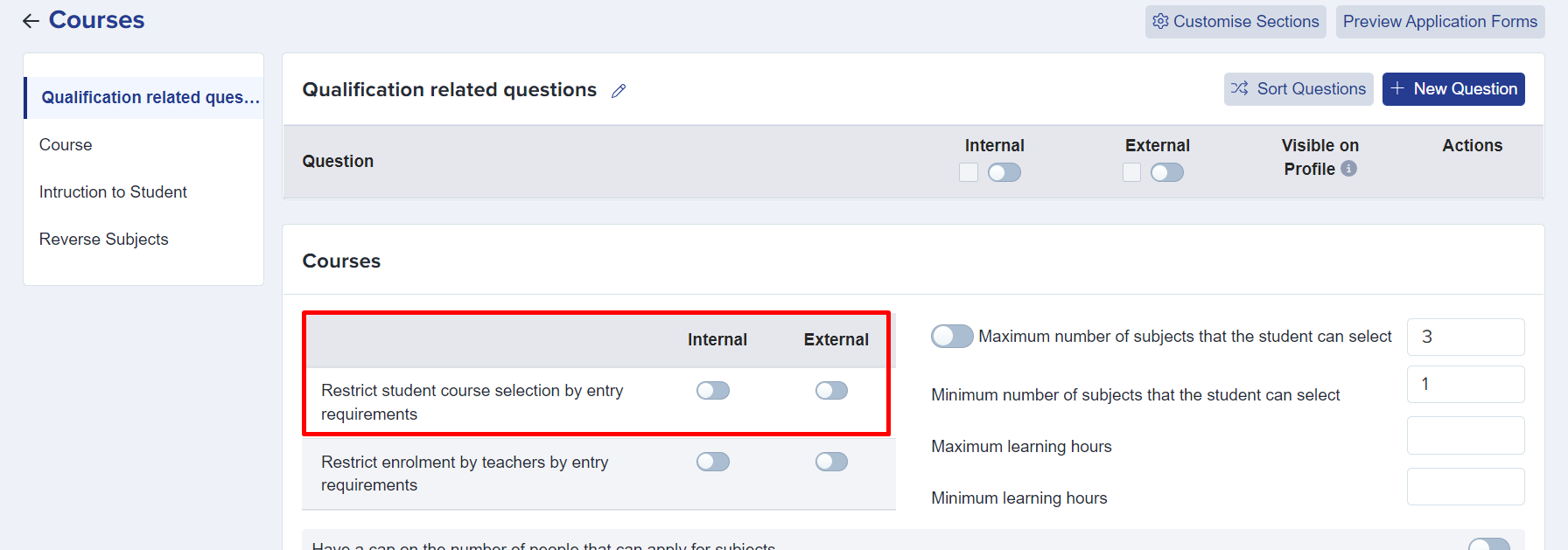
You can switch it on and off for internals and externals independently.
Let a teacher enrol a student who does not meet the requirements
The setting above controls the applicant. A separate setting controls the teacher.
Go to Settings > Enrolment Navigator.
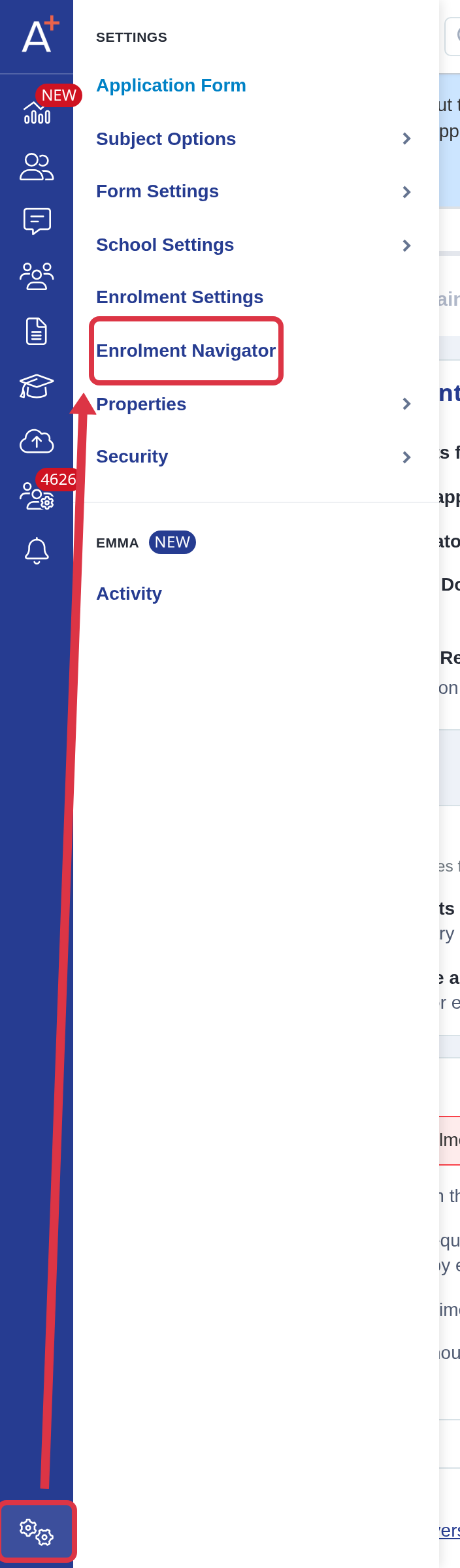
Open Grade Requirements. Under Teacher Course Enrolment Restriction, select No for internal or external students, as required.
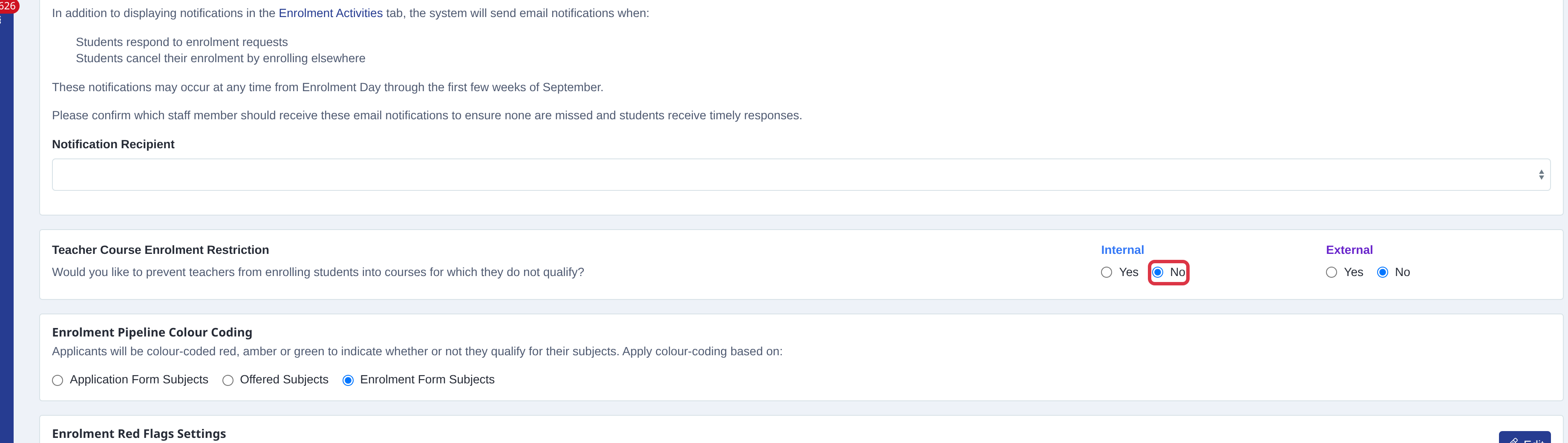
With No, a teacher can add a subject when the student does not meet its entry requirements. Select Yes when a teacher must not add a subject that fails the requirements.