
You can control the application form types that each staff member can use. This control can hide a Year 7 form even when the staff member has the correct role.
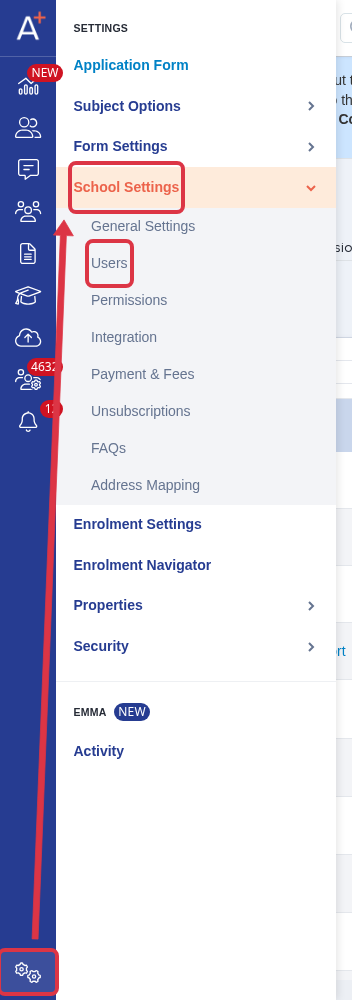
Go to "Settings" > "School Settings" > "Users".
Open the staff user's edit form. Under "Form types they can access", select "all" or "specific".
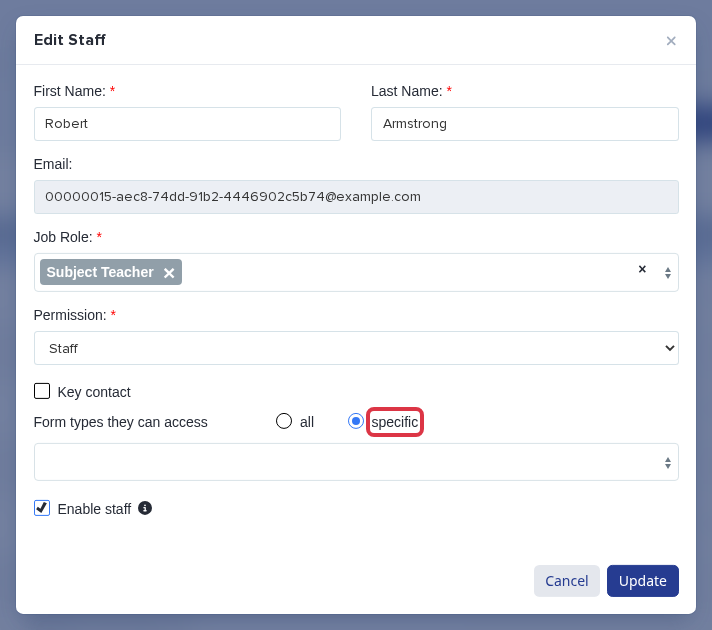
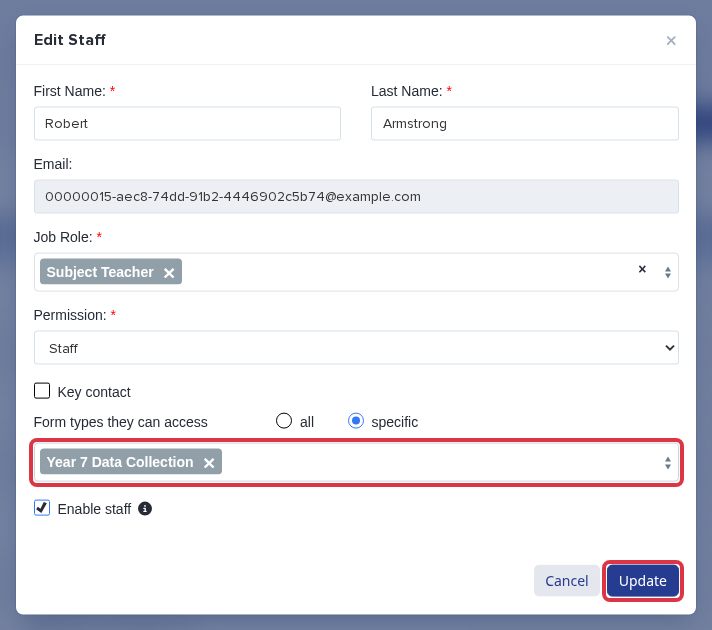
If you select "specific", choose each form type that the staff user needs. Select "Update" to save the change.
- "all" gives the staff user access to every application form type.
- "specific" gives the staff user access only to the form types that you select.
- For a Year 7 form, select "Year 7 Data Collection". This access applies to all forms of that type, not one academic year only.
- The staff role still controls the actions that the staff user can do after they open a form.
If the correct form type is selected and the form is still unavailable, ask a school administrator to check the staff role.