
Use the standard Gender question in the Basic Details step when you prepare an applicant for a SIMS transfer. The standard values are Male and Female.
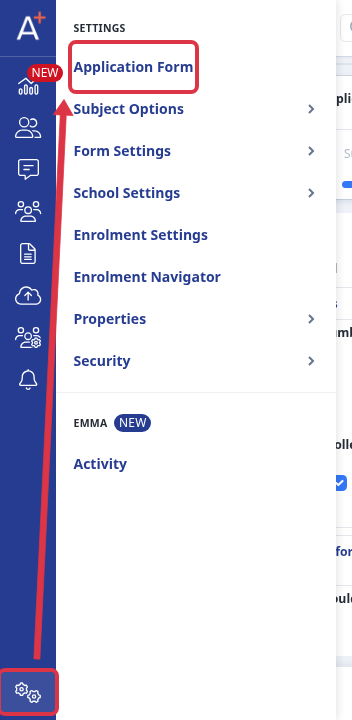
Go to Settings > Application Form and open the Basic Details step for the application form.
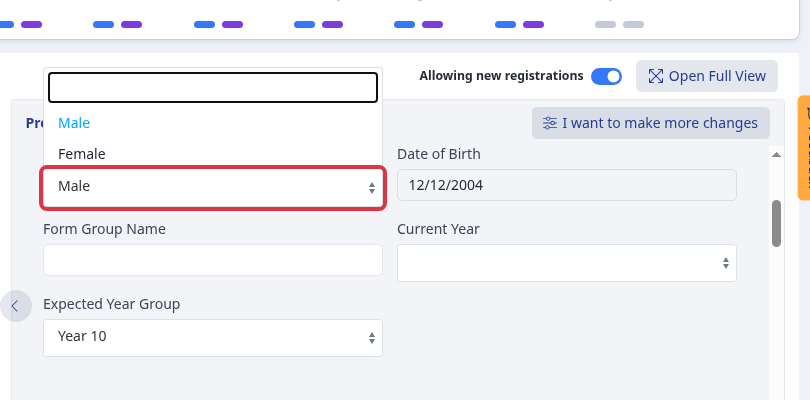
In the Basic Details preview, open Gender. Select Male or Female. Admissions+ sends the selected Gender value with the student's SIMS data.
Questions staff ask
Which Gender values transfer to SIMS? The standard Basic Details Gender question has two values: Male and Female. Both transfer when you transfer the student to SIMS.