Students receive the meeting invitation via email.
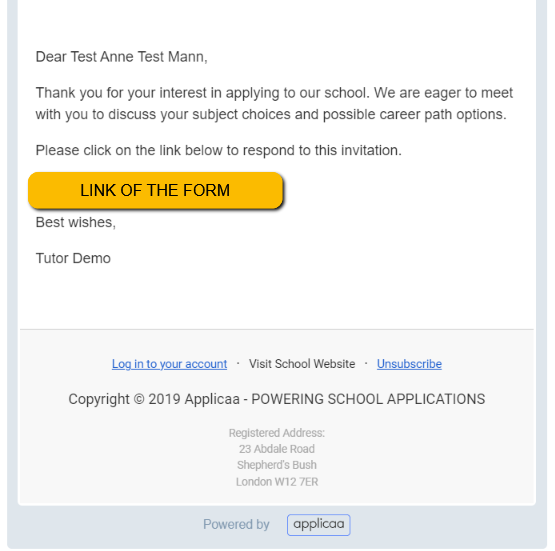
Students click on the link in the email and will be routed to the landing page. They log in and should see the invitation.
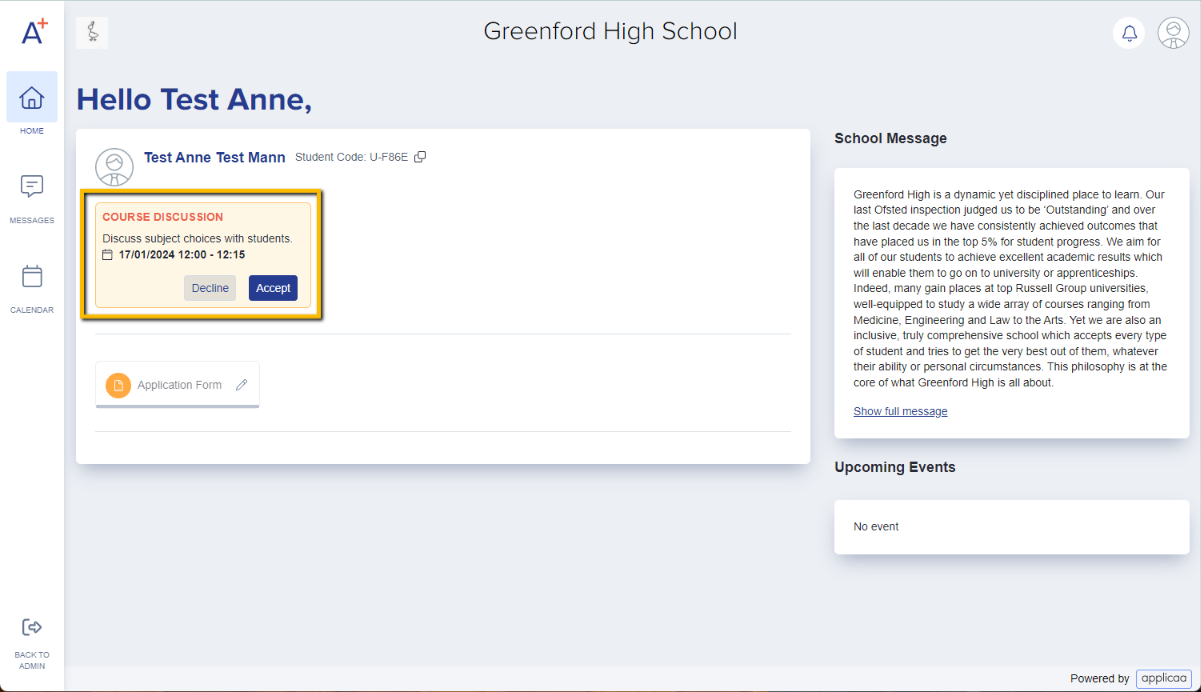
If you allocated time slots to students, they can accept or decline the meeting invitation by clicking on the button accordingly.
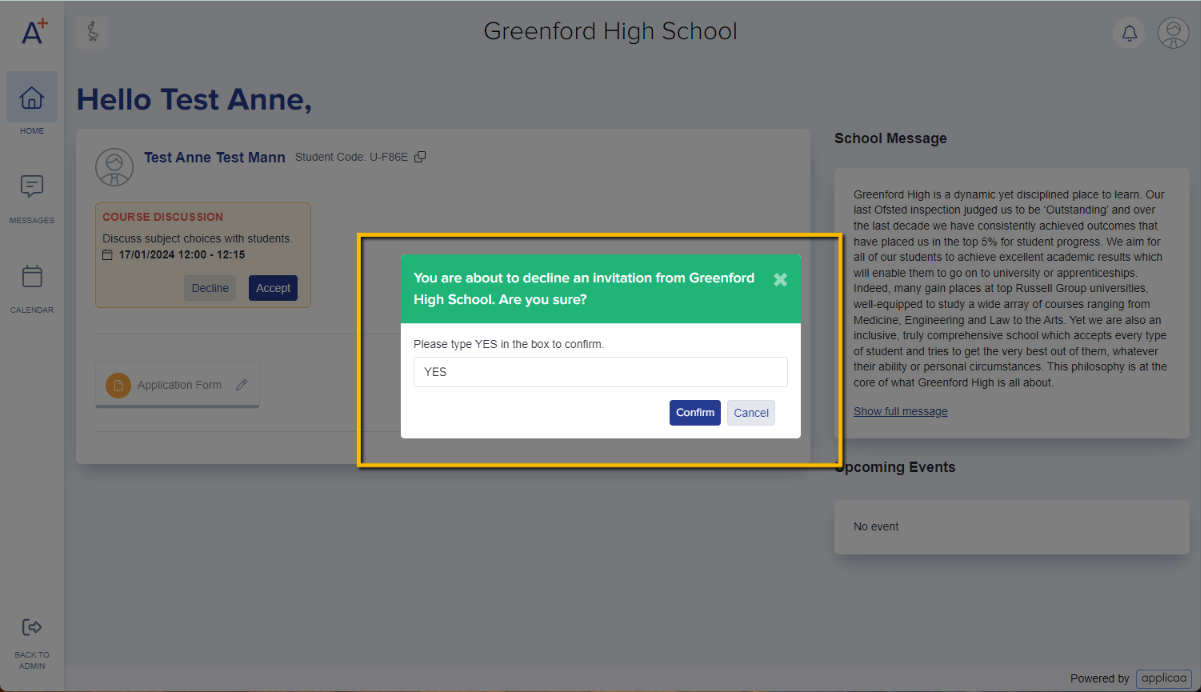
When they click on Decline, there will be a pop-up message confirming the action. They will need to type in YES to confirm.
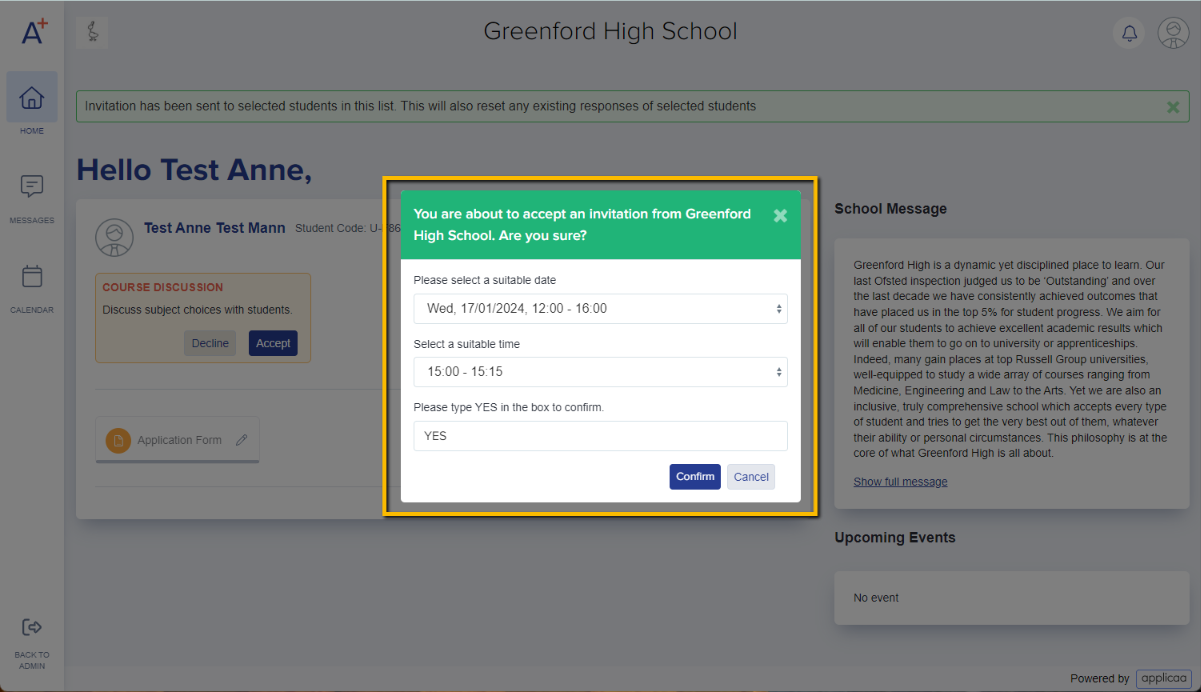
If they decide to accept and click on the Accept button, a pop-up message will show with the details of the meeting (session & time), and will also need to type in YES to confirm.
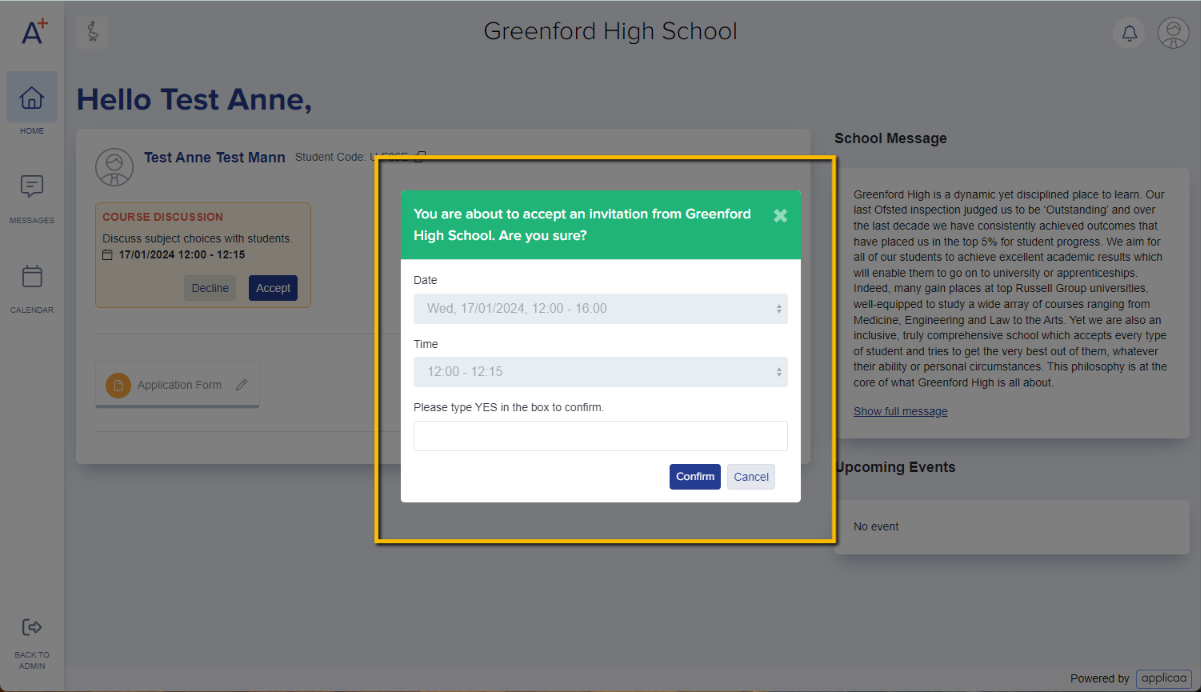
If you have set your meeting to allow students to choose their preferred time slot, they will be asked to select the session and time when they click on Accept.