
How to export all students' bursary requests
This article will guide you on how you can export the students' bursary requests.
To do this, on your dashboard, go to the 'Requests' tab or navigate by clicking on your Settings > Bursary > Requests.

This will then show you your list of students who have submitted a request. You may then select the student by clicking on the tick box on the left and then click Export to choose to export them via Excel or CSV.

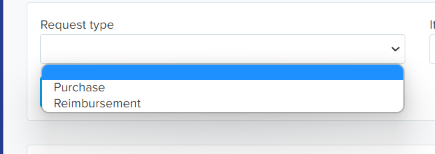
You may also filter the students by their Request Type,
Item,

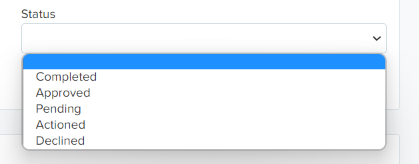
Or by their Status:
You may also use the search in table field to look for a particular student and export their requests.

Was this article helpful?