
How to Edit Details on Behalf of Students/Parents
This article will show you how you can edit the details on behalf of the student/parents.
There are two ways to edit a student's data.
First, is by impersonating a student:
Go to Student profile and click the "Impersonate" button

Click the update button.

Fill in the text boxes.
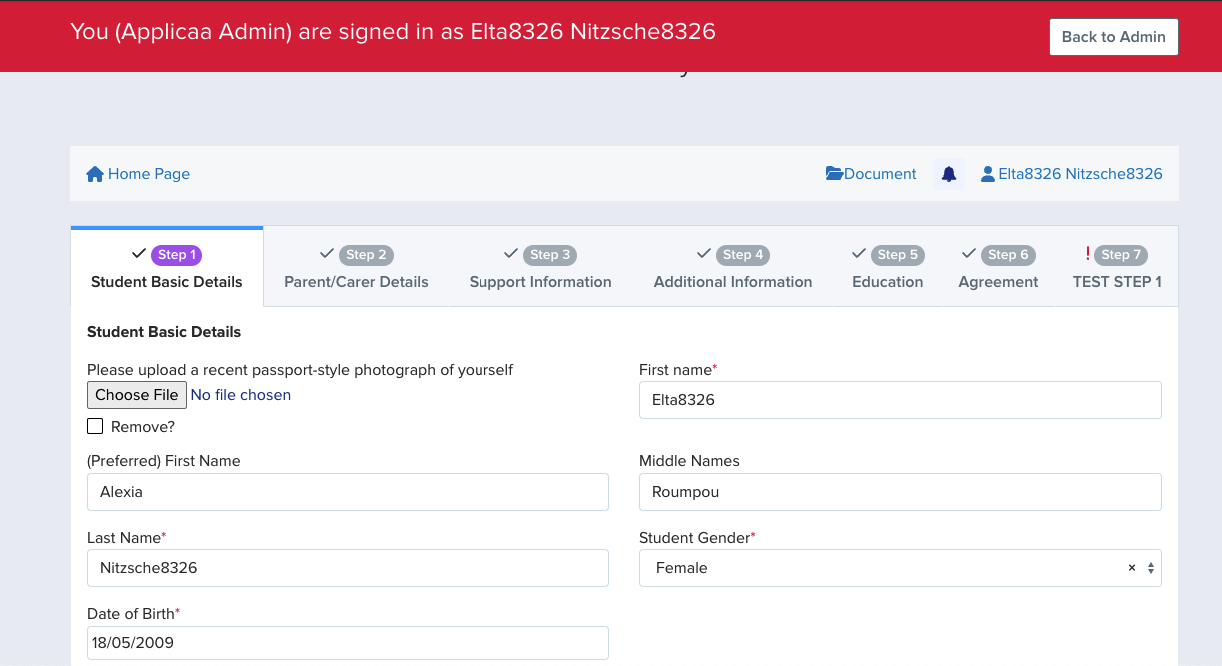
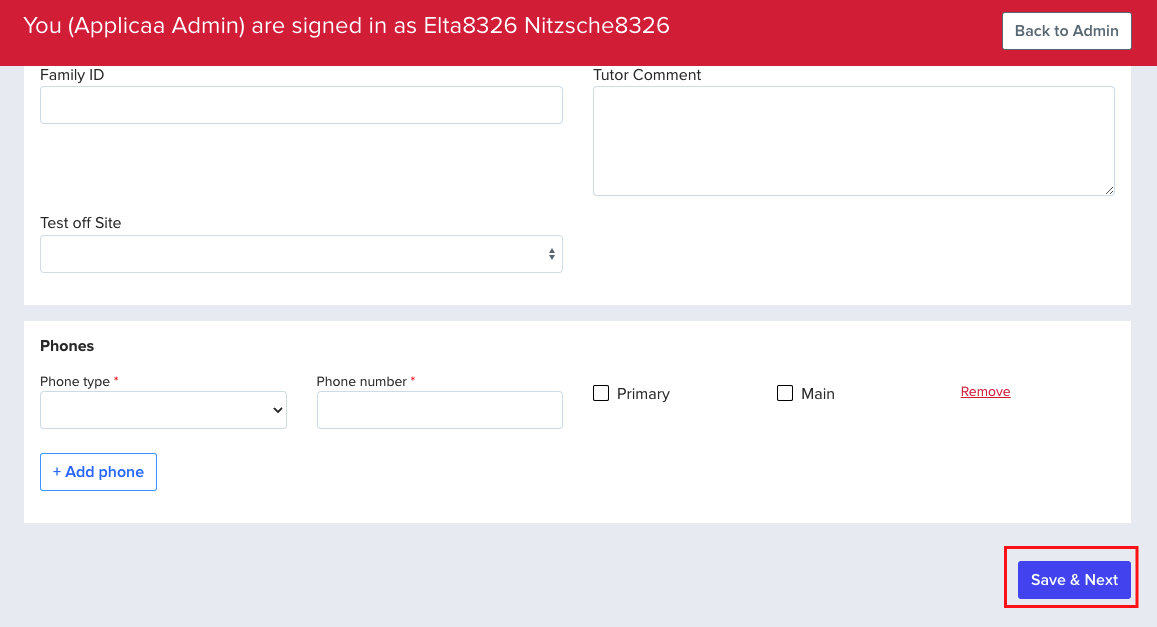
Click "Save and Next" button to turn into Step 2.
Second is by going into the student's profile to update the information on the Application form tab. You can find this by clicking the application form button of the student's profile.

All the fields on the application form will appear here as long as the "visible on student's profile" button is toggled on in the application form.

To make any changes, just click on the field and click on the checkmark once done.
Was this article helpful?