
How to update the menu colour of your bursary system
This guide will tell you how you can update the colour branding of your bursary system, to match the theme of your school
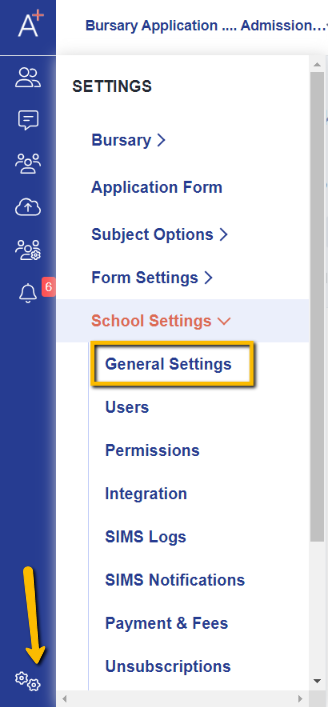
First, please go to Settings > School Settings > General Settings.
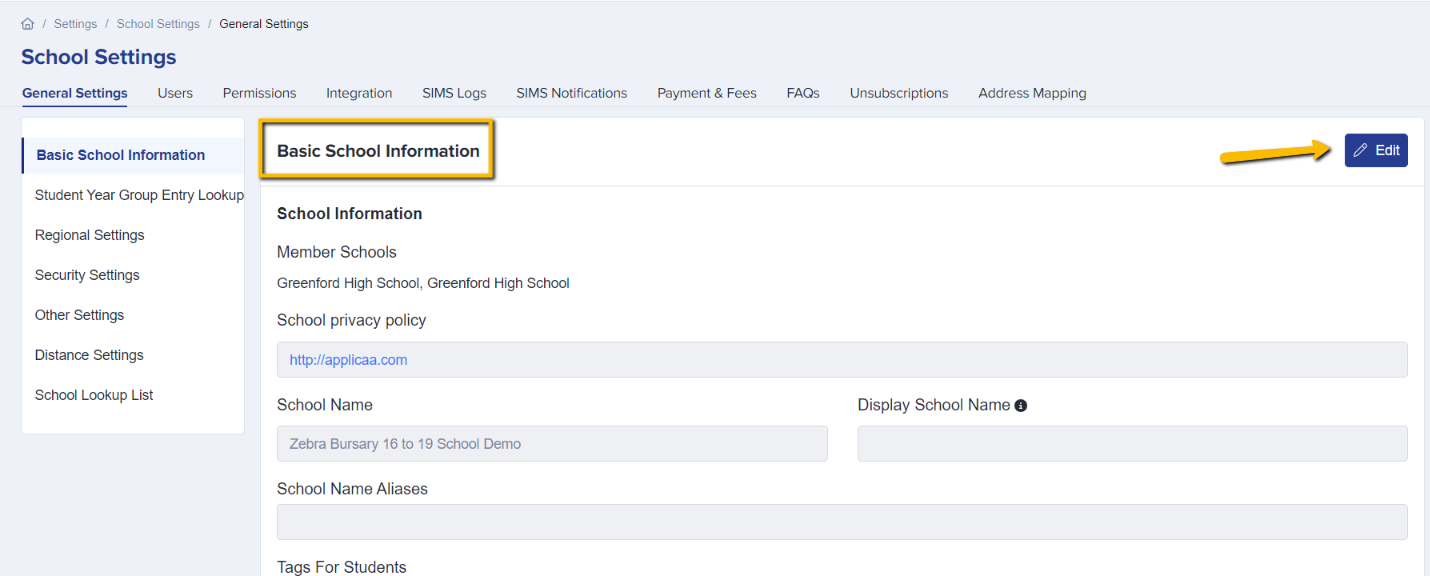
Under General Settings you'll see the Basic School Information area and you will need to click "Edit."
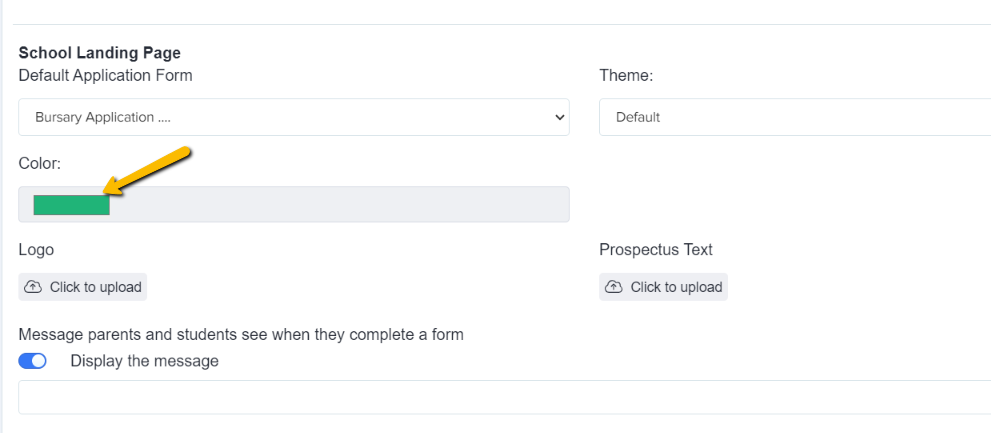
Please scroll down to see the "Color" tab where you can choose a colour; this will be applied to any buttons and menus in your system.
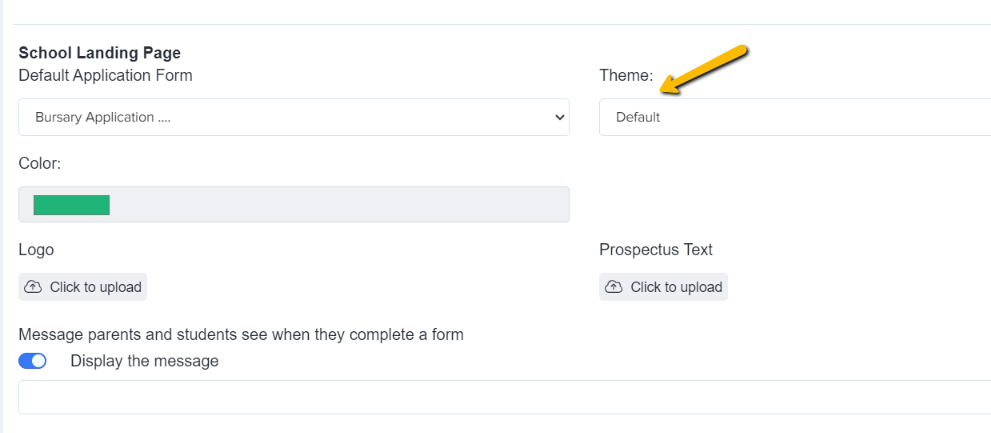
You can also choose a theme if you wish by clicking on "Theme".
Once you've chosen the desired colour for your system, please do not forget to click on Save so that changes will be applied.

Was this article helpful?