
On your dashboard you will see three tasks to complete - these three together will mark your profile as verified so students know that the information provided is complete and updated by your setting.
Add your logo -
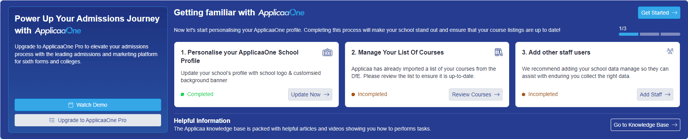
Manage your courses listing -
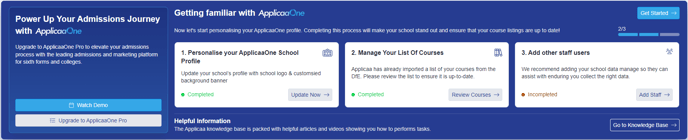
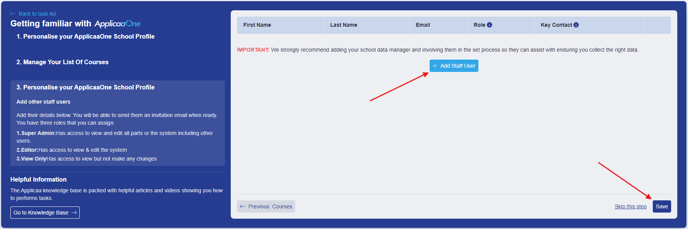
Add other staff users who can contribute to your profile and monitor the activities -

Once these steps are done your profile will be verified -
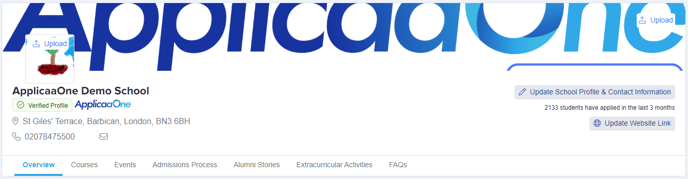
To make your profile stand out even more and to really showcase what your setting has to offer, see the Advanced Profile (yes, it's still free!)