
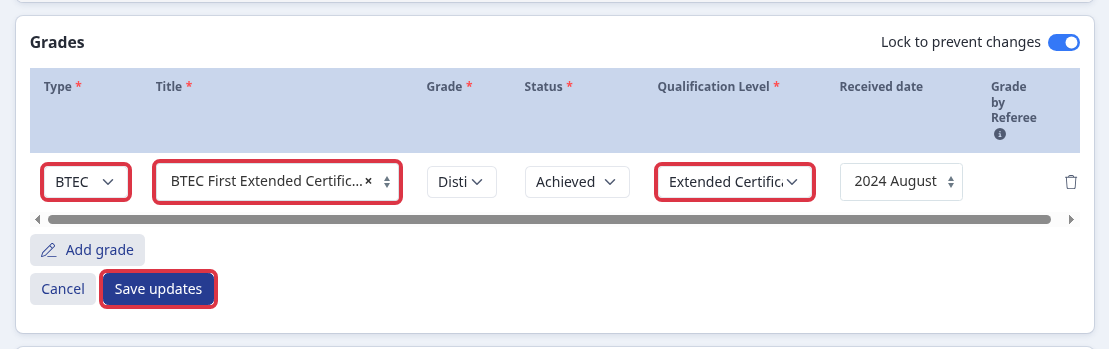
You can add an achieved grade when Further Maths is absent from the GCSE title list. You can also record a BTEC First Extended Certificate as one grade row. The system counts that row as two awards.
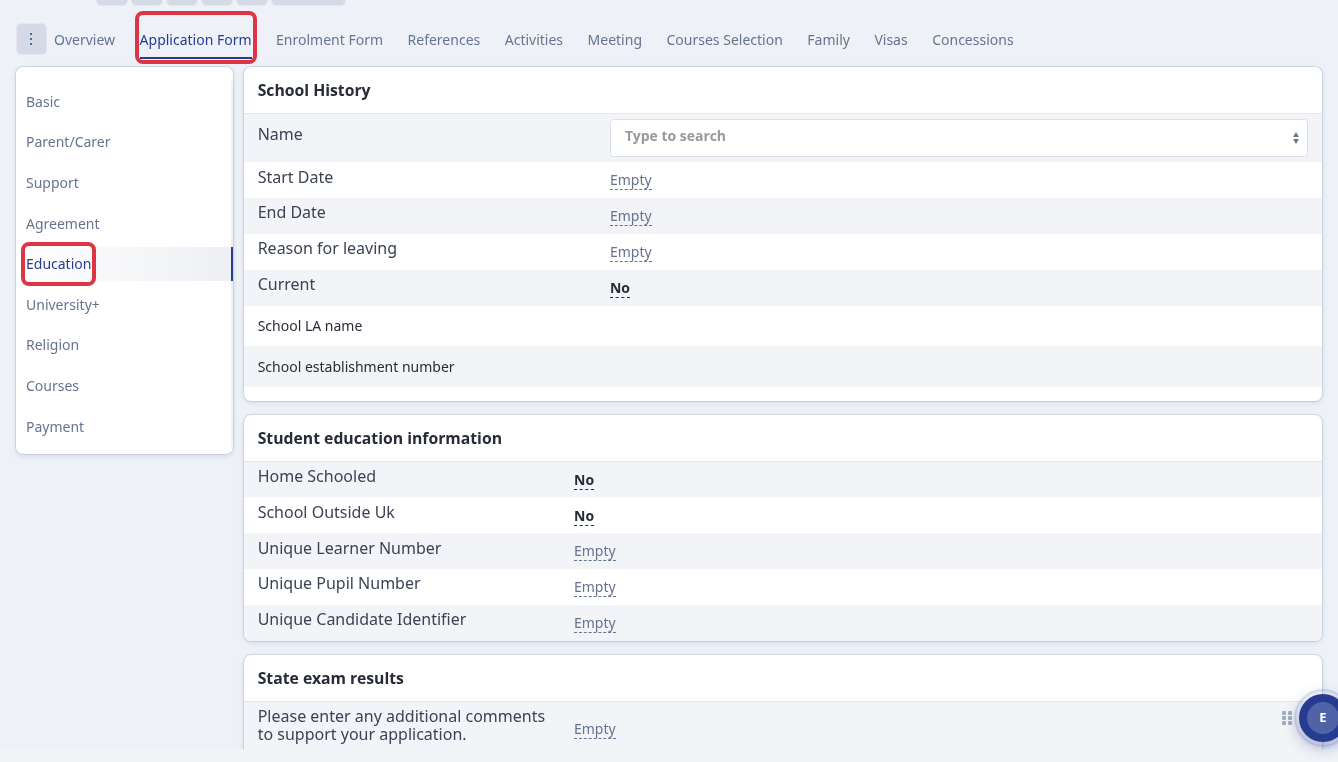
Open the student profile. Select "Application Form", then select "Education".
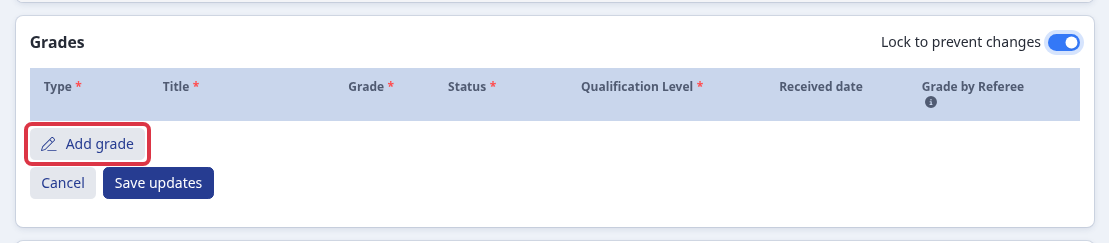
In "Grades", turn on "Unlock to make changes". The editable form replaces the grade list.

Select "Add grade". A new grade row opens.
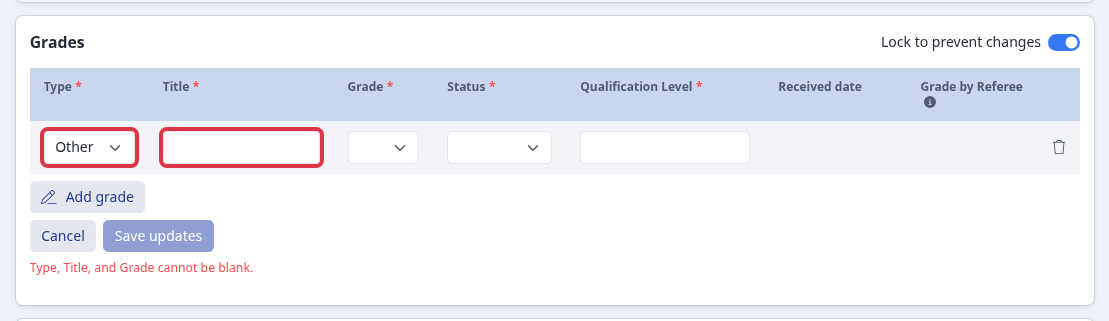
To enter Further Maths when it is absent, select "Other" in "Type". Enter "Further Maths" in "Title", then select the grade, "Achieved", and the received date.
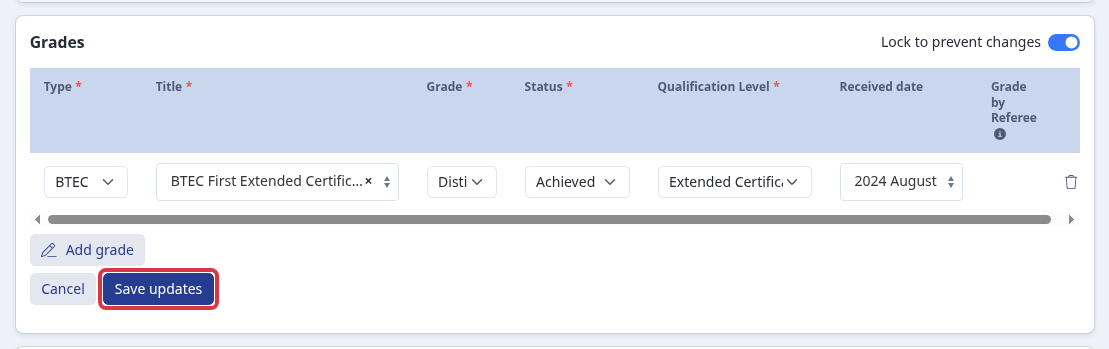
For a BTEC First Extended Certificate, select "BTEC", the certificate title, and "Extended Certificate". Select one grade, "Achieved", and the received date. Do not add a second row for the same certificate.
Select "Save updates". The page shows "Type, Title, and Grade cannot be blank." when you leave one of those required values blank. An achieved grade also needs a received date.
Questions staff ask
- If "Other" or "BTEC" is not available in "Type", ask the person who manages your application-form qualifications to enable it.
- A BTEC First Extended Certificate uses one grade row. The system counts the row as two awards.