
Use this guide when Parental Consent answers from an Admissions+ application do not appear in Bromcom. It explains the consent-name check and the safe next step for applicants who were already exported.
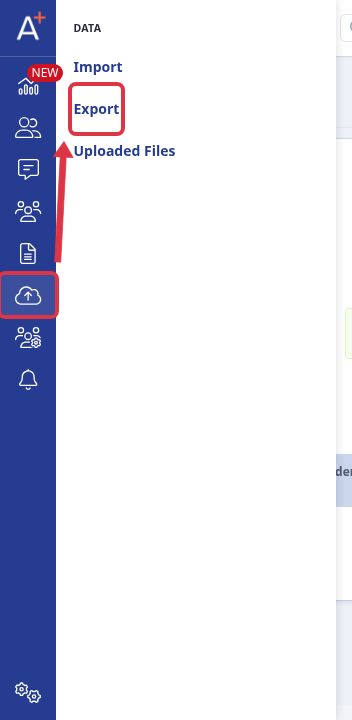
Go to "Data" > "Export" for the application form that contains the affected applicants.
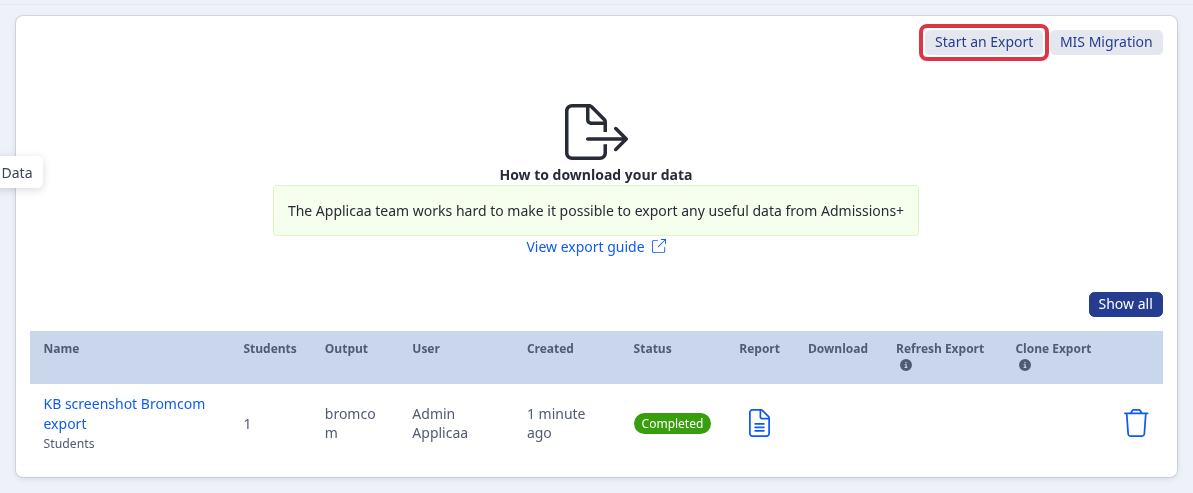
Select "Start an Export" to create a new Bromcom export for the affected applicants after you correct the consent setup.
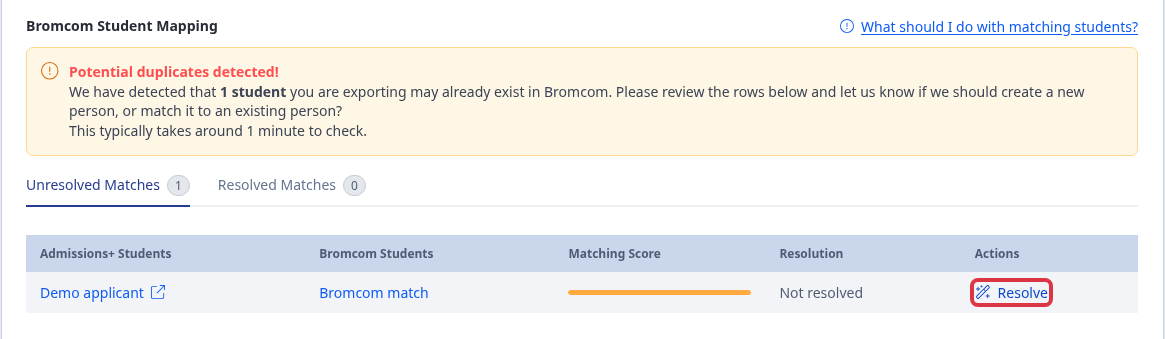
When the new export finds a possible Bromcom match, select "Resolve" to review the applicant before the export continues.
Check the parental-consent setup
- Admissions+ sends values from the "Parental Consent" field through the Bromcom parental-consent mapping.
- Each selected Admissions+ consent value must match a Parental Consent Type in Bromcom. A value with no matching Bromcom consent type is not included.
- A medical consent recorded in another application-form field is not a Parental Consent value. Check that it is collected in "Parental Consent" when you expect it to use this mapping.
When the applicant was already exported
A Bromcom applicant who is already on roll is not sent again. The export response says that the applicant was not sent again and names "Export as new student" at the student-matching step.
"Export as new student" creates a separate Bromcom pre-admission record. It does not update the existing Bromcom record. Use "Merge" only when the existing Bromcom record is the record that you intend to update.
Admissions+ has no bulk retrospective correction for affected applicants. Correct the consent setup, then review and send each affected applicant through a new export.