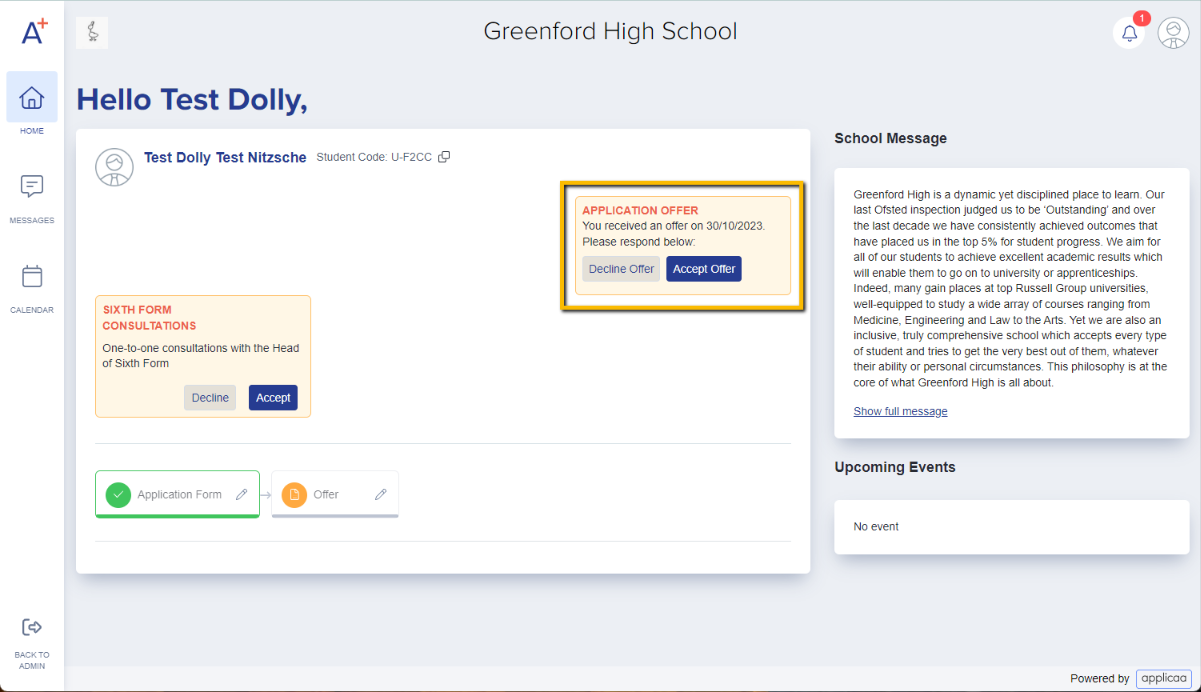
Once you have made an offer to an applicant, they can reply to this by accepting or declining
Once a student has been made an offer, they can log into their application and respond to it by clicking either "Accept Offer" or "Decline Offer".
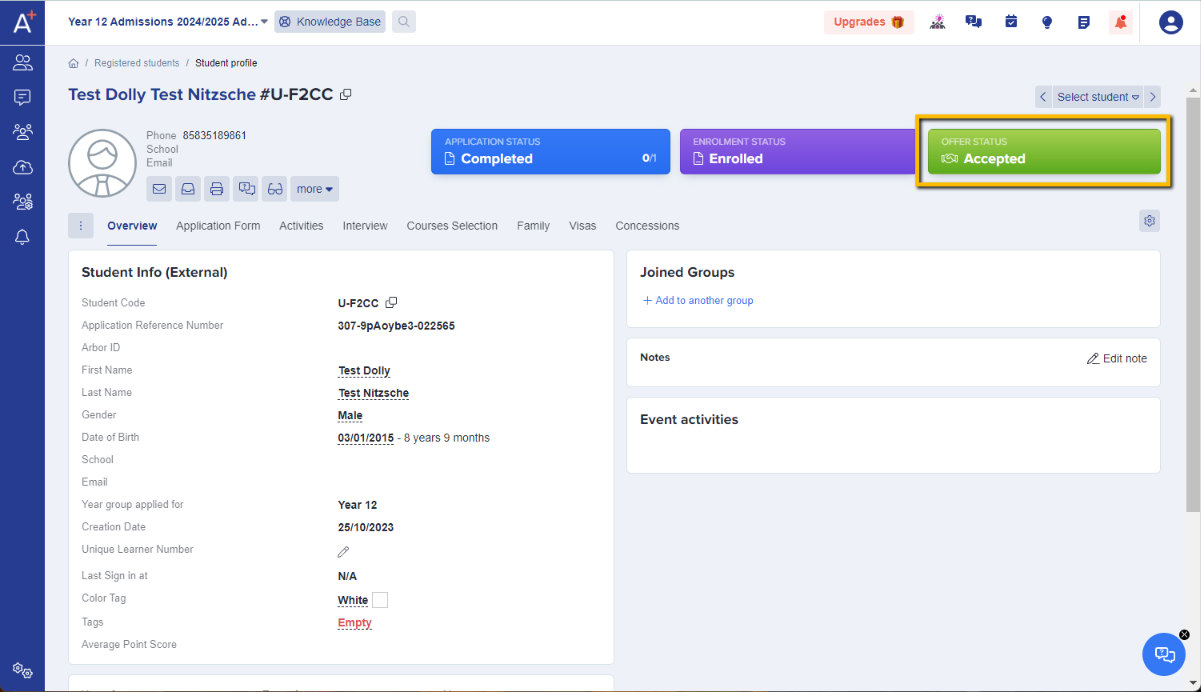
If they accept, this will update their offer status to "Accepted" on their profile page and on the admin side of the system as well.
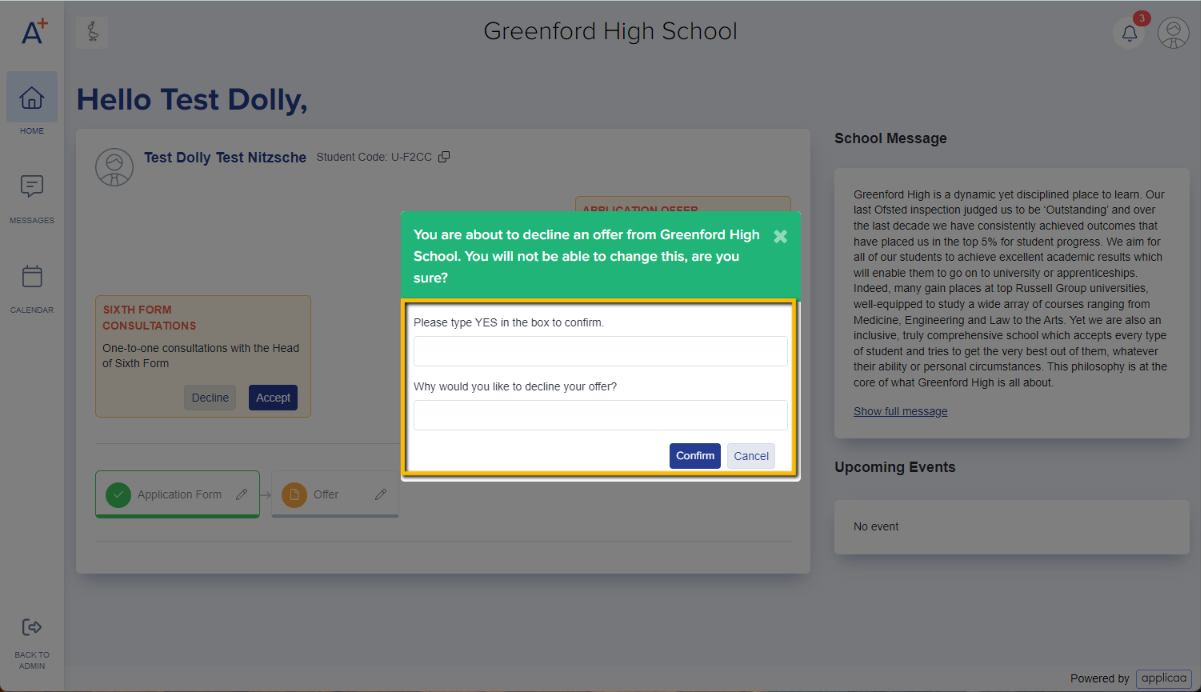
If they decline, they will see a box asking them to input a reason and their status will then show as "Declined". You will be able to view the reason on their profile from the staff side of the platform.
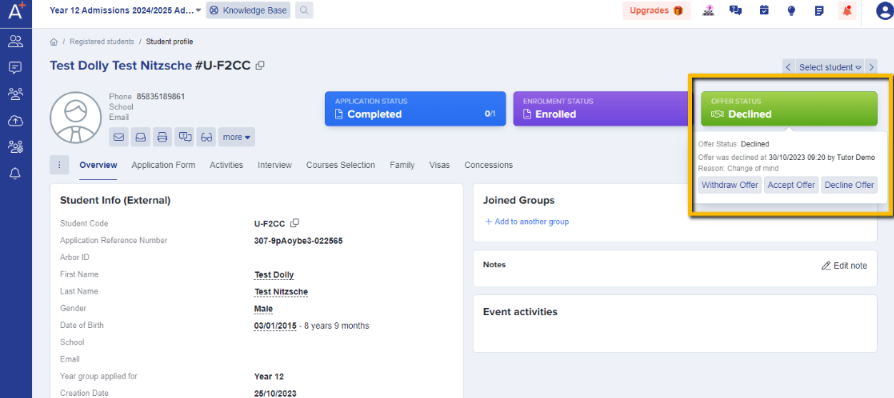
When you decide not to make an offer
In the application form's "Registered Students" list, select the applicant and select "Change Offer Status".
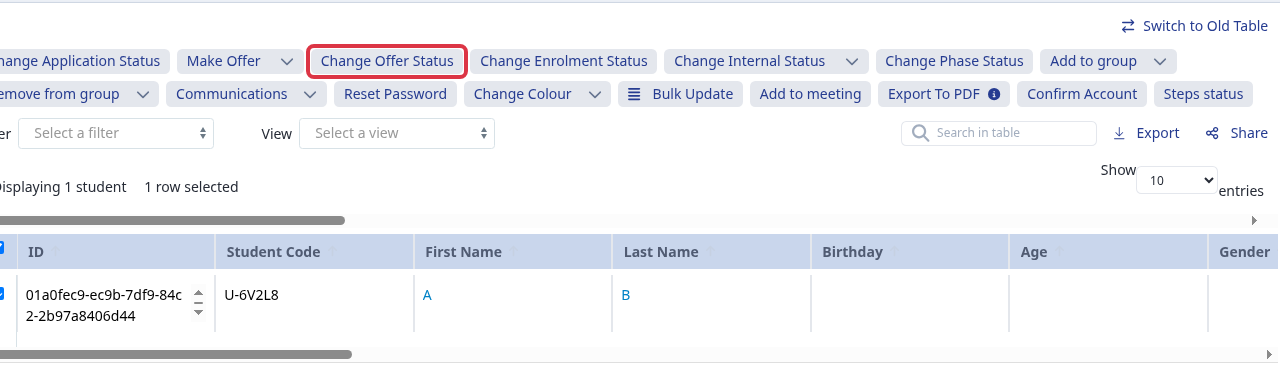
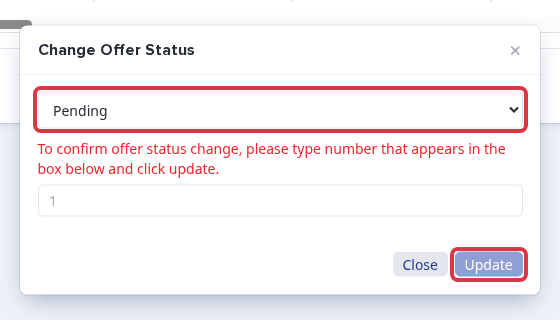
Choose "Pending", type the number that appears, and select "Update". This removes the current offer, so use it when you decide not to offer a place.
What "Confirm these details" does
On the applicant profile, select "Application Form", review the section, and select "Confirm these details".
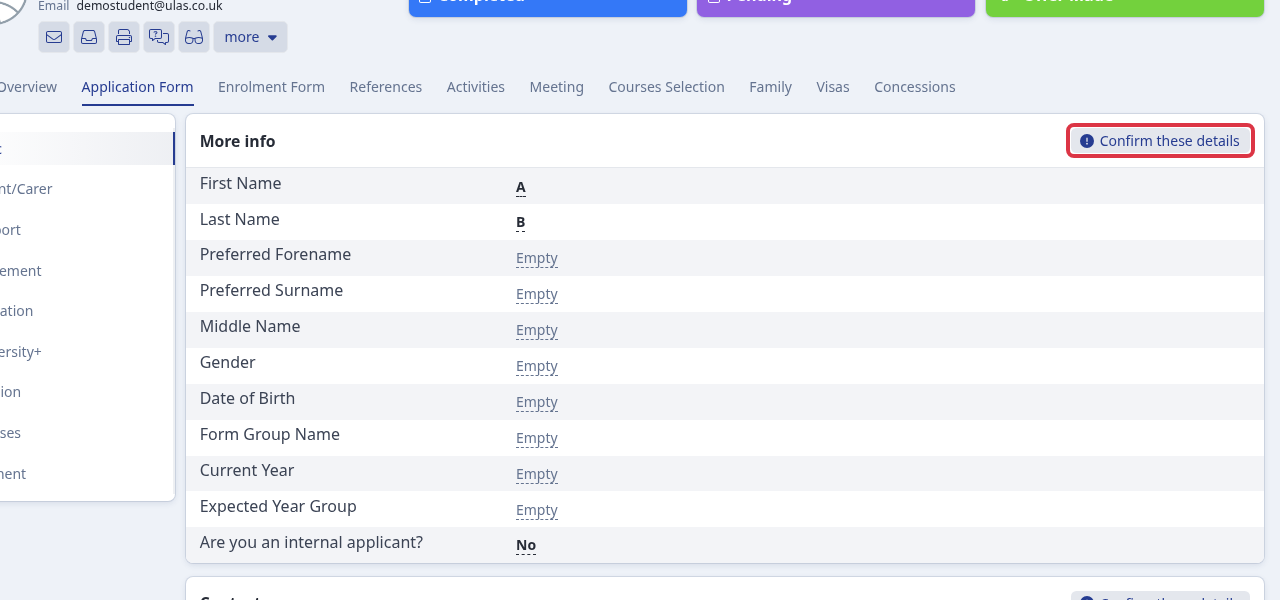
This marks that section as checked. When all required information is checked, the applicant moves to "Ready to Enrol" unless they are already enrolled. In the Education section, select at least one evidence type first. Otherwise, you see: "Please check at least one of 4 options".
Check evidence of an offer chase
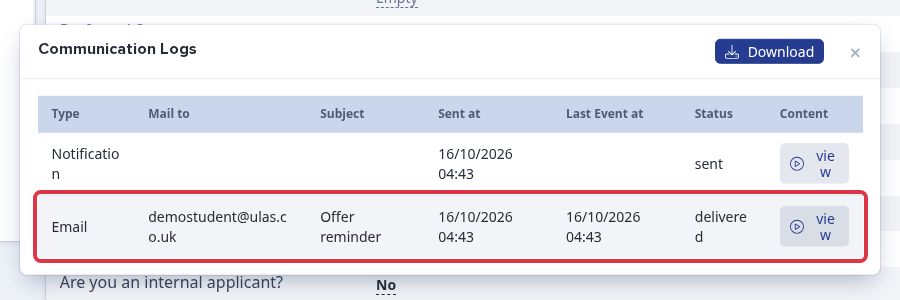
On the applicant profile, select "Communication logs".
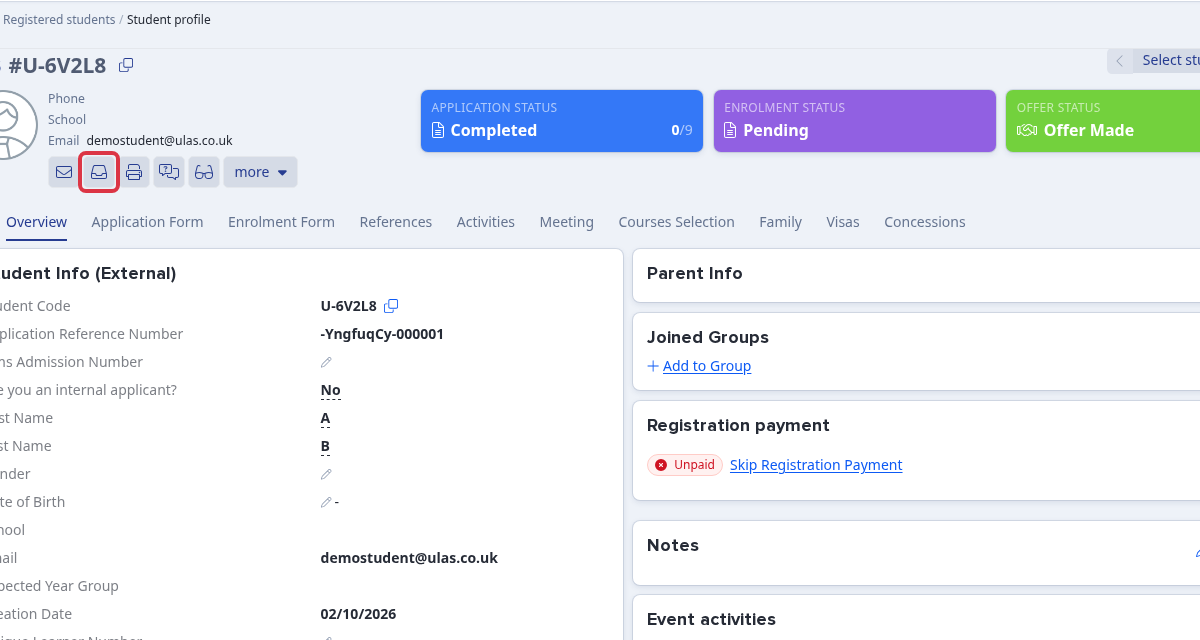
Review the reminder email row. Its subject, sent time, last event time, and status show the evidence of the chase and its delivery result.