
1
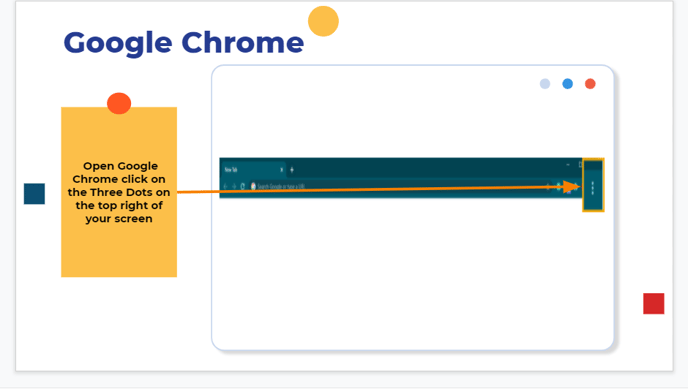

Step 1: Open Google Chrome click on the Three Dots on the top right of your screen
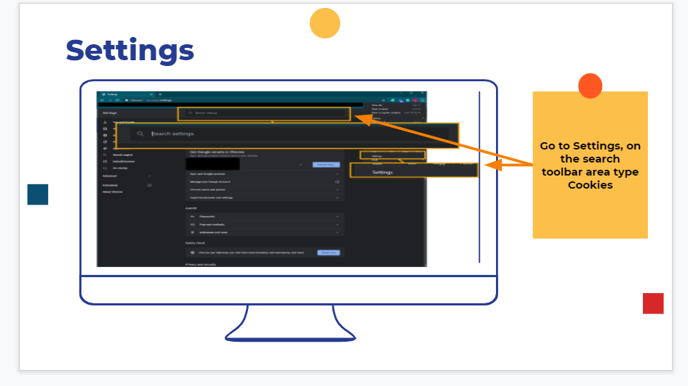
Step 2: Go to Settings, on the search toolbar area type Cookies
Step 3: Scroll to the bottom of the page and select the last option 'Clear browsing data'
Step 4: Click on Time Range, select last hour, tick all boxes and click Clear Data
Step 5: Once you clear your Data close the browser and reopen Google Chrome
This will solve most issues with cookies