
You can edit a student's application on either the student's profile page or by impersonating the student.
How to edit the students information on their student profile:
Search for the student by the search bar at the top of the page

Or you can find the student by clicking into Registered Students and then typing in the "Search in table" field for the student you need. Once you have found the student, you can click on their name, in blue, and it will take you through to the student profile:

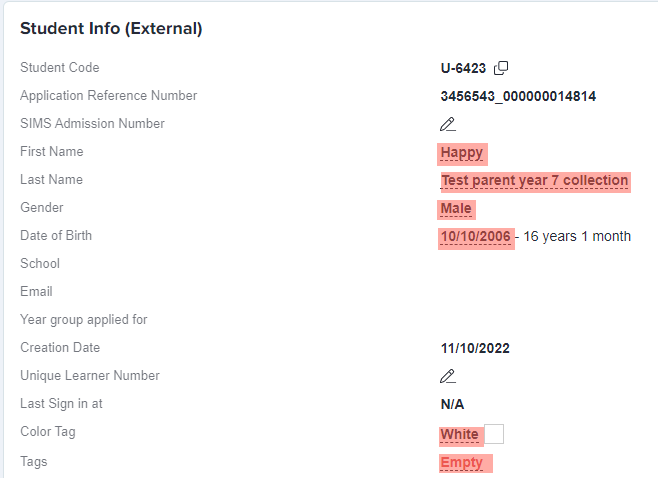
On the student profile you will be able to see information for the student. You will be able to edit any property fields that have a black dashed line underneath the information, including "Empty" fields:
How to change the students information by impersonating:
You will need to click on "Impersonate" on the student profile:
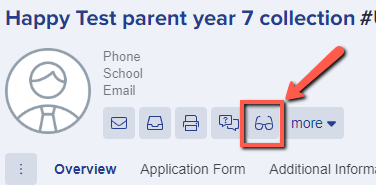
You will then be redirected and will be viewing the page as the student or parent will see it.
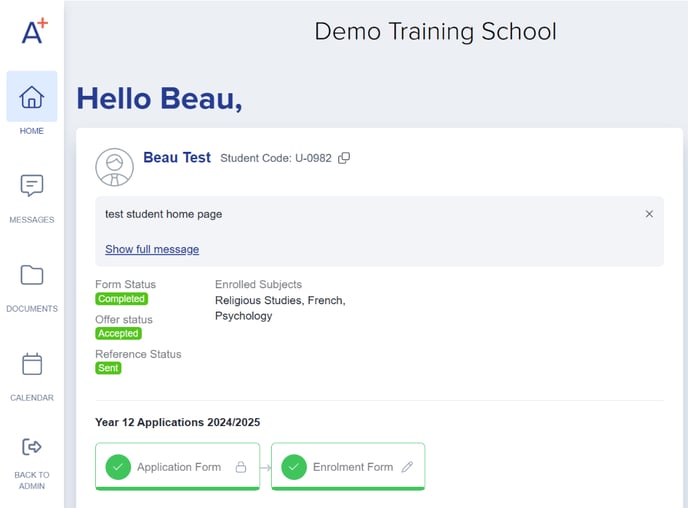
Select the form you would like to edit, and click the update button on the pop up.
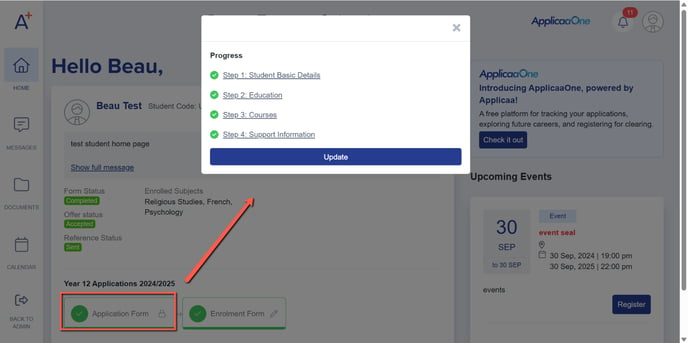
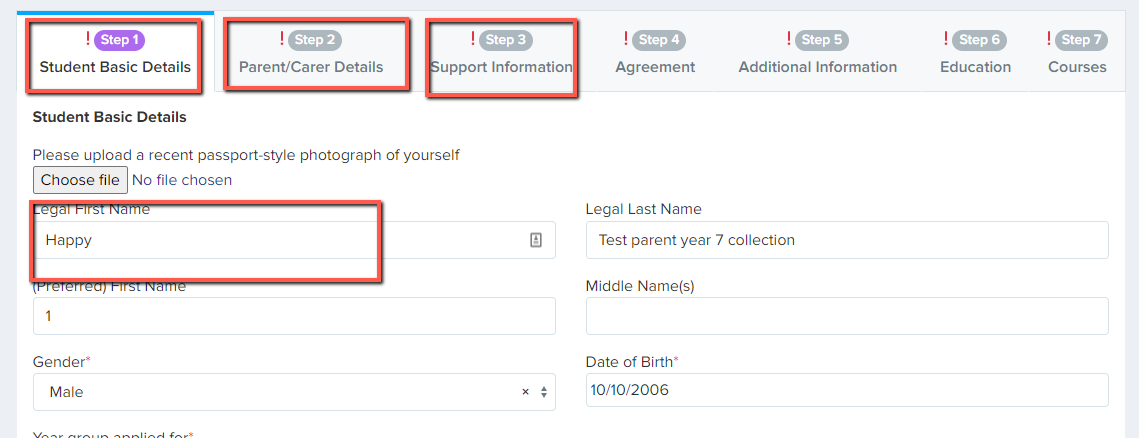
You can click to select the step that you need to edit details in and then go ahead to type in the fields as the applicant would be able to:
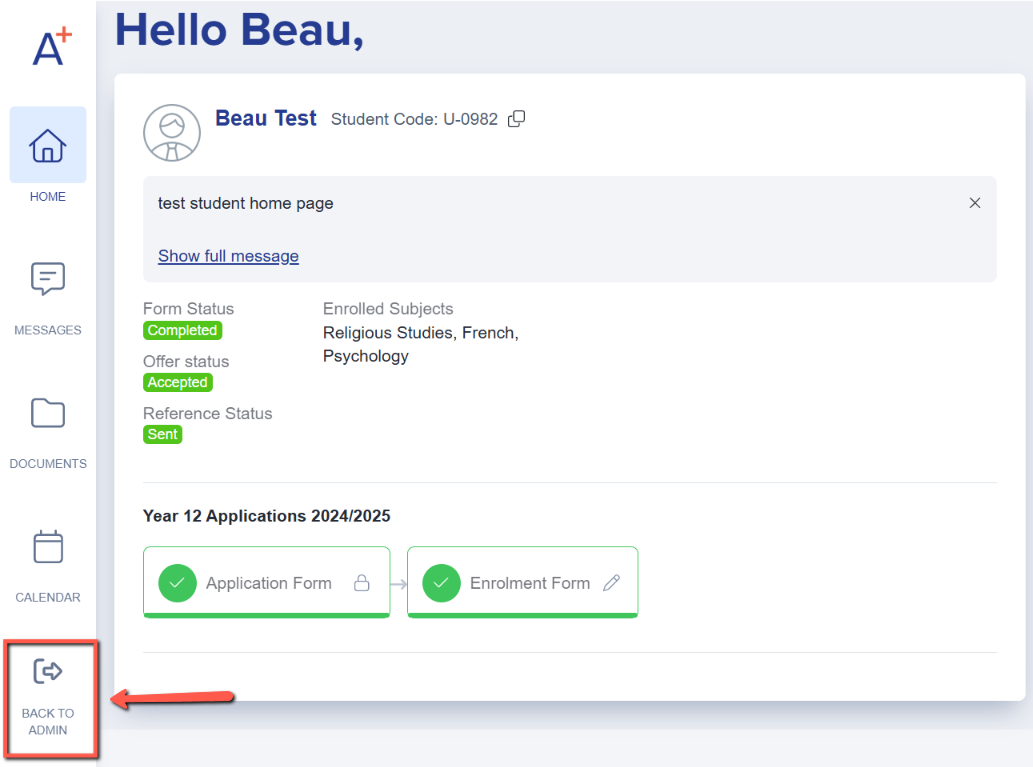
When done editing the forms, and would like to return to the admin view, click on the back to admin button.
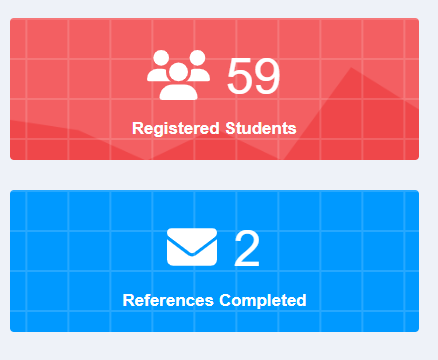
You can also bulk update student information from the student information table in each filter view. You can click into any dashboard card created, for instance Registered Students
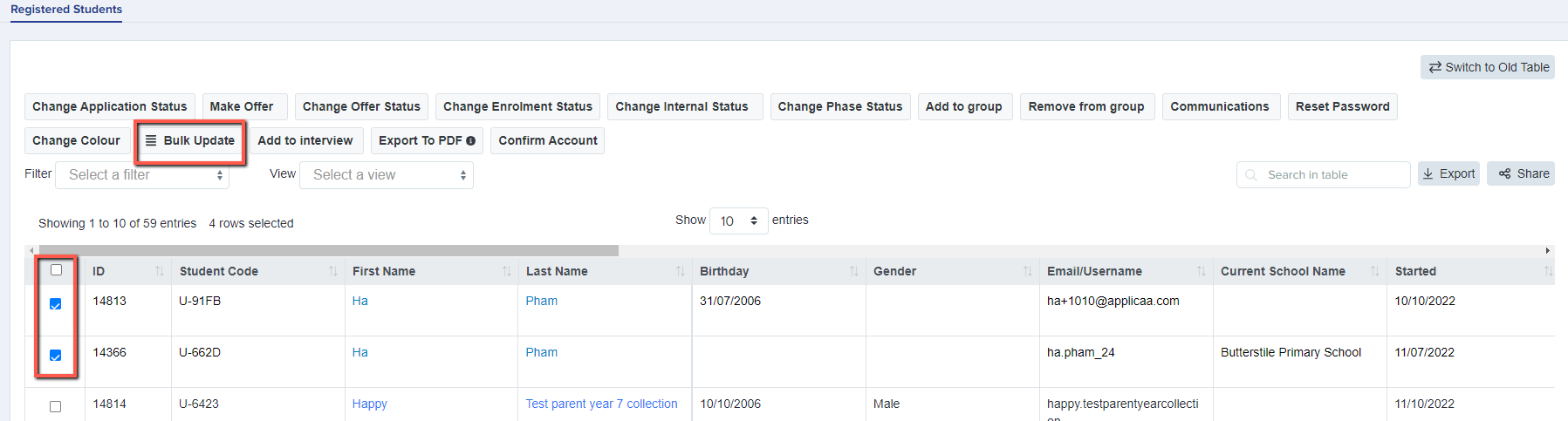
You can then see the students that have been grouped by that filter. To see the action buttons for the students you will need to select the students you want to change details for and click on "Bulk Update"
You will then need to select the property that you want to update for the students and the value that it needs to be:
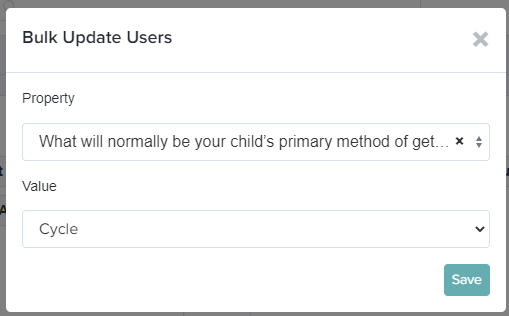
Please note: This will only update properties on the form that have lookups so is not available for all questions.