
You can change the message that families see after they submit an embedded enquiry form. You can also change the separate email reply and return to the enquiry overview.
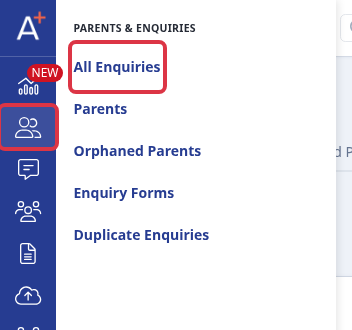
Go to Parents & Enquiries > Enquiry Forms.
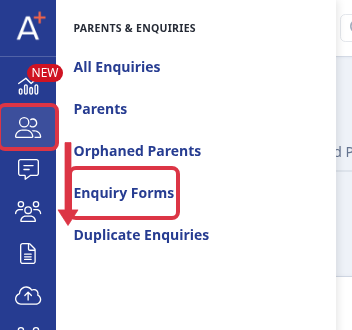
Open the form you embedded. For a form that gives a file, select Content offer and edit Completion message. For a registration form, select Registration and edit its Completion message. The form saves the change when you change the field.
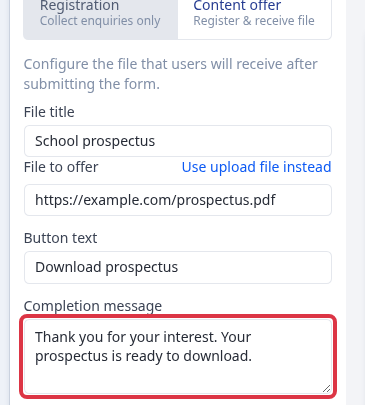
The completion message shows on screen after submission. It does not change the automatic email reply.
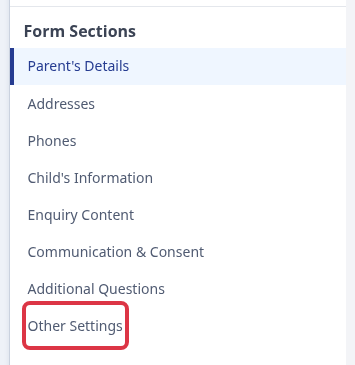
To change the automatic email reply, select Other Settings in Form Sections.
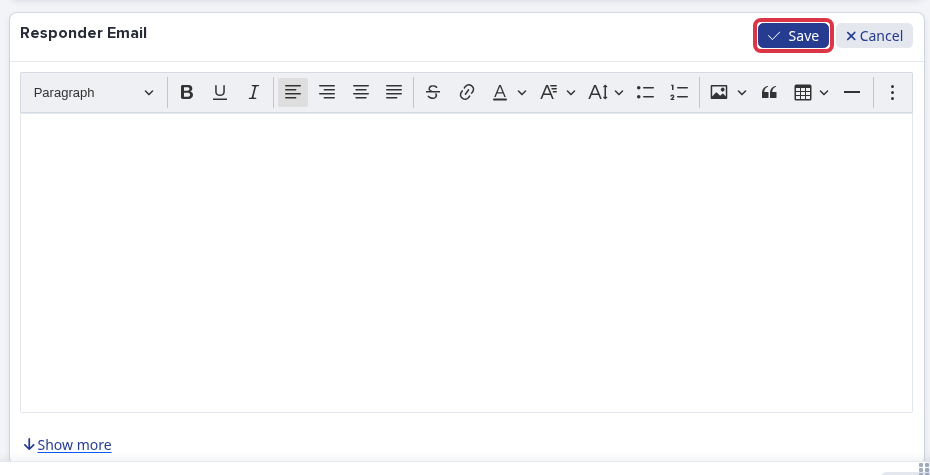
In Responder Email, select Edit, change the email text, then select Save. Admissions+ sends this email only when the form has responder-email text and the submitted record has an email address.
To return to the enquiry overview from the form editor, go to Parents & Enquiries > All Enquiries.
Questions staff ask
Why can an applicant appear as a lead when I search for a name?
Universal search returns people and saved enquiry records in separate groups. The same name can appear under both Student and Leads when both records match your search. A lead result does not change the applicant's status.