
Remove an enrolment tag from a student when you no longer need it on their enrolment card.
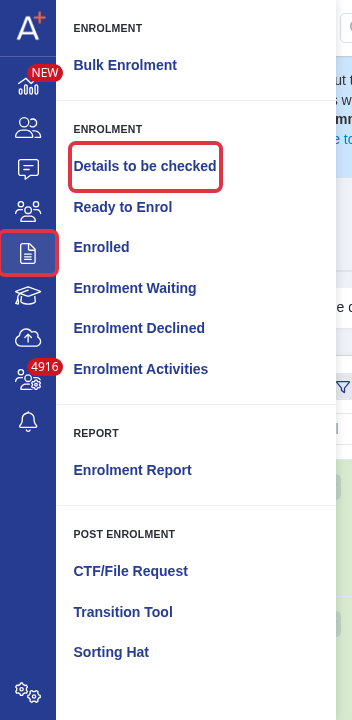
Go to "Enrolment" > "Details to be checked".
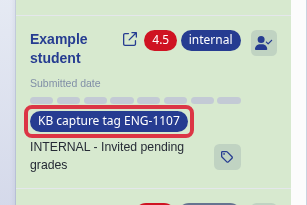
On the student's card, select the tag that you want to remove.
Select "Remove <tag name>".
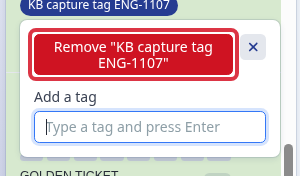
- This removes the tag from that student only.
- You can still use the tag on other student cards.
To create tags, apply tags, or filter students by tags, use the related article.