
Use the Meetings area to find slots for a staff member, identify slots without an attendee, and export the meeting records you need.
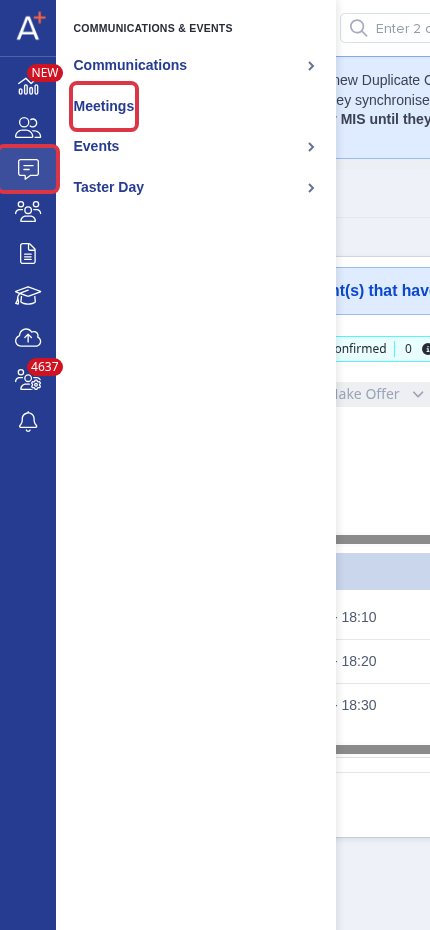
Go to Communications & Events > Meetings.
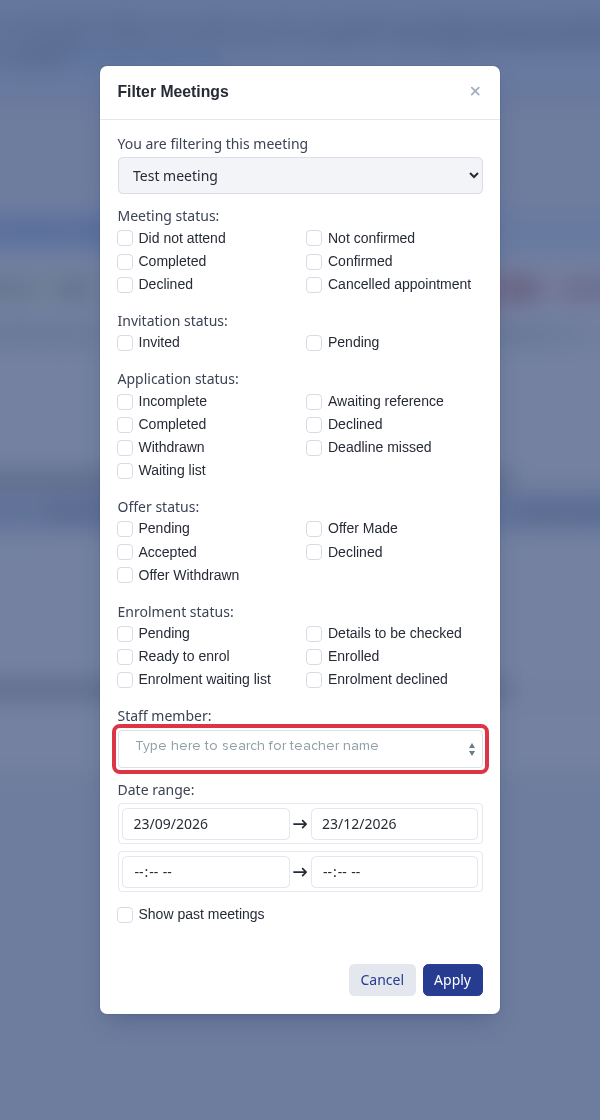
In the meeting slot table, use Filter Meetings, select a person under Staff member, then select Apply. Filter by your own name to find the slots assigned to you.
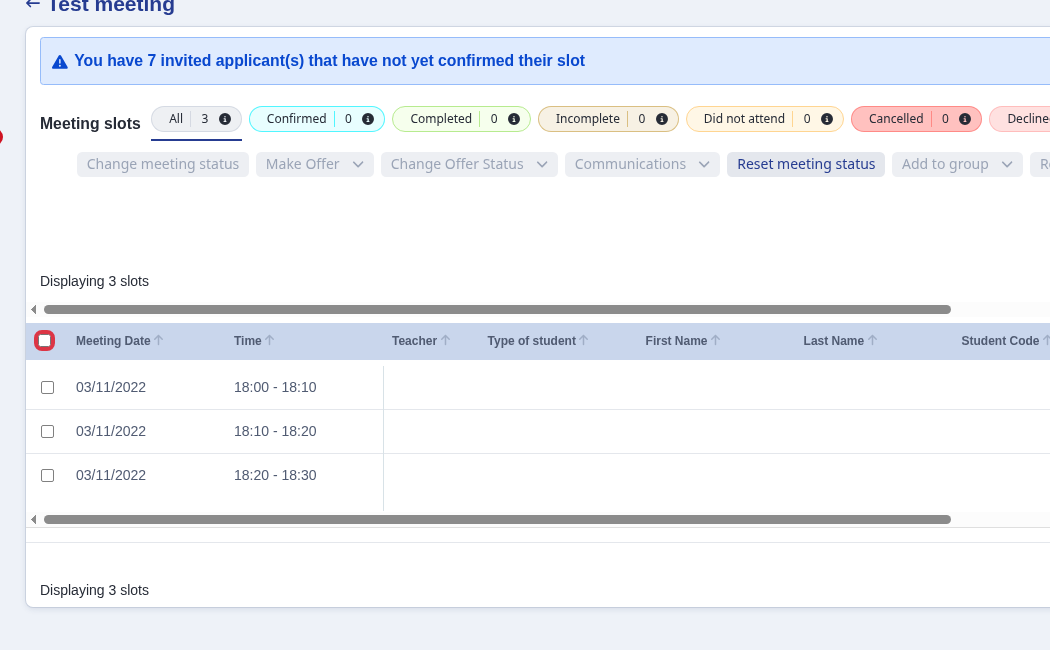
A row with empty First Name and Last Name has no attendee in that slot. There is no separate personal attendance list.
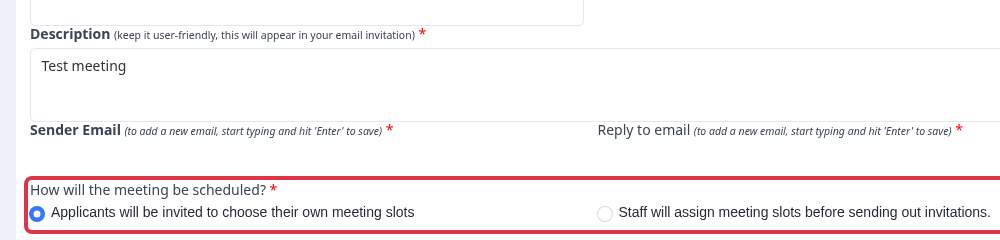
When you set up a meeting, select Applicants will be invited to choose their own meeting slots if invitees must select a date and time. If you select Staff will assign meeting slots before sending out invitations, parents do not select dates.
Select the rows that you want to export.
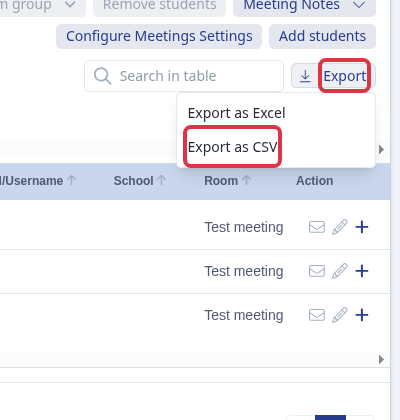
Select Export, then select Export as Excel or Export as CSV.
- Use the staff filter with a meeting status to narrow the slot table further.
- Ask Emma in the app if you need help with a meeting configuration.