
From a student's profile, you can export their application to a PDF by clicking the printer icon on the left of their profile. This allows you to save the PDF to your computer and/or print it as needed.

This opens the Print options window, which lists the built-in templates and any you have created. Choose a template and click Print as PDF, or use the preview (eye) icon to check a template first. To build your own layout, click + Create new template.
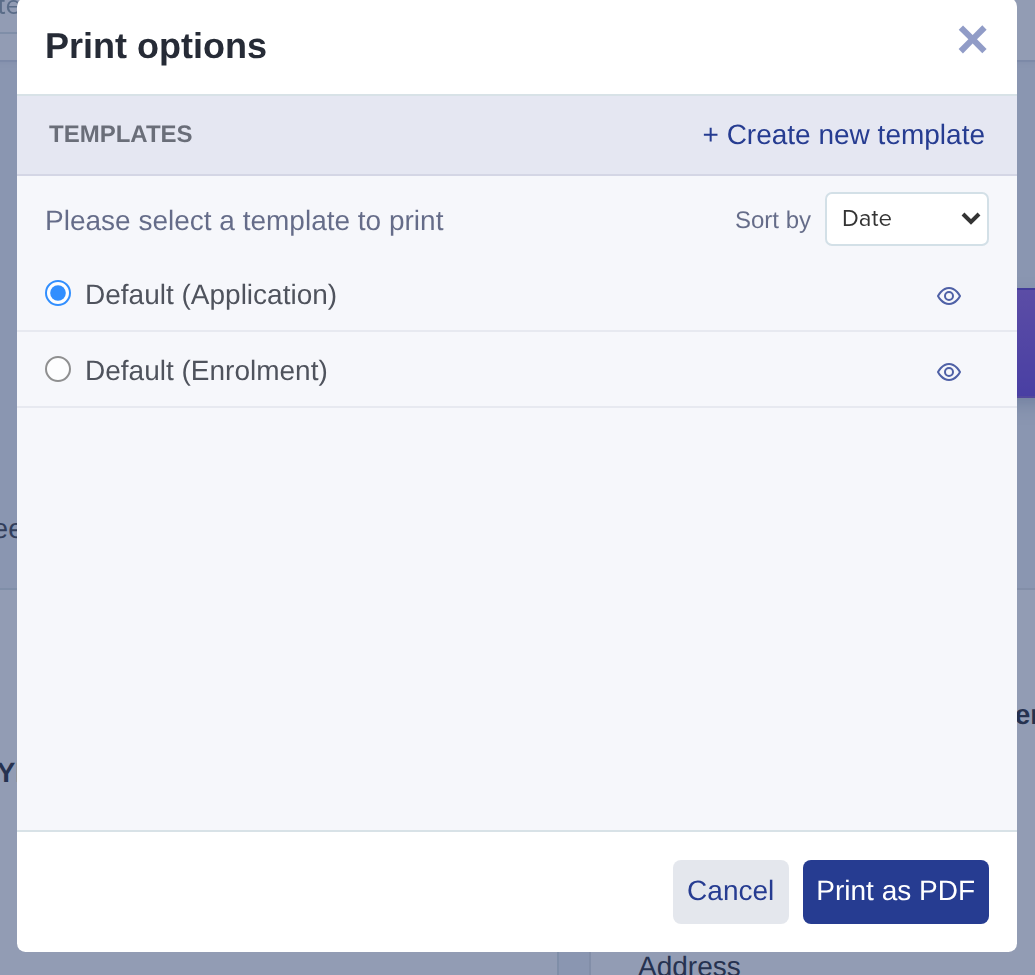
Before printing, you can click on the preview icon to view the default template or create a new one.

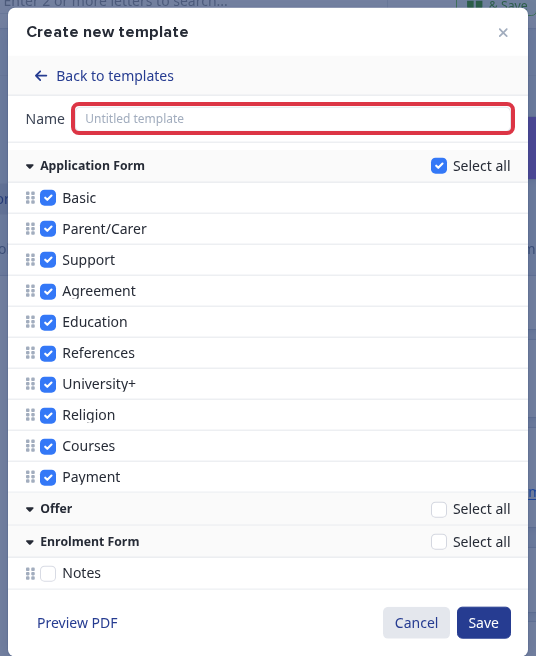
When creating a new template, give it a name in the Name field at the top of the panel - this is the name it will appear under in your template list. Underneath, tick the sections of your application form that you want to appear in the PDF, then click Save.
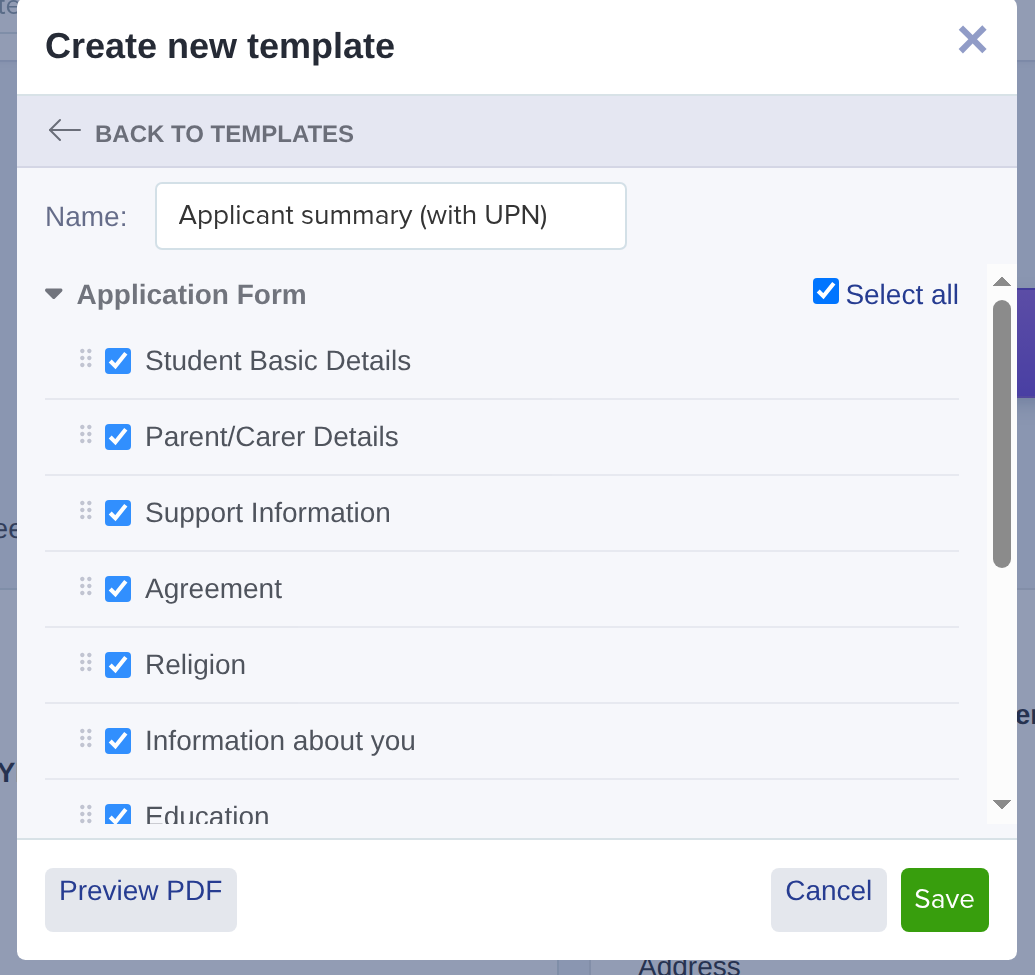
The tick boxes are the sections of the form (grouped by phase), not individual fields - each section you include prints every piece of information captured in it. To include a specific detail such as a student’s UPN, tick the section where it is collected (for example Student Basic Details or Education); a student’s UPN also prints in the header of every summary. Use Select all to include a whole phase, drag the sections to reorder them, and click Preview PDF to check the result before saving.


Select your chosen template and click Print as PDF.

Click on 'Click here' to save your PDF.

Bulk Export Student Information as a PDF
You can also export applications in bulk from your main dashboard by loading a list of students and selecting them using the checkboxes on the left of the table. Then, click "export to PDF" and choose whether to generate one file containing all data or separate files (one per applicant) in a zipped folder.

Please note that you can only export up to 100 students at a time

What it does not do
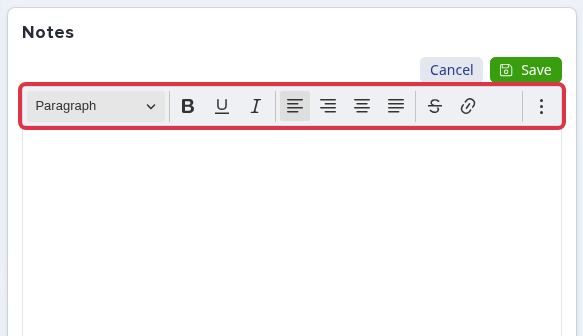
The Notes box on a student's profile is a text field only - it does not accept a PDF, image or any other file attachment. You can type or paste a comment there, but its editor has no upload control, so there is no way to attach a file to it.
The template builder used for Export to PDF only lets you set a name and choose which sections to include - it has no field for a school name, logo, or any other branding. The exported PDF itself does not add your school's name or logo automatically either; its header only shows the student's own details (photo, name, email, current school and address), not your school's.
If you need a hand, click the Emma assistant in the bottom-right of your dashboard, or reach our team through Support & Requests.