
How to access your remaining bursary onboarding tasks
This article will show you how you can access your onboarding task tab, which contains a list of tasks to successfully complete your initial setup
Onboarding tasks give you instructions or steps for you to start setting up your platform.
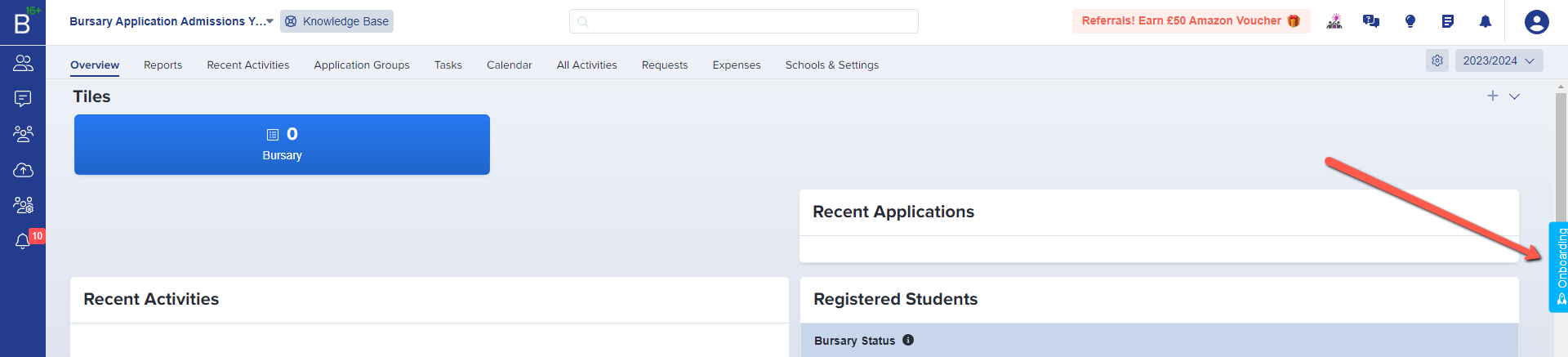
To access your onboarding task tab, log-in to your Bursary16+ link, and on the Dashboard, click on the blue onboarding tab button. This is over the scrollbar, on the right of the screen.
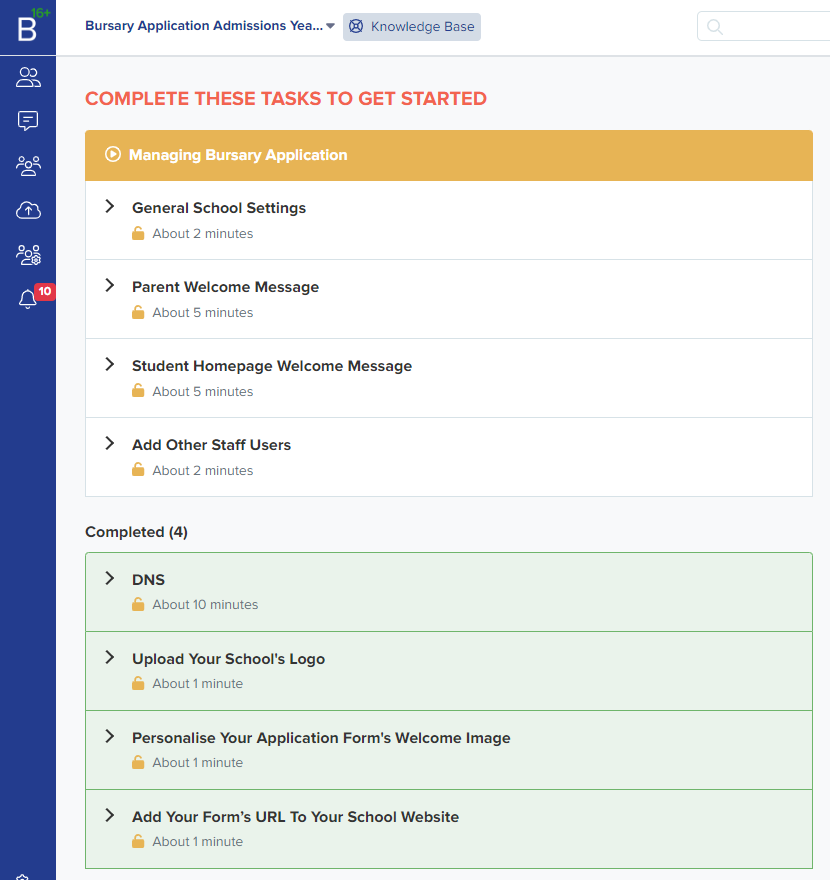
If you want to go back to the main page where you can see the Dashboard, just click on the B16+ on the upper left corner of your screen.

Was this article helpful?