
How to Create a New Event Question Template
When you create an event, you can specify the questions that registrants have to answer by creating an event question template or event form
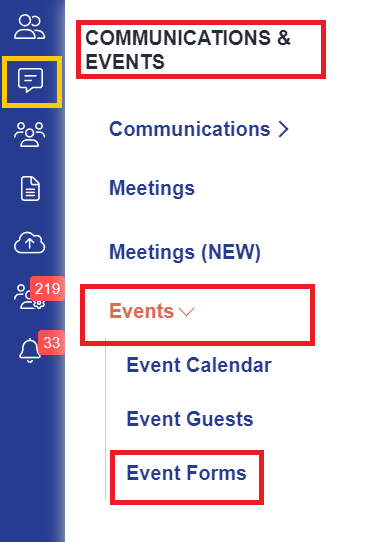
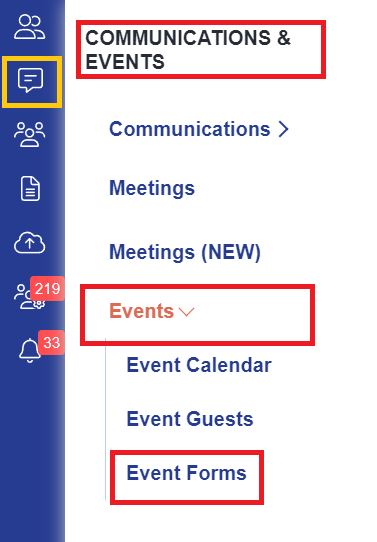
Navigate to Communications and Events > Events and select the Event Forms tab:

From here, you can click to "Add New" and format the questions you would like event registrants to complete:

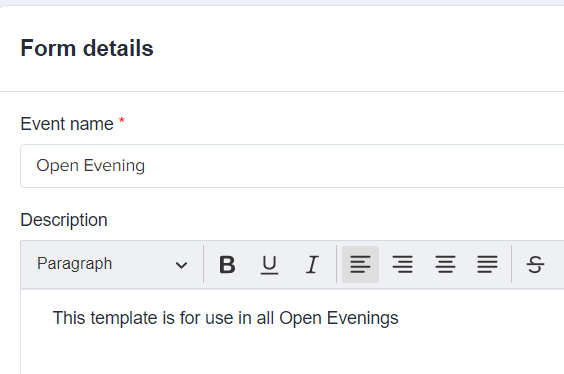
Set the name of your event, and add a description if required; you can then proceed to set the questions and determine which contacts should complete each field.
You will find some questions are pre-set and cannot be deactivated to ensure that you always capture the minimum amount of data required should you need to contact a registrant. You can sort questions into the order you would prefer, and add new questions as well.
In here, you can select visibility so that the Lead Contacts and/or Other Attendees see each question and whether a response is mandatory or not - for example in the Postcode field shown here, the field is visible and also required.
You can follow these steps to add text to your question event forms so you can provide more information and further instructions / guidance on completing the form.
- Click +New Question
- Select Text Block

- Enter your text and click +Add Question


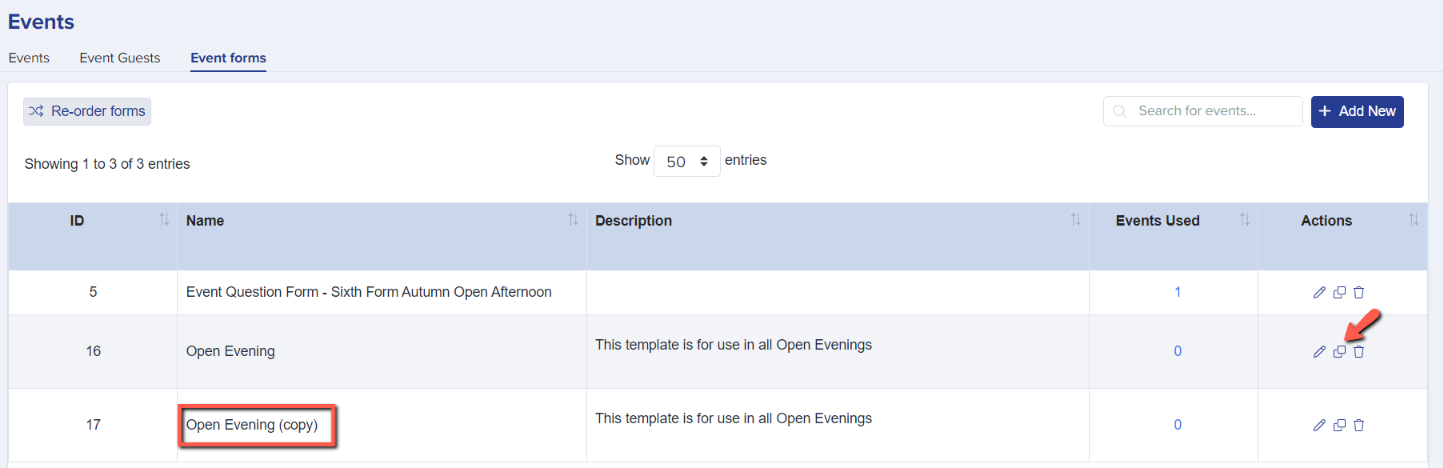
Save your template once you have completed it. In the future, you can create a copy of your template if you need to make a new one and do not want to start from scratch!
Once you have added your questions and formatted them, you can then return to your Events Calendar and assign the new template to the event you have created:


Was this article helpful?