
Where do I edit questions on Student's Initial Registration?
This is for schools using Bursary16+ who do not have an A+ system
If your school already has Admissions+, you can just link the A+ system to the Bursary platform and students will be redirected to your bursary sytem to login with the same credentials; they will not need to register a new account.
For those schools who do not have an A+ system, students will need to create an account; this article looks at the questions you ask when students register.
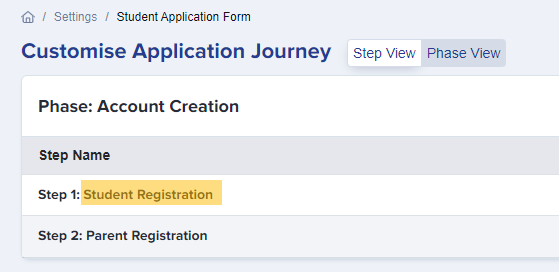
Go to Settings->Application Form ->Student Registration

You can edit, add questions, make a question required (tick the box) or optional (blue sliders on, box unticked)

There will also be a text highlighted in red which states "This Bursary Form is only available to students currently at your school" (meaning they have applied to your sixth form through the Admissions+ platform.)
If your school is not using Admissions+, this instruction needs to be deleted as per the screenshot below. Once done editing/deleting, press Save.

Was this article helpful?