
Independent School Journey
This guide shows an overview of the process you may wish to follow when using Admissions+
Organise and run your open events, and invite parents to submit enquiries
- Set up Open Events
- Add the link to your website
- Families register
- Set registration questions & maximum attendees



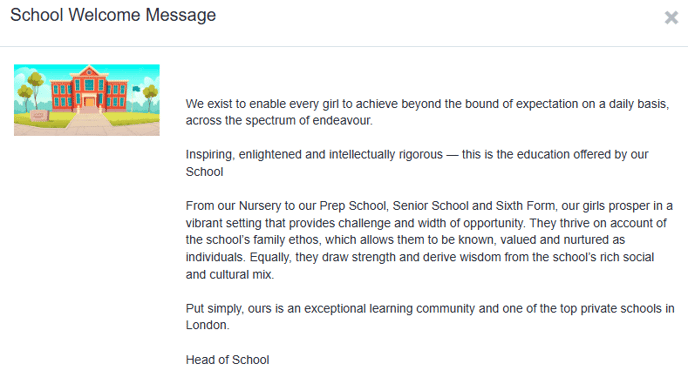
Share relevant welcome information and documents with parents via parent homepage

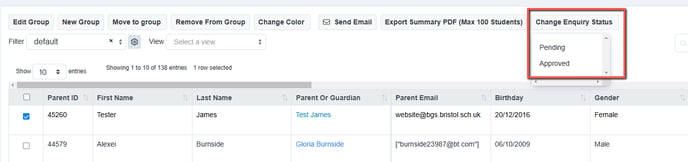
Receive and process enquiries
- Review the data provided at enquiry stage
- Approve enquiries to allow parents to proceed to application
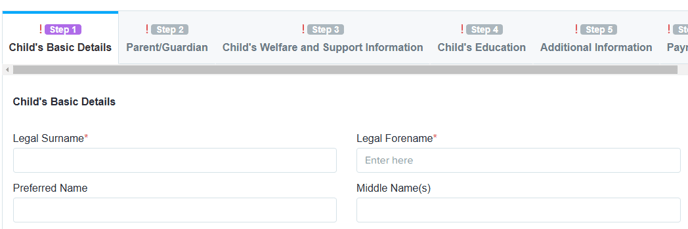
Open your registrations for all entry points for the next academic year
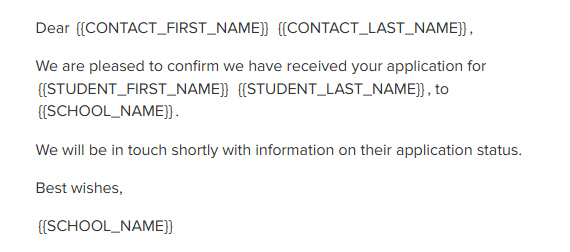
- Parents complete your customised forms and receive confirmation email

Create reports and filters
- Create filters based on your preferences
- Make dashboard cards to easily view lists
- Create reports within the platform
- Save reports & filters to re-run later

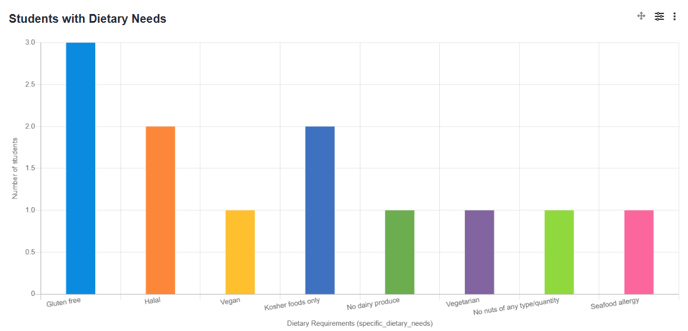

Arrange assessments and make your offers


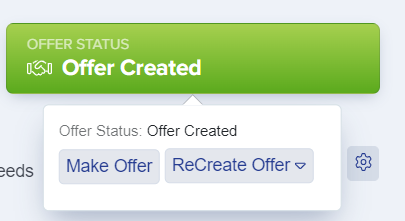
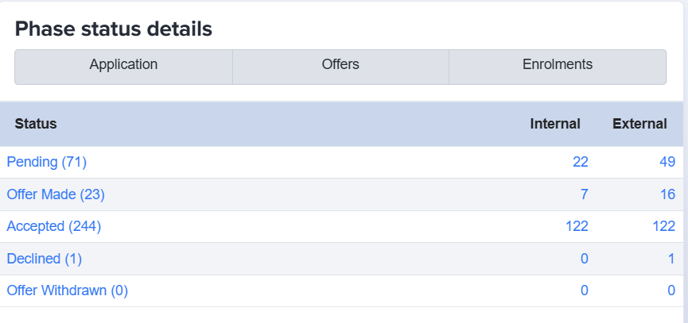
Process your offers and acceptances
Complete applicant onboarding process
- Collect any additional data required prior to the applicant joining your school
- Confirm next steps with parents (make use of your email templates area to send key messages)
Was this article helpful?